___
Kingdom One Touch
Copy, Test, Copy + Compare and Compare function
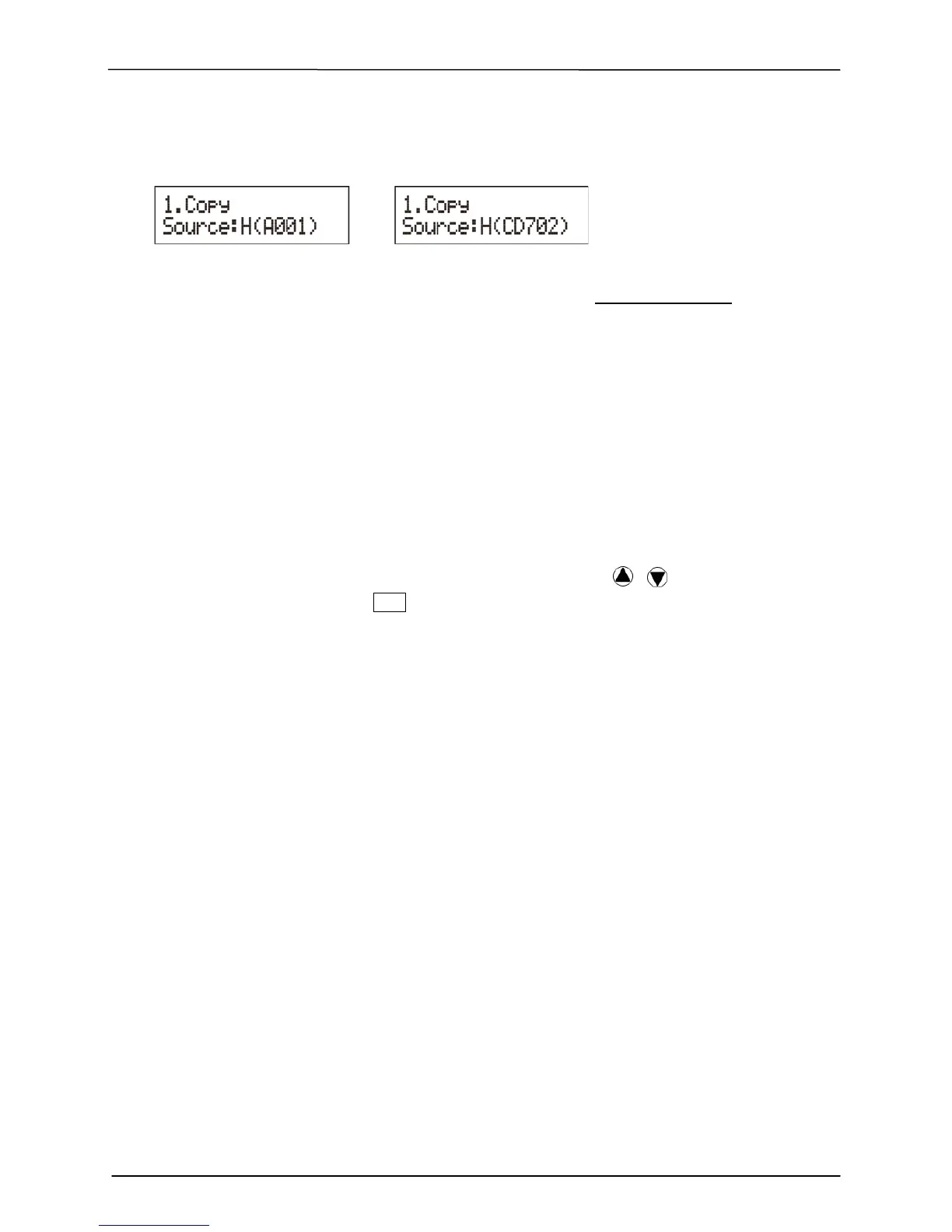
Show HDD Image Name: Show capacity:
**Note: When you change the source from drive to HDD, the LCD will show the HDD
information. To change your source reader please refer to 6. Select Source , page 13.
• Keep Buffer: You can set Yes to load source disc to buffer in first round of
Copy, Test, Compare or Copy+Compare, and do it again without the source
disc. Or you can set No to keep buffer not be used.
**Note:
The source will be only temporary saved in buffer; there will be nothing saved when you
exit the task Copy, Test, Compare and Copy+Compare or reboot the system.
• Boot Password: This setting allows you to enable or disable the user administrative
password. Users have to login when the system is booted on.
• Setup Password: You can set up password by pressing
/ to select the
number you like and press
ENT to set next number.


 To Next Page