KP310V1.0 Controller Operation Manual
- 15 -
18 Programmable relay output 2 1.0mm
2
Normal open output, rated current:1A
19 Communication port-DIR 1.0mm
2
20 Communication port-TXD 1.0mm
2
21 Communication port-RXD 1.0mm
2
22 Communication port-GND 1.0mm
2
23 Communication port-VCC 1.0mm
2
Genset can communicate with PC through
RS232 communication adapter.
Genset can communicate with remote
controller through RS485 communication
adapter
24
Current transformer C phase
detecting input
1.0mm
2
Connect with CT secondary wiring(Rated
current: 5mA)
25
Current transformer B phase
detecting input
1.0mm
2
Connect with CT secondary wiring(Rated
current: 5mA)
26
Current transformer A phase
detecting input
1.0mm
2
Connect with CT secondary wiring(Rated
current: 5mA)
27
Current transformer common
terminal
1.0mm
2
Refer to the description on the back of
controller.
28
Generator N phase voltage
input
1.0mm
2
Connect with N wire
29
Generator C phase voltage
input
1.0mm
2
Connect with the C wire(4A fuse)
30
Generator B phase voltage
input
1.0mm
2
Connect with the B wire(4A fuse)
31
Generator A phase voltage
input
1.0mm
2
Connect with the A wire(4A fuse)
8. Parameter Set
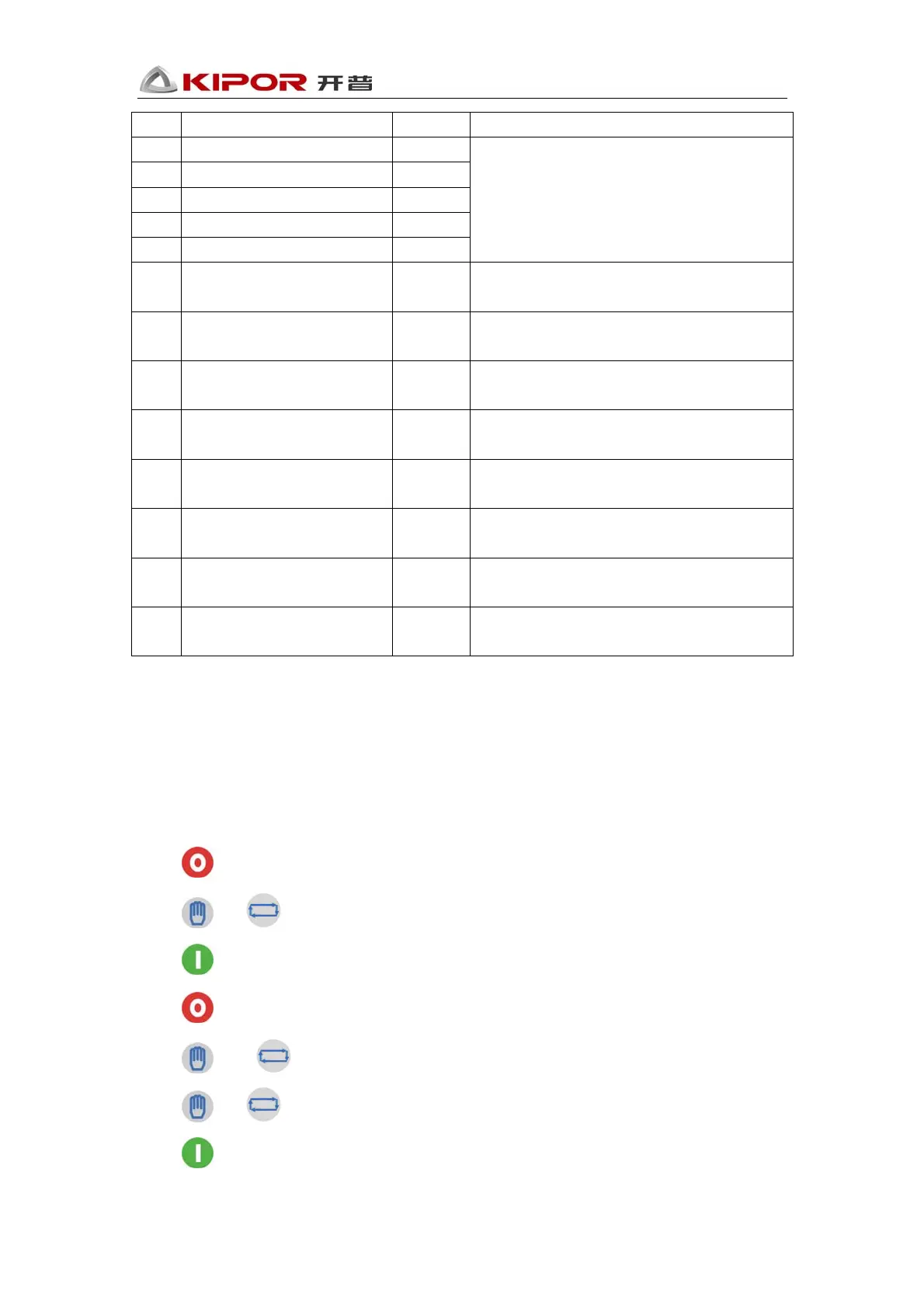
After login into the Parameter Set menu, remote mode lighter twinkles, parameters will be
displayed on the controller.
Press
to return to “System Operation” menu.
Press
or to select parameters.
Press
to set parameters
Press
to return to “System Operation” menu.
Press
and to plus or minus values.
Press
or for long time to plus or minus values automatically.
Press
to save the data, and exit the parameters set.


 To Next Page
 Loading...