KIT CO.,LTD.
19
User’s Manual
3-5. Software and Driver Installation
3-5-1. Software Installation
1. Insert the CD into your CD-ROM drive.
2. The Powerline USB adapter Setup Utility screen
will automatically appear. If it does not appear within 15-20
seconds, select your CD-ROM drive and double-click on the
icon named “d:\USB\Setup.exe”.
(Where D is the letter of your CD-ROM drive).
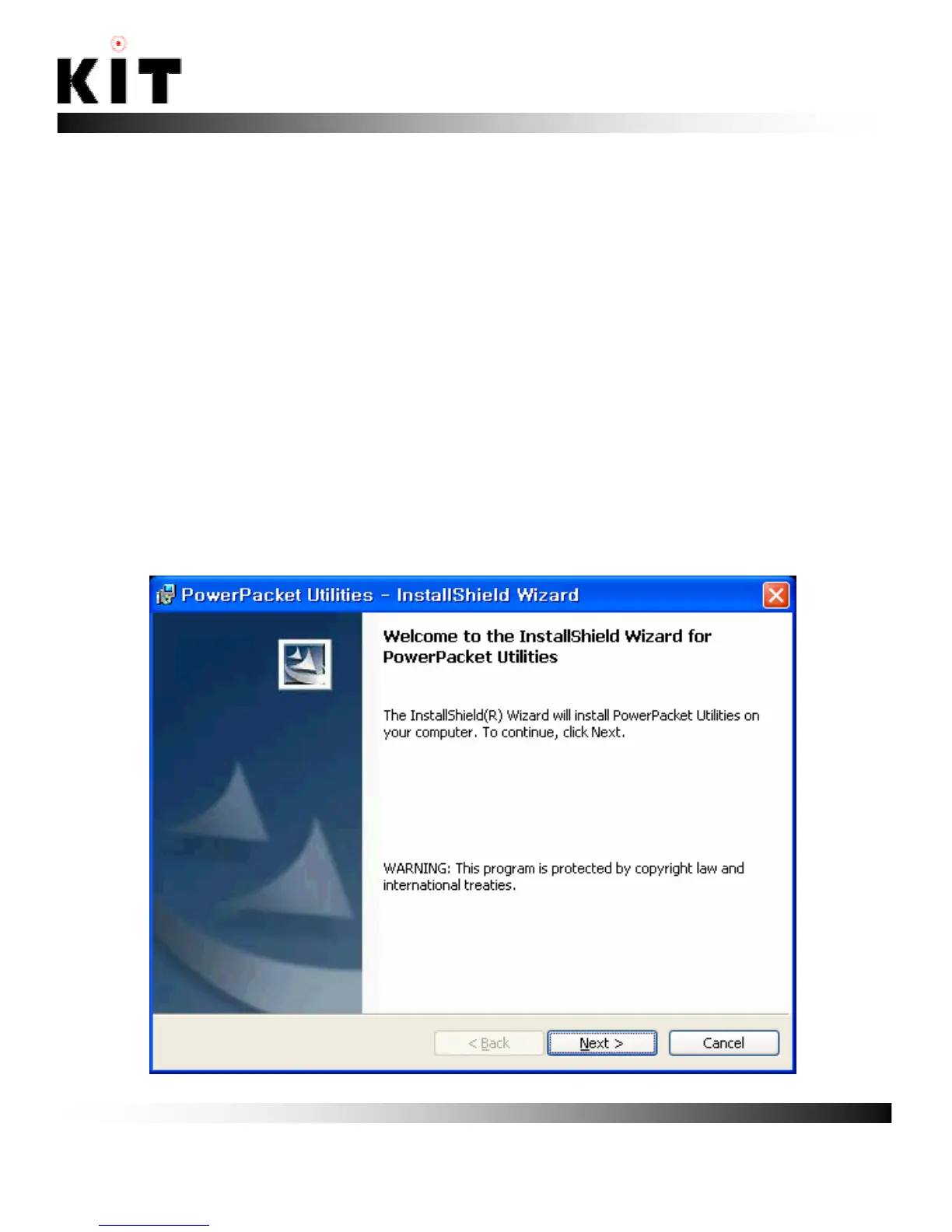
3. The installer will start. Click “Next” to continue.



 To Next Page