KIT CO.,LTD.
32
User’s Manual
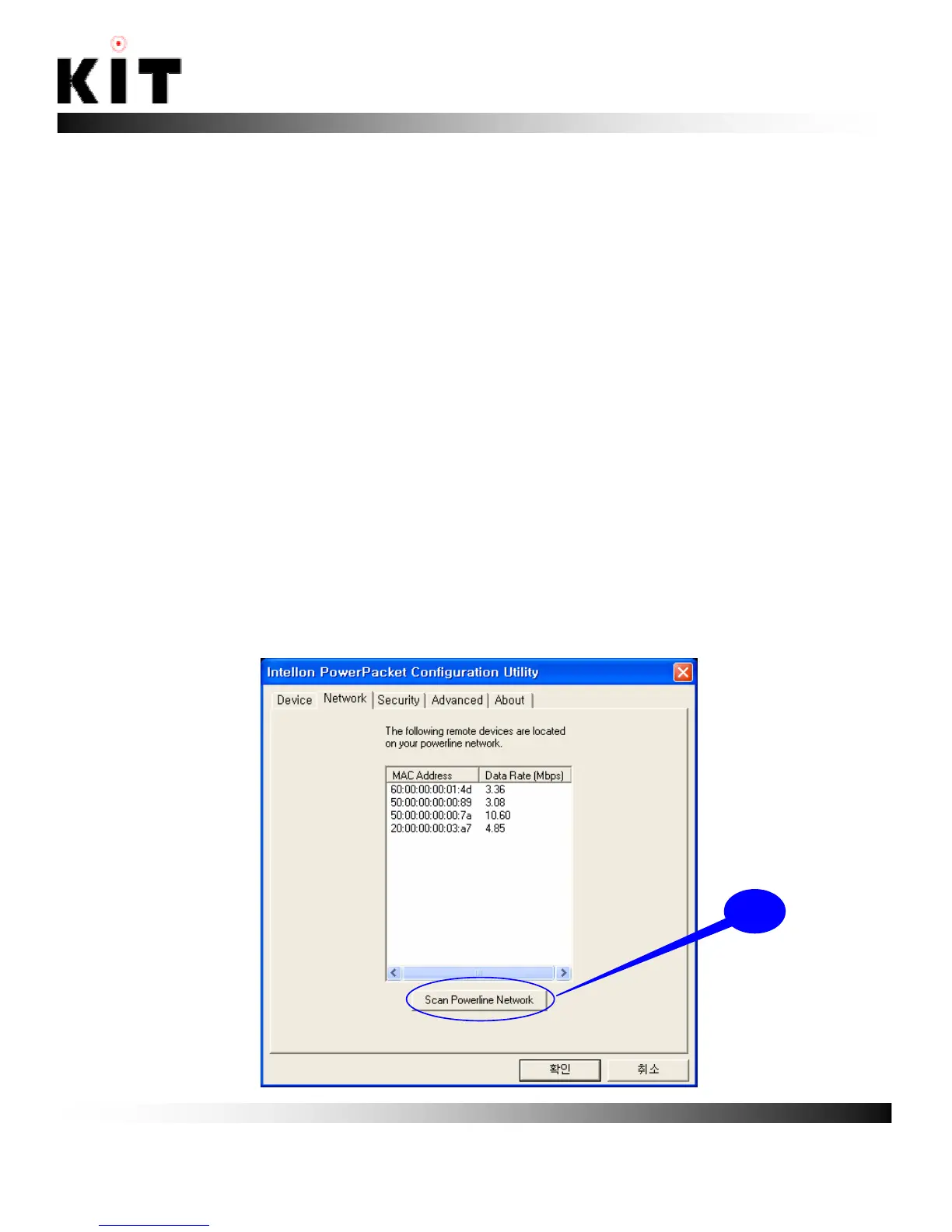
4-2. Network
The Network Tab
The “Network” tab shows the MAC address and data rate of all
remote powerline products on your network. This is a “snapshot”
of the data rate at the time of the scan. Pressing the “Scan
Powerline Network” ⓐ button may get a different result.
☞ Note : This screen will not show a powerline device that is
directly connected to your computer. If a remote powerline
device in your network is not listed in the screen below, make
sure that its network password is the same as your current
private network password. See the “Security Tab” section for
how to set up your network password.
ⓐ



 To Next Page