USB Charger Kit Instructions
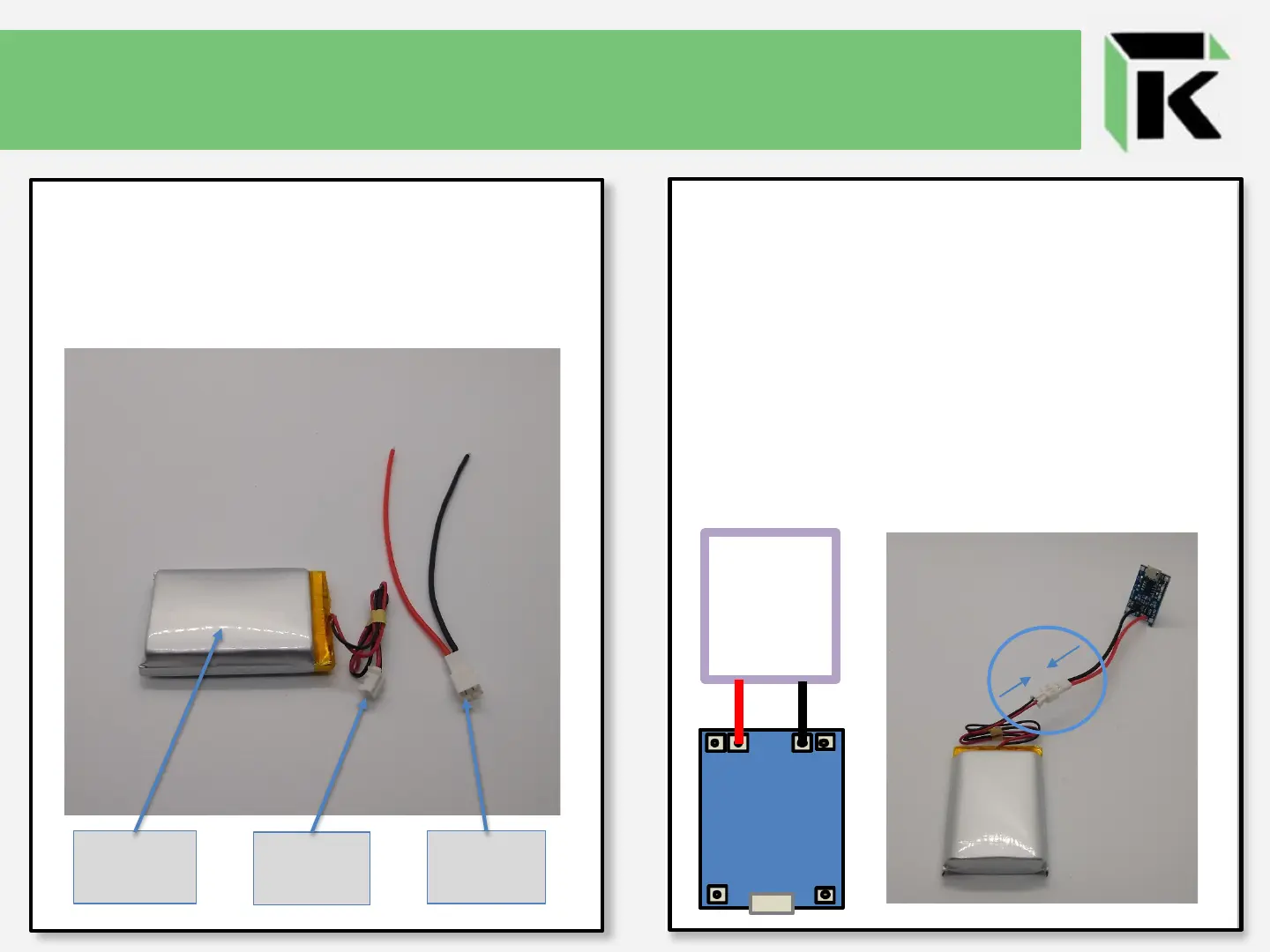
When your Battery includes a 2-Pin
JST, solder the Red wire of the 2-Wire
JST connector to the B+ terminal and
the Black wire of the 2-Wire JST
connector to the B- terminal of the
Micro USB Charging Module (blue
board). Thereafter, completely plug
the 2-Pin JST of the Battery into the 2-
Wire JST connector to connect the
Battery to the Charging Module.
+
-
OUT+
B
+
B
-
OUT-
+
-
2-Wire JST
Connector
The Battery in your kit may include a
2-Pin JST. If this is the case, your kit
will also include a corresponding
2-Wire JST connector.
Lipo
Battery
2-Pin
JST
2-Wire
JST



 To Next Page