CARE AND CLEANING | 15
CARE AND CLEANING
CLEANING THE TOASTER
IMPORTANT: The crumb tray will be hot immediately following a toasting cycle. Allow the
Toaster to cool before emptying the crumb tray.
IMPORTANT: Unplug the Toaster and let it cool before cleaning.
NOTE: For consistent browning results, empty the crumb tray after each use.
1
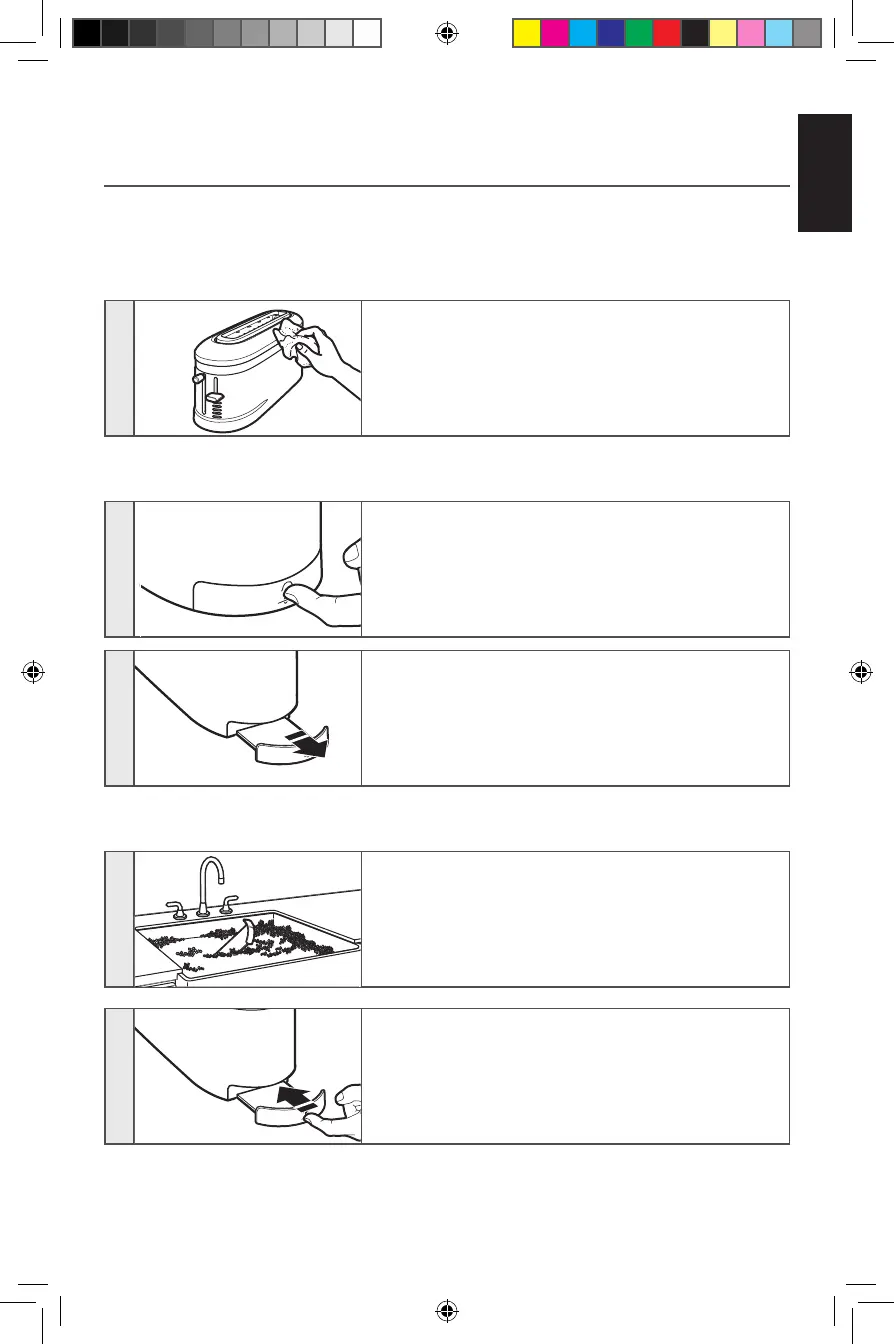
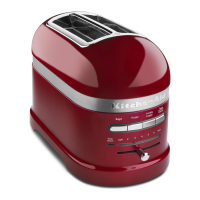
Wipe the Toaster with a soft, damp cotton cloth. Do
not use paper towels, abrasive cleansers, or liquid
cleaning products. Do not immerse the Toaster in
water.
NOTE: If grease or oil splatters on the Toaster, wipe splatters away immediately using a clean,
damp cotton cloth.
2
Press the “push” icon located in the center of the
crumb tray.
3
Once the crumb tray has opened slightly, slide it out
of the Toaster and shake the crumbs into a waste
container.
IMPORTANT: Be sure to open the crumb tray by pressing the “push” icon. Forcing the crumb
tray open may damage the crumb tray.
4
The crumb tray should be hand washed only.
5
Replace crumb tray by sliding it back into its slot, and
pressing in on the center of the crumb tray until it
clicks into place.
NOTE: Do not use the Toaster without the crumb tray
installed.
NOTE: KitchenAid does not recommend the use of a toaster cover.
W11222479A_01_EN.indd 15 9/11/2018 11:13:17 AM



 To Next Page