EasyManua.ls Logo

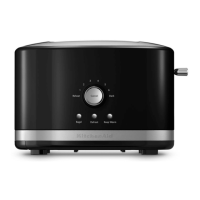
KitchenAid 5KMT2204 - User Manual

KitchenAid 5KMT2204
280 pages
Print Icon
To Next Page IconTo Next Page
Loading...
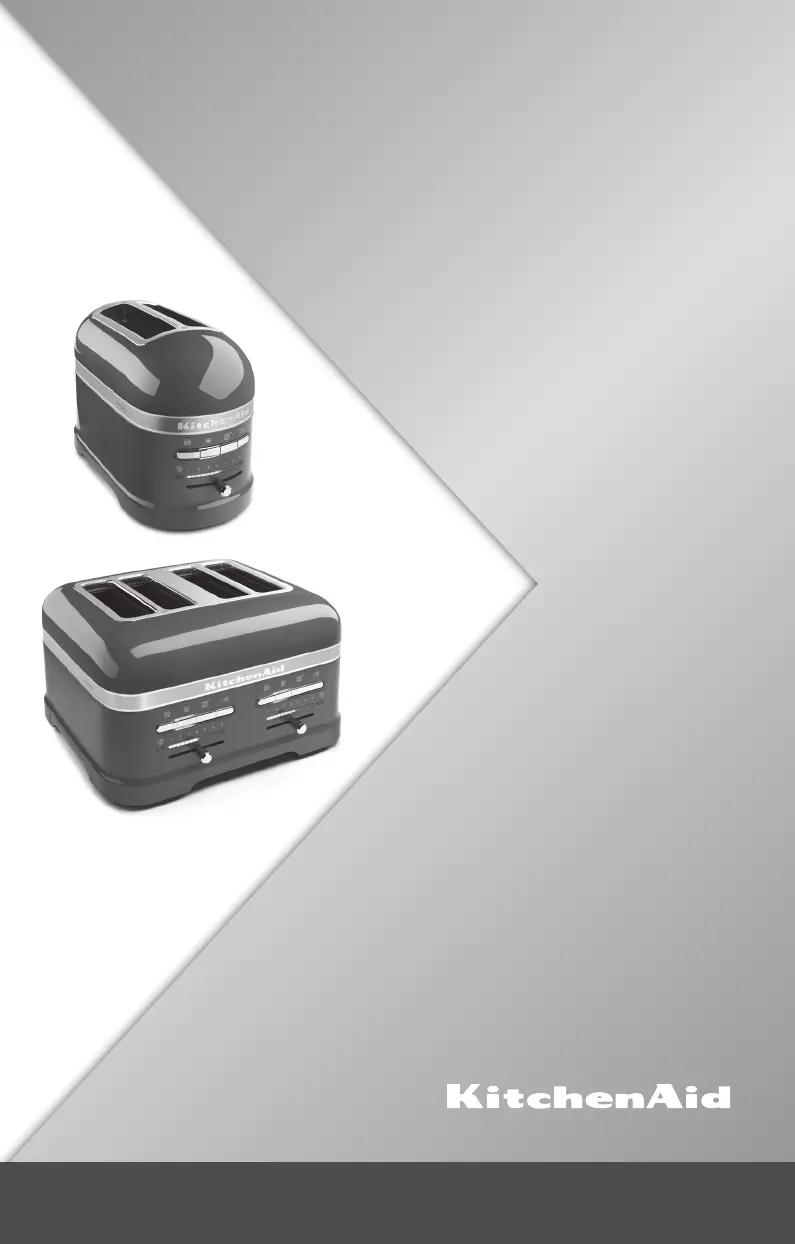
5KMT2204
5KMT4205
W10506838B_01_EN_v02.indd 1 2/13/14 3:15 PM

Table of Contents

Other manuals for KitchenAid 5KMT2204

Questions and Answers

  • J
    Jodi PriceJul 31, 2025
    Why is my KitchenAid 5KMT2204 not working?
    • B
      burgesskaraJul 31, 2025
      If your KitchenAid Toaster isn't working, first ensure it's properly plugged into a grounded outlet. If it is, try unplugging it, waiting a few moments, and then plugging it back in. Also, check your home's fuse or circuit breaker to make sure that isn't the issue.
  • A
    Alexander WhiteAug 9, 2025
    What to do if KitchenAid Toaster fails to operate and the Sandwich light blinks?
    • S
      Sheila NortonAug 9, 2025
      If your KitchenAid Toaster isn't working and the Sandwich light is blinking, it might be due to a heavy item interfering with its operation. Remove the Sandwich Rack or any other heavy items. Then, press the SANDWICH or TOAST/CANCEL button to allow the carriage to return to its normal position.
  • T
    tcolemanAug 19, 2025
    How to start KitchenAid 5KMT2204 if it doesn't begin to toast automatically?
    • A
      Allison CraneAug 20, 2025
      If your KitchenAid Toaster doesn't start toasting after 3 seconds, you can manually start the cycle by pressing the TOAST/CANCEL button.

Summary

TOASTER SAFETY

IMPORTANT SAFEGUARDS

Key safety precautions for appliance use, covering instructions, hot surfaces, immersion in liquids, and child supervision.

Electrical Requirements

Specifies voltage, frequency, and wattage for the toaster, with warnings against damaged cords or using adapters/extension cords.

Electrical Equipment Waste Disposal

Guidance on recycling packing materials and disposing of the toaster according to WEEE regulations to protect the environment.

PARTS AND FEATURES

Toaster Parts Identification

Visual guide to the components of 4-slice and 2-slice models, including slots, controls, crumb tray, and sandwich rack.

Control Panel Features

Explanation of control panel elements: Bagel, Frozen, Sandwich, Toast/Cancel functions, shade control, and indicator lights.

Key Toaster Features

Highlights features like extra-wide slots, self-centering racks, automatic lift, cord wrap, and removable crumb tray.

OPERATING THE TOASTER

Basic Toasting Operation

Step-by-step guide to plugging in, adjusting the shade control, inserting bread, and starting the toasting cycle.

Using Special Toasting Functions

Instructions on utilizing the Keep Warm function, including its activation, duration, and cancellation.

Bagel Toasting Function

Details on using the Bagel function to toast cut bagels evenly, ensuring the inside is toasted without burning the outside.

Frozen Food Function

Guidance on using the Frozen function to gently defrost and toast frozen bread and bagels for optimal results.

Toasting Sandwiches

Instructions for preparing and toasting sandwiches using the dedicated Sandwich rack and function.

CARE AND CLEANING

Cleaning and Maintenance

Procedures for unplugging, cleaning the crumb tray and exterior, and ensuring proper reassembly for safe operation.

TROUBLESHOOTING

Common Issues and Solutions

Troubleshooting tips for common problems like no toast drop, sandwich light blinking, and checking power connections.

WARRANTY AND SERVICE

KitchenAid Toaster Warranty Details

Information on the warranty period, coverage, and exclusions for KitchenAid toasters in Europe, Middle East, and Africa.

Customer Service Information

Contact details, including toll-free numbers and website links, for customer support and service center inquiries.

KitchenAid 5KMT2204 Specifications

General IconGeneral
Model Number5KMT2204
Product TypeToaster
Number of Slices2
MaterialMetal
Voltage120 V
Weight4.5 lbs
Extra-Wide SlotsYes
Bagel SettingYes
Defrost SettingYes
Reheat SettingYes
Cancel ButtonYes
Removable Crumb TrayYes
Lift LeverYes
Shade Settings7

Related product manuals