12
OPERATING THE TOASTEROPERATING THE TOASTER
Using the Toaster
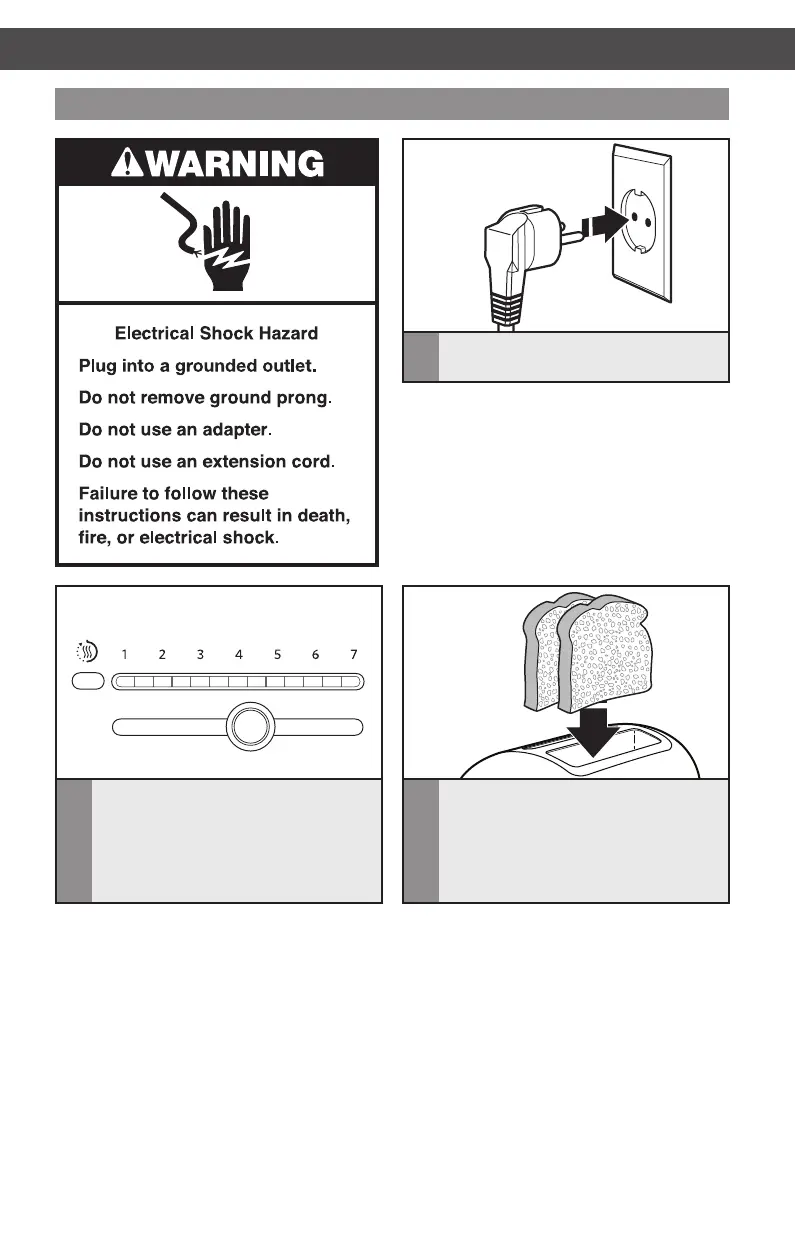
1
Plug the Toaster cord into a grounded
outlet.
2
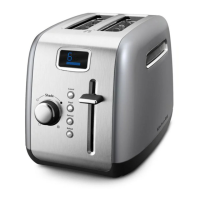
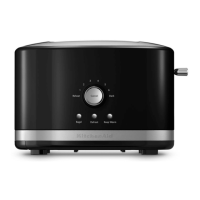
Move the Shade control to select the
degree of brownness you want. Move
the Shade control to the right for darker
toast or to the left for lighter. The
indicator lights will display the shade
level, from 1 (light) to 7 (dark).
3
Insert bread or other food to be toasted
in slot(s).
NOTE: Different types of bread and their
moisture levels may require different shade
settings. For example, dry bread will brown
more rapidly than moist bread and will
require a lighter setting.
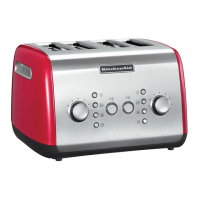
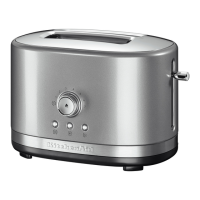
NOTE: For even toasting on 2-slot models, toast only one bread type and thickness at a
time. If toasting two different types or thicknesses of bread with 4-slot models with dual
independent controls, be sure to toast only one bread type in each pair of slots.
W10506838B_01_EN_v02.indd 12 2/12/14 5:32 PM


 To Next Page
 Loading...