13
TROUBLESHOOTING GUIDE
Problem Solution
The Stand Mixer may warm up
during use:
Under heavy loads with extended mixing time, you may not
be able to comfortably touch the top of the Stand Mixer.
This is normal.
If the Stand Mixer stops due
to overload:
Slide the Speed Control Lever to Off (0). After a few
minutes, the Stand Mixer will automatically reset. Slide the
Speed Control Lever to the desired speed and continue
mixing.
The Stand Mixer may emit a
pungent odor, especially when
new:
This is common with electric motors.
If the Flat Beater hits the
bowl:
Stop the Stand Mixer. See “Product Assembly” section.
If the Speed Control Lever
does not move smoothly or
easily:
To move the Speed Control Lever with ease, lift slightly up
as you move it across the settings in either direction.
If your Stand Mixer should fail
to operate, please check the
following:
Is the Stand Mixer plugged in?
Is the fuse in the circuit to the Stand Mixer in working
order? If you have a circuit breaker box, be sure the circuit
is closed.
Turn off the Stand Mixer for 10-15 seconds, then turn it back
on. If the Stand Mixer still does not start, allow it to cool for
30 minutes before turning it back on.
If the problem cannot be
corrected:
See the “Terms of KitchenAid Guarantee (“Guarantee”)”
section. Do not return the Stand Mixer to the retailer;
retailers do not provide service.
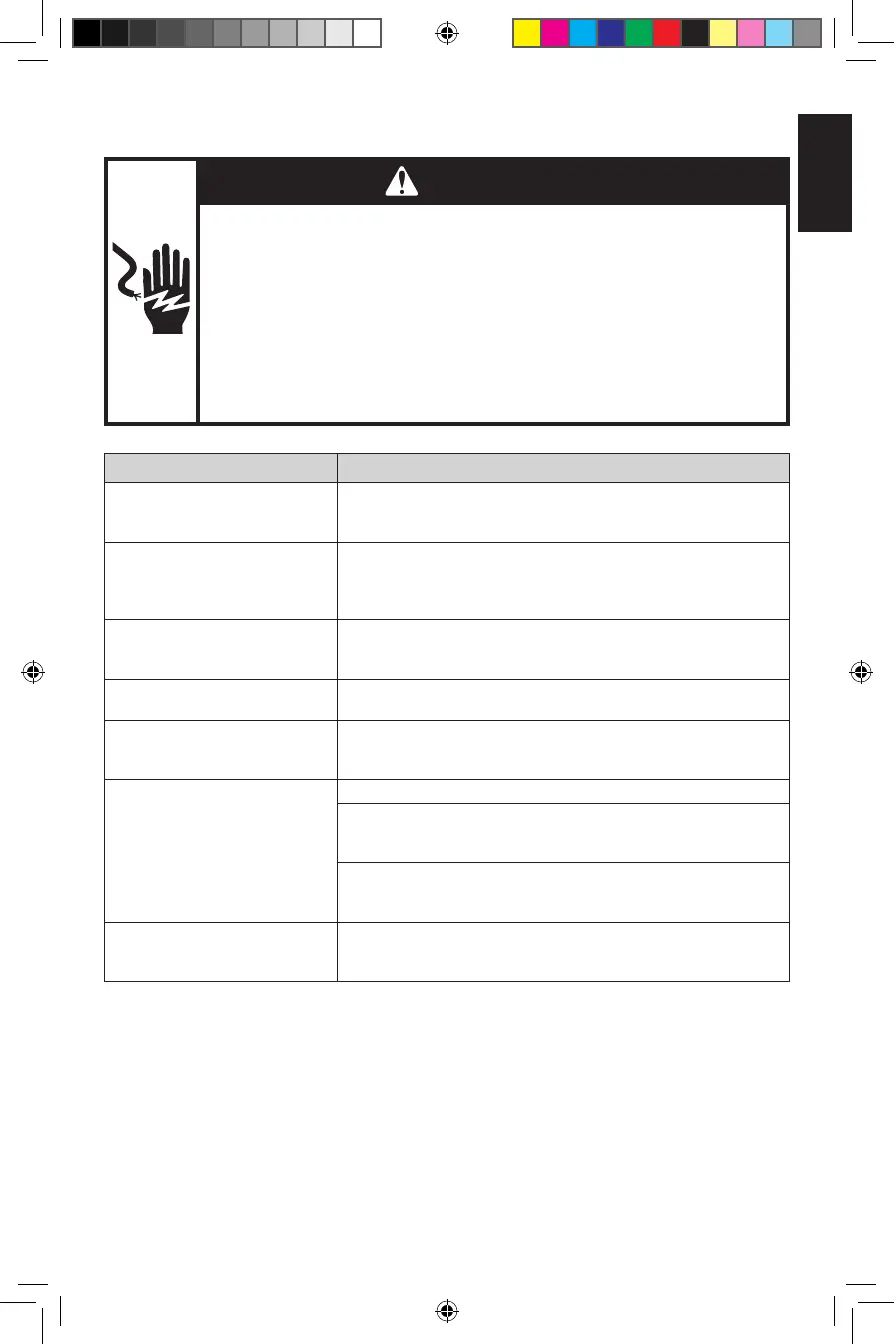
WARNING
Electrical Shock Hazard
Plug into an earthed outlet.
Do not remove an earth prong.
Do not use an adapter.
Do not use an extension cord.
Failure to follow these instructions can result in death, re,
or electrical shock.
W11456999A_01_EN.indd 13W11456999A_01_EN.indd 13 12-08-2020 14:32:5312-08-2020 14:32:53



 To Next Page