10
6
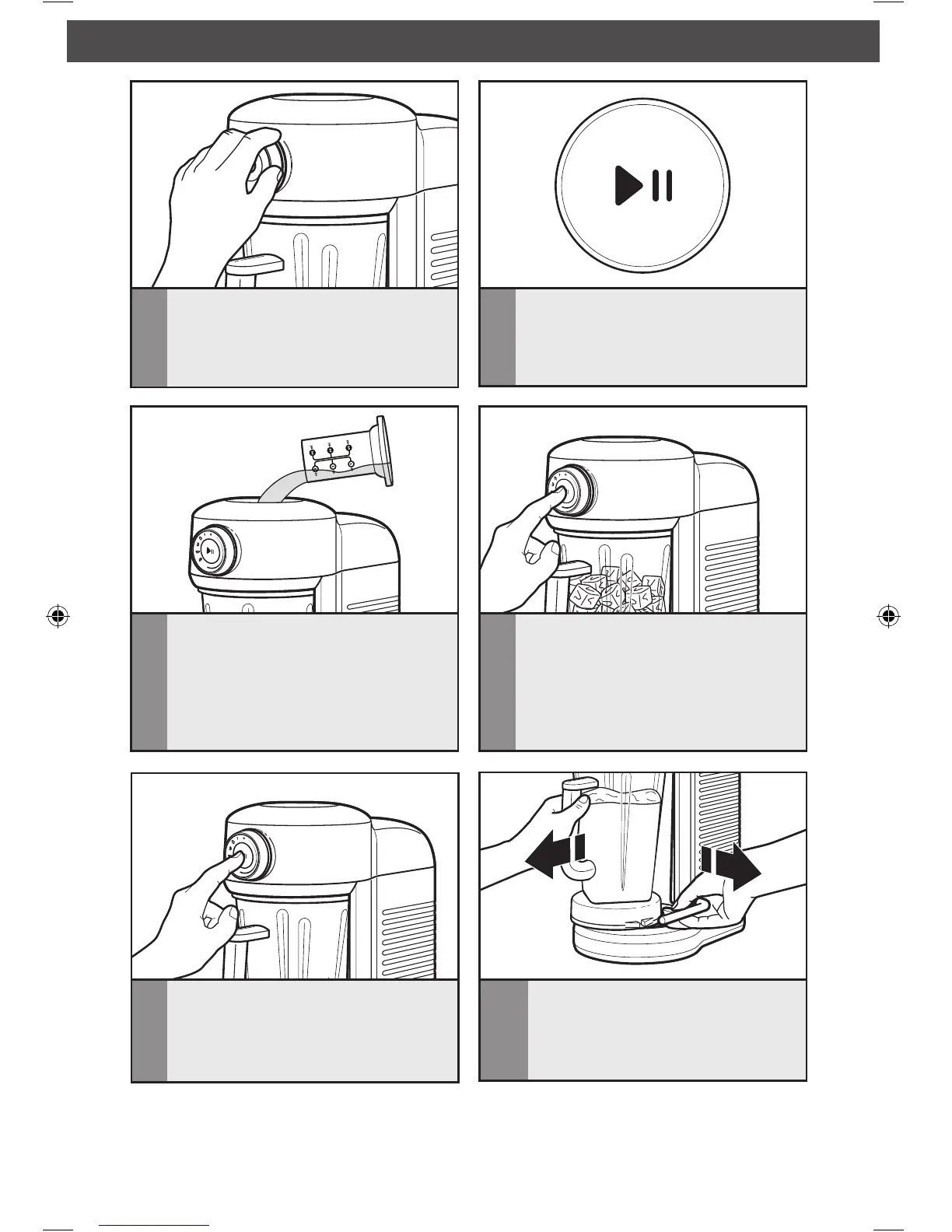
Press the START/PAUSE button.
5
Turn the selection knob to your desired
preset program or variable speed
selection (see the “Blender function
guide” for more information).
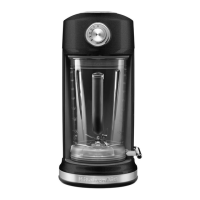
OPERATING THE BLENDER
7
You may use the removable ingredient
cap and removable funnel to add
more ingredients to the pitcher while
blending, if needed. The cap includes
convenient measuring indicators
for precise measurement of added
ingredients.
10
Pull the release lever to help remove
the pitcher after you have finished
blending. Grab the handle firmly, and
pull the pitcher straight towards you
to remove.
8
To use the Pulse feature, turn the dial
to PULSE, then PRESS AND HOLD
the START/PAUSE button for the
desired length of time.
9
The Blender will automatically stop
when programs are complete. The
Blender will chime to signal the cycle is
complete, or press the START/PAUSE
button to stop the Blender manually.







 To Next Page