EasyManua.ls Logo

KitchenAid KEBS207D - Page 7

KitchenAid KEBS207D
50 pages
Print Icon
To Next Page IconTo Next Page
To Previous Page IconTo Previous Page
Loading...
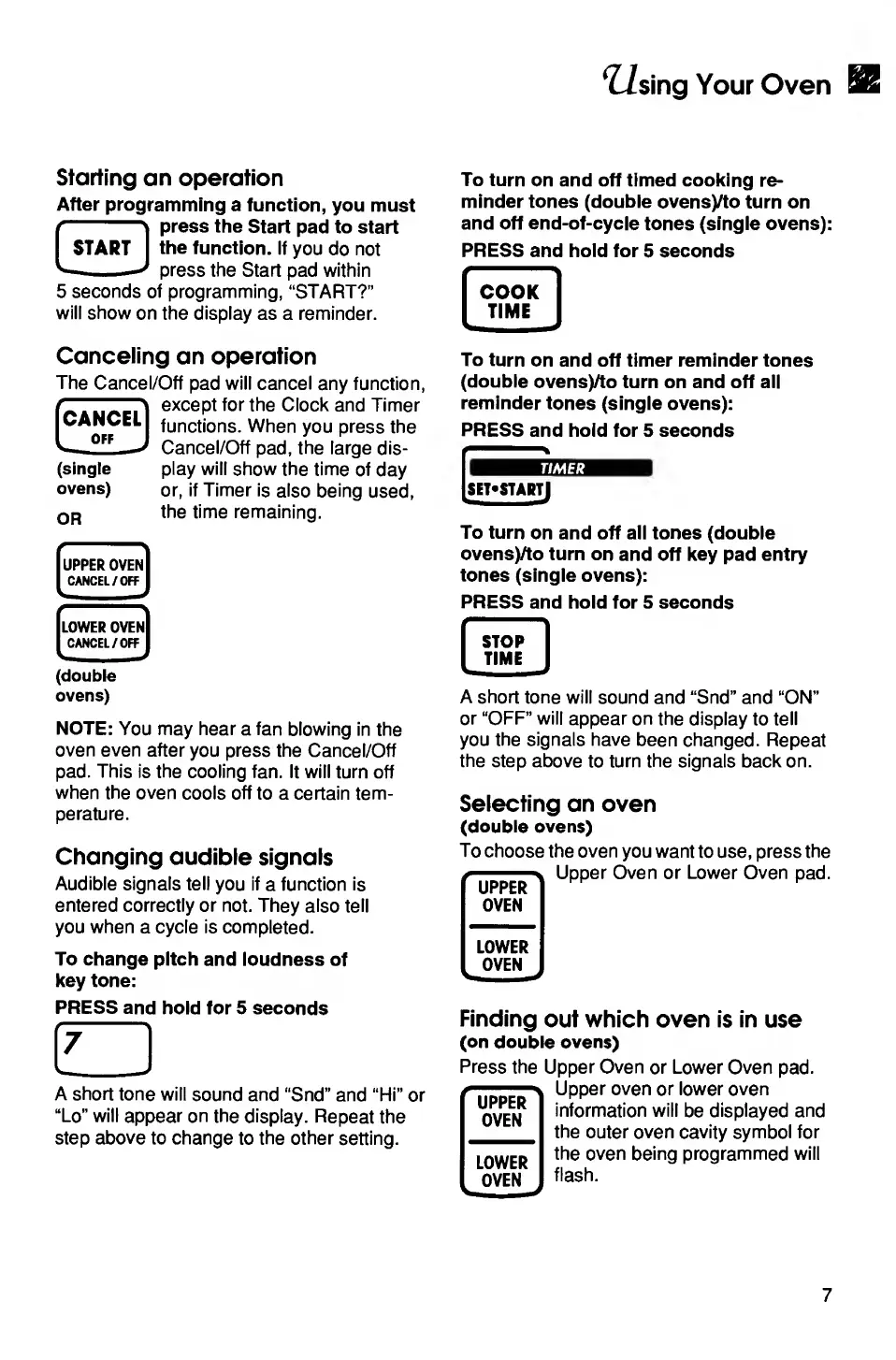
Using
Your
Oven
Starting
an
operation
After
programming
a
function,
you
must
press
the
Start
pad
to
start
the
function.
If
you
do
not
press
the
Start
pad
within
5
seconds
of
programming,
“START?”
will
show
on
the
display
as
a
reminder.
To
turn
on
and
off
timed
cooking
re¬
minder
tones
(double
ovensyto
turn
on
and
off
end-of-cycle
tones
(single
ovens):
PRESS
and
hold
for
5
seconds
COOK
TIME
Canceling
an
operation
The
Cancel/Off
pad
will
cancel
any
function,
except
for
the
Clock
and
Timer
functions.
When
you
press
the
Cancel/Off
pad,
the
large
dis¬
play
will
show
the
time
of
day
or,
if
Timer
is
also
being
used,
or
the
time
remaining.
[CANCEL!
OFF
(single
ovens)
UPPER
OVEN
CANCEL/OFF
^
—i
*
'
LOWER
OVEN
CANCEL/OFF
(double
ovens)
NOTE:
You
may
hear
a
fan
blowing
in
the
oven
even
after
you
press
the
Cancel/Off
pad.
This
is
the
cooling
fan.
It
will
turn
off
when
the
oven
cools
off
to
a
certain
tem¬
perature.
Changing
audible
signals
Audible
signals
tell
you
if
a
function
is
entered
correctly
or
not.
They
also
tell
you
when
a
cycle
is
completed.
To
change
pitch
and
loudness
of
key
tone:
PRESS
and
hold
for
5
seconds
r
?
i
A
short
tone
will
sound
and
“Snd”
and
“Hi”
or
“Lo”
will
appear
on
the
display.
Repeat
the
step
above
to
change
to
the
other
setting.
To
turn
on
and
off
timer
reminder
tones
(double
ovensyto
turn
on
and
off
all
reminder
tones
(single
ovens):
PRESS
and
hold
for
5
seconds
TIMER
[SET*STARTJ
To
turn
on
and
off
all
tones
(double
ovensyto
turn
on
and
off
key
pad
entry
tones
(single
ovens):
PRESS
and
hold
for
5
seconds
STOP
TIME
A
short
tone
will
sound
and
“Snd”
and
“ON”
or
“OFF”
will
appear
on
the
display
to
tell
you
the
signals
have
been
changed.
Repeat
the
step
above
to
turn
the
signals
back
on.
Selecting
an
oven
(double
ovens)
To
choose
the
oven
you
want
to
use,
press
the
Upper
Oven
or
Lower
Oven
pad.
UPPER
OVEN
LOWER
OVEN
Finding
out
which
oven
is
in
use
(on
double
ovens)
Press
the
Upper
Oven
or
Lower
Oven
pad.
Upper
oven
or
lower
oven
information
will
be
displayed
and
the
outer
oven
cavity
symbol
for
the
oven
being
programmed
will
flash.
UPPER
OVEN
LOWER
OVEN
7

Related product manuals