EasyManua.ls Logo

KitchenAid KEMS306B - Temperature Probe

KitchenAid KEMS306B
23 pages
Print Icon
To Next Page IconTo Next Page
To Previous Page IconTo Previous Page
Loading...
e
After
reading
the
thermometer
once,
push
it
further
into
the
meat
12
inch
more
and
read
it
again.
If
the
temperature
drops,
return
the
meat
to
the
oven
for
more
cooking.
e
Check
pork
and
poultry
with
thermometer
in
2-3
places
to
ensure
adequate
doneness.
e
Remove
roasted
meats
from
the
oven
when
the
thermometer
registers
5°F
to
10°F
lower
than
the
desired
temperature.
The
meat
will
continue
to
cook
after
removal
from
the
oven.
e
Poultry
and
roasts
will
be
easier
to
carve
if
loosely
covered
with
foil
and
allowed
to
stand
10
to
15
minutes
after
removal
from
the
oven.
Temperature
Probe
The
Temperature
Probe
is
the
most
accurate
guide
to
the
degree
of
doneness
of
meat.
Use
it
when
roasting
any
type
of
meat
or
poultry.
S
.
Insert
the
Temperature
Probe
into
the
center
of
the
thickest
portion
of
meat
or
into
the
inner
thigh
or
breast
of
poultry,
away
from
fat
or
bone.
.
Place
pan
with
meat
on
rack
that
has
been
centered
in
the
oven.
.
Open
the
Temperature
Probe
cover
located
on
the
left
side
of
the
oven
wall.
Insert
plug
into
jack.
(Keep
the
top
of
the
probe
as
far
as
possible
from
the
heat
source.)
Close
the
oven
door.
Set
the
Thermostat
to
the
desired
roasting
temperature.
To
set
the
oven
to
turn
off
automatically,
when
the
Temperature
Probe
temperature
is
reached,
turn
the
Selector
to
TIME
BAKE.
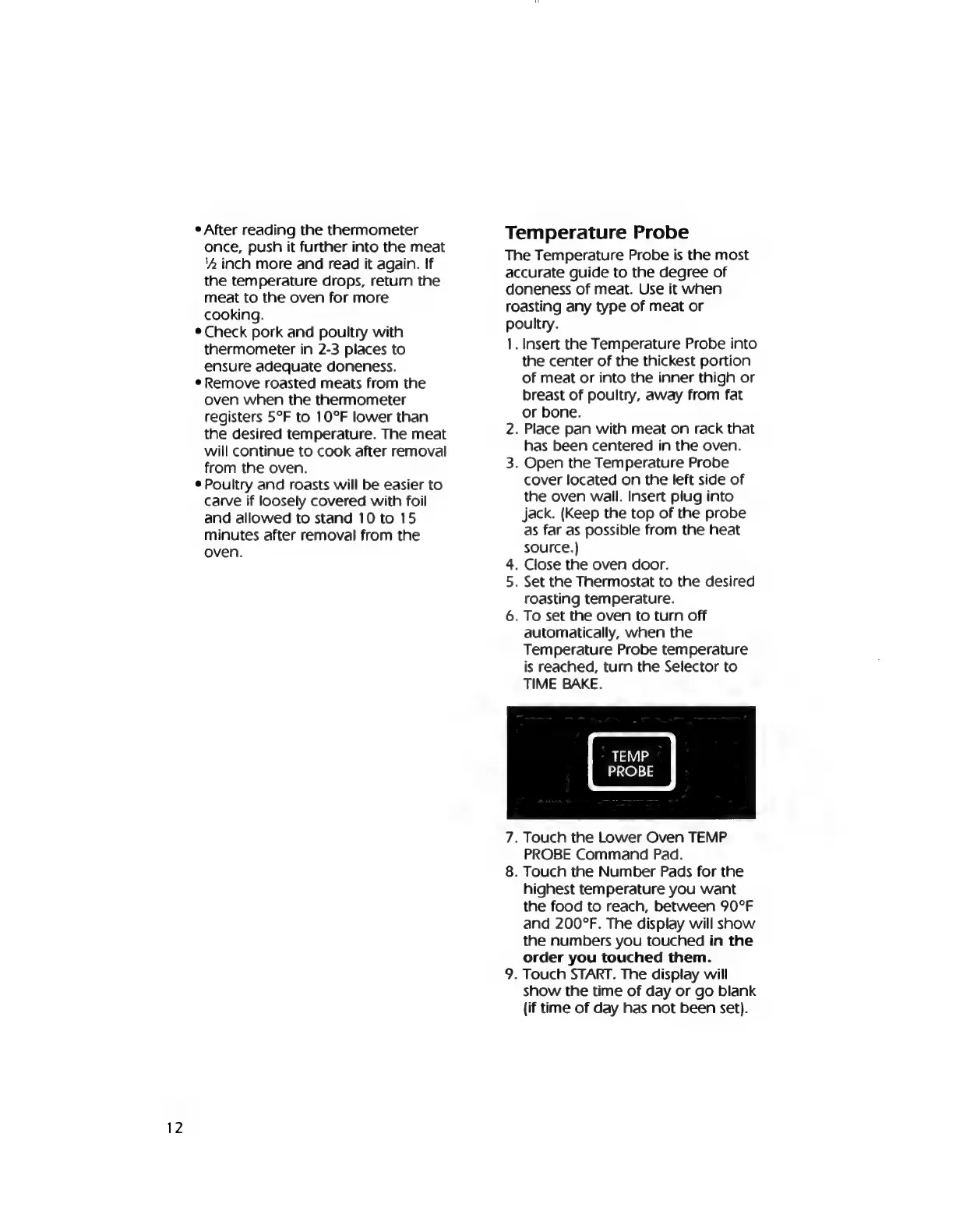
TEMP
PROBE
N
.
Touch
the
Lower
Oven
TEMP
PROBE
Command
Pad.
.
Touch
the
Number
Pads
for
the
highest
temperature
you
want
the
food
to
reach,
between
90°F
and
200°F.
The
display
will
show
the
numbers
you
touched
in
the
order
you
touched
them.
.
Touch
START.
The
display
will
show
the
time
of
day
or
go
blank
(if
time
of
day
has
not
been
set).

Related product manuals