EasyManua.ls Logo

KitchenAid KEMS306B - Page 15

KitchenAid KEMS306B
23 pages
Print Icon
To Next Page IconTo Next Page
To Previous Page IconTo Previous Page
Loading...
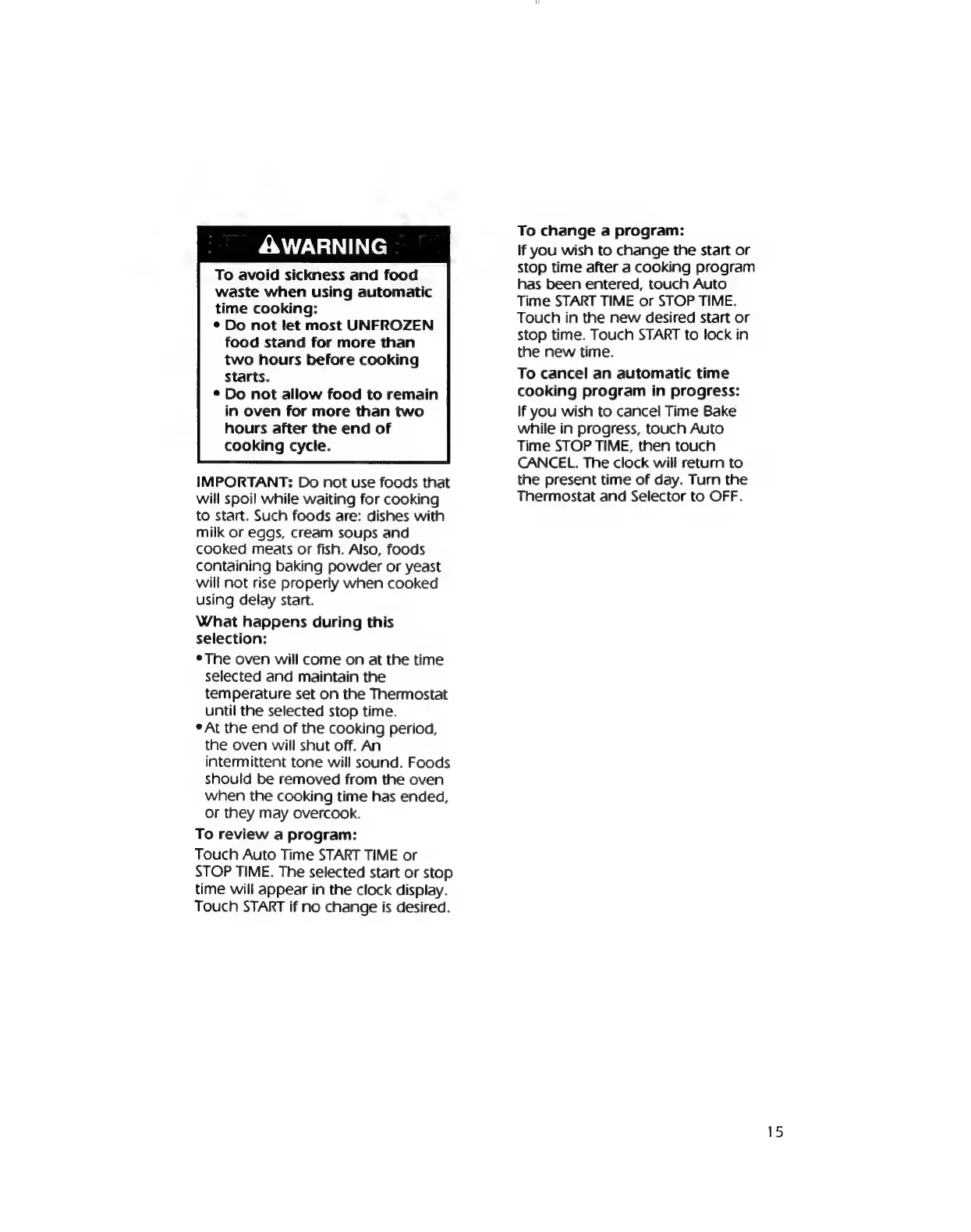
AWARNING
To
avoid
sickness
and
food
waste
when
using
automatic
time
cooking:
e
Do
not
let
most
UNFROZEN
food
stand
for
more
than
two
hours
before
cooking
Starts.
*
Do
not
allow
food
to
remain
in
oven
for
more
than
two
hours
after
the
end
of
cooking
cycle.
IMPORTANT:
Do
not
use
foods
that
will
spoil
while
waiting
for
cooking
to
start.
Such
foods
are:
dishes
with
milk
or
eggs,
cream
soups
and
cooked
meats
or
fish.
Also,
foods
containing
baking
powder
or
yeast
will
not
rise
properly
when
cooked
using
delay
start.
What
happens
during
this
selection:
e
The
oven
will
come
on
at
the
time
selected
and
maintain
the
temperature
set
on
the
Thermostat
until
the
selected
stop
time.
e
At
the
end
of
the
cooking
period,
the
oven
will
shut
off.
An
intermittent
tone
will
sound.
Foods
should
be
removed
from
the
oven
when
the
cooking
time
has
ended,
or
they
may
overcook.
To
review
a
program:
Touch
Auto
Time
START
TIME
or
STOP
TIME.
The
selected
start
or
stop
time
will
appear
in
the
clock
display.
Touch
START
if
no
change
is
desired.
To
change
a
program:
If
you
wish
to
change
the
start
or
stop
time
after
a
cooking
program
has
been
entered,
touch
Auto
Time
START
TIME
or
STOP
TIME.
Touch
in
the
new
desired
start
or
stop
time.
Touch
START
to
lock
in
the
new
time.
To
cancel
an
automatic
time
cooking
program
in
progress:
If
you
wish
to
cancel
Time
Bake
while
in
progress,
touch
Auto
Time
STOP
TIME,
then
touch
CANCEL.
The
clock
will
return
to
the
present
time
of
day.
Turn
the
Thermostat
and
Selector
to
OFF.

Related product manuals