18
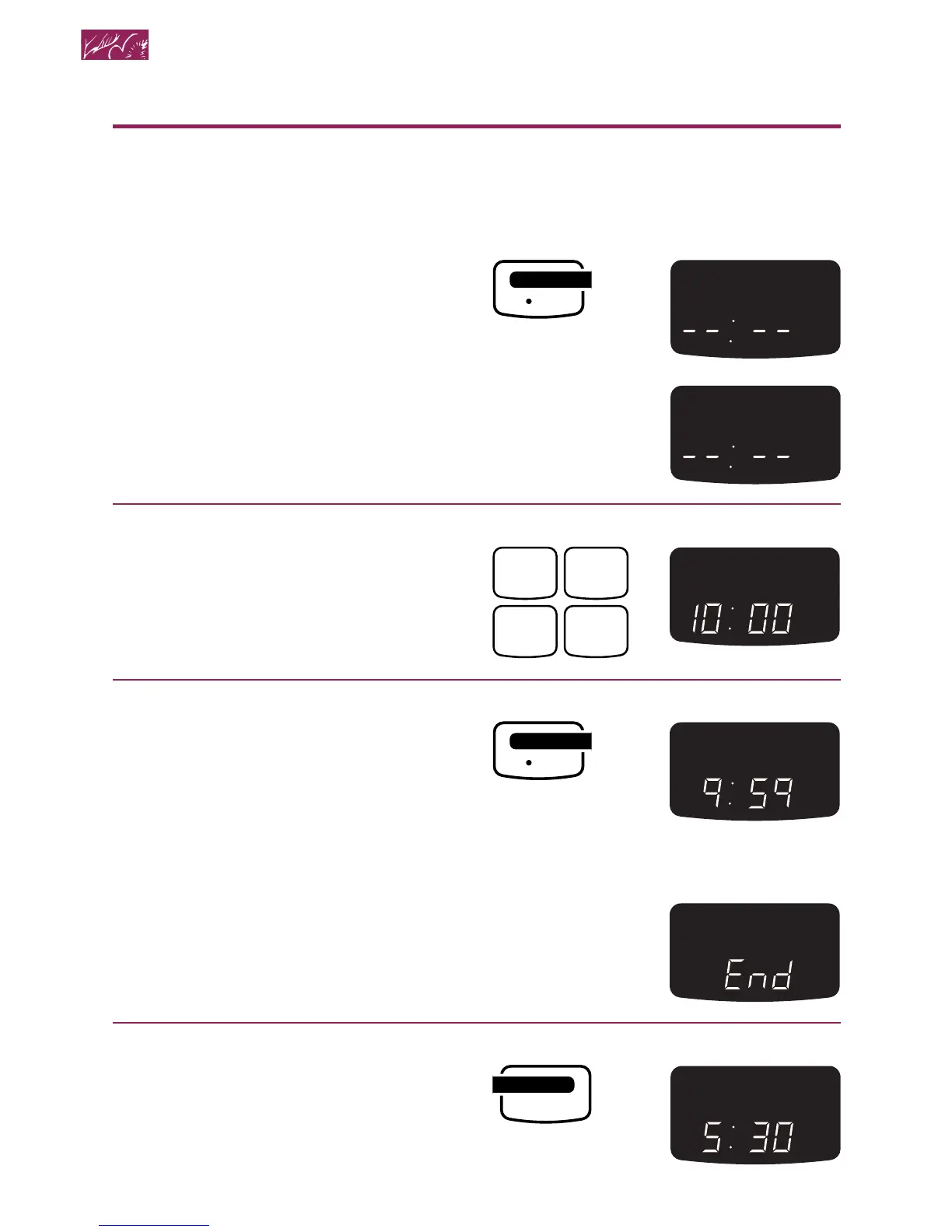
Using the Minute Timer
NOTE: You can use other Command pads
while the Minute Timer is counting down.
1. Choose the Minute Timer.
NOTE: The Timer does not start or stop
the microwave oven. It works like a
regular kitchen timer. It can be set in
hours and minutes up to 99 hours and
59 minutes, or in minutes and seconds
up to 99 minutes and 59 seconds.
2. Enter time to be counted down.
Example for 10 minutes:
3. Start countdown.
When countdown ends:
Four tones will sound and repeat every
minute until you touch the Timer Cancel
pad. This will clear the Display.
To cancel any time:
TOUCH YOU SEE




 To Next Page