EasyManua.ls Logo

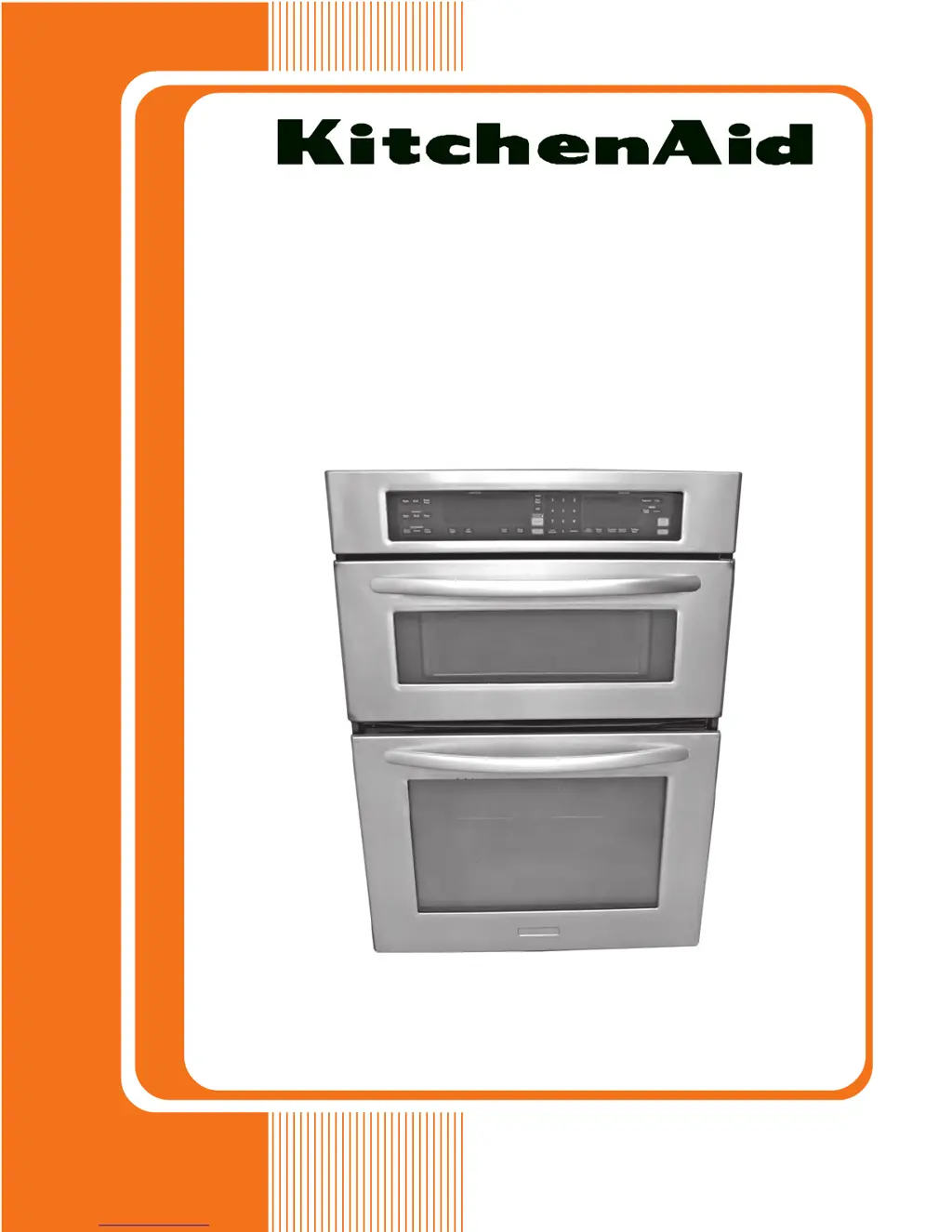
KitchenAid KEMS378S - User Manual

KitchenAid KEMS378S
96 pages
Print Icon
To Next Page IconTo Next Page
Loading...
TECHNICAL EDUCATION
JOB AID 4317410
KAC-46
27˝ & 30˝ ELECTRIC
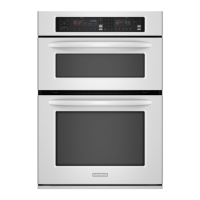
BUILT-IN MICROWAVE/OVEN
COMBINATION
MODELS: KEMS378S & KEMS308S

Table of Contents

Questions and Answers

  • D
    Daniel WarnerJul 31, 2025
    What to do if my KitchenAid KEMS378S displays 'Keypad Disconnected Stuck Or Shorted Key' error?
    • F
      Franklin WelchJul 31, 2025
      If you encounter a 'Keypad Disconnected Stuck Or Shorted Key' error on your KitchenAid Microwave Oven, try the following steps: First, enter the Diagnostic mode by pressing OFF, OFF, START. Then, unplug the oven or disconnect power. Check the keypad connector to ensure it's firmly connected. After that, replace all parts and panels before operating and plug the oven back in or reconnect the power. If the error code reappears after 60 seconds, unplug the oven again and replace the keypad.
  • M
    Mr. Anthony ChanAug 20, 2025
    What to do if my KitchenAid KEMS378S displays 'No Cavity Size Command' error?
    • D
      Dustin McculloughAug 20, 2025
      If your KitchenAid Microwave Oven displays a 'No Cavity Size Command' error, start by entering Diagnostics mode (press OFF, OFF, START). The control should power up in cavity size select mode. Use key #6 (down) and key #3 (up) to scroll to the corresponding cavity size, then press START to accept it. If the error returns after 60 seconds, unplug the oven, wait 10 seconds, and plug it back in. Re-enter Diagnostics mode (OFF, OFF, START) and press #6 (down) once to see the cavity size. If it's incorrect, press CLOCK to edit it, use #6 (down) to find the right size, and press START. After the control resets, wait 60 seconds to confirm the error is resolved. If corrected, replace all parts and panels before operating.
  • H
    hbutlerNov 9, 2025
    What to do if my KitchenAid KEMS378S displays 'User Interface/ Appliance Manager Mismatch' error?
    • S
      Samuel McknightNov 9, 2025
      If your KitchenAid Microwave Oven shows a 'User Interface/ Appliance Manager Mismatch' error, follow these steps: Start by entering Diagnostic mode (press OFF, OFF, START). Before proceeding, unplug the oven and wait 10 seconds, then reconnect the power. Enter Diagnostics mode again by pressing OFF, OFF, START. Press BAKE and check if the bake relay energizes. Next, press BROIL once for the outer broil element and again for the inner broil element, ensuring each relay energizes. Press SELF CLEAN to lock the door latch, and again to reset it. Press COOK to activate the low-speed cooling fan, and again for high speed. If all functions work, the AM and UI are working properly. Exit Diagnostics by pressing OFF. Press BAKE and ensure that bake relay energizes and the control enters the bake pre...

Summary

General Safety

Oven Safety

Provides essential safety alerts and definitions for hazard symbols.

Microwave Exposure Precautions

Installation Information

Installation Requirements

Outlines necessary tools, parts, and location criteria for installation.

Electrical Requirements

Details electrical connection standards and grounding requirements.

Make Electrical Connection

Install Oven

Component Removal: User Interface and Control Boards

Component Removal: Magnetron Thermostat and Magnetron

Component Testing

Upper Oven Component Tests

Overview of safety precautions and general testing procedures for upper oven components.

Magnetron Thermostat and Magnetron Tests

Continuity and resistance tests for magnetron thermostat and magnetron.

Measure Oven Input Current

Diagnostics & Troubleshooting

Failure; Error Display Codes

Procedure to enter diagnostic mode and interpret error codes displayed.

Wiring Diagram and Strip Circuits

Wiring Diagram

Schematic showing electrical connections and component layout.

KitchenAid KEMS378S Specifications

General IconGeneral
TypeMicrowave Oven
Power1000 Watts
Control TypeElectronic
Installation TypeBuilt-In
ColorStainless Steel
Fuel TypeElectric
Child LockYes
Warranty1 Year Limited
Cooking ModesSensor Cooking

Related product manuals