27
1. Put food in oven and close
door.
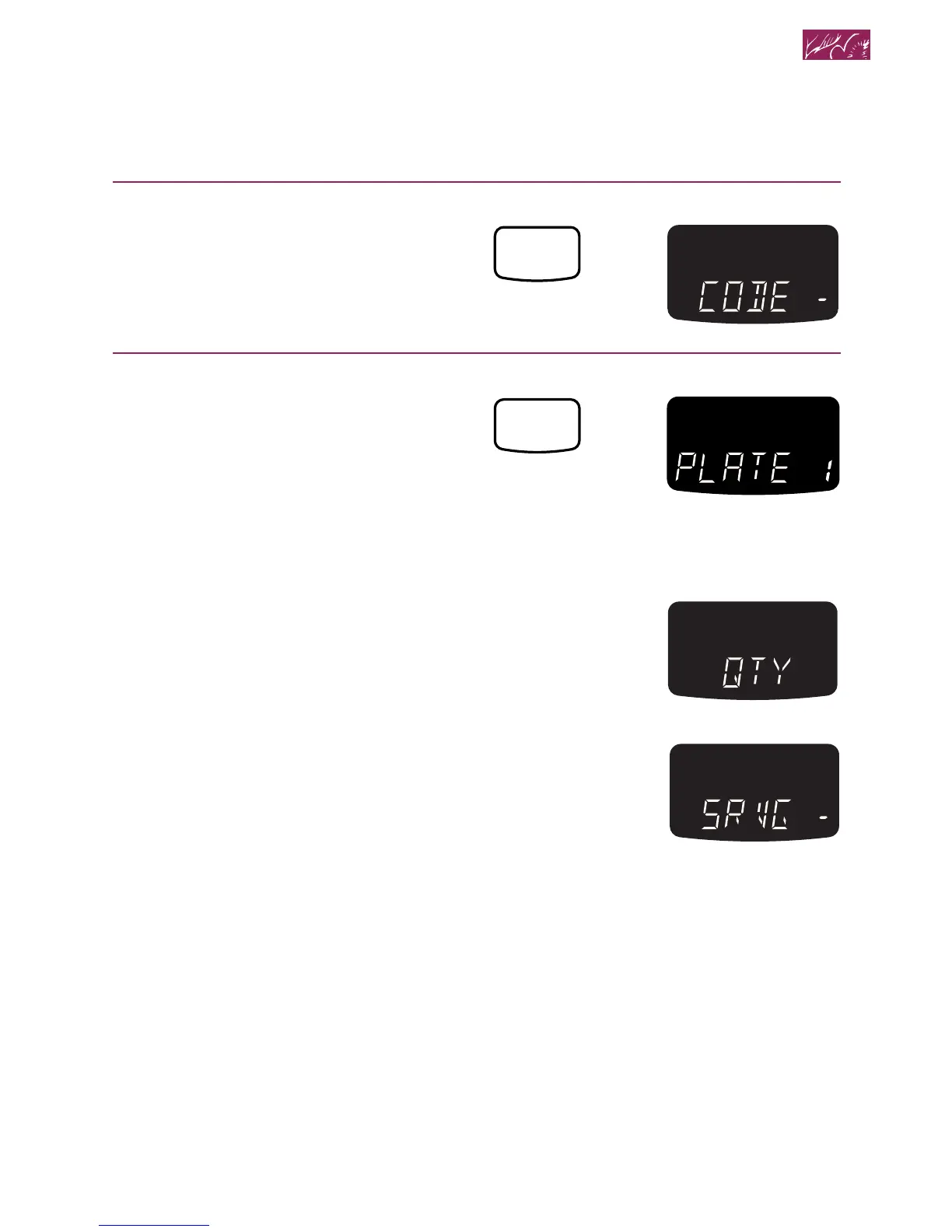
2. Touch CUSTOM REHEAT.
3. Choose food setting.
Keep touching CUSTOM REHEAT until
the food that you are cooking appears
on the display.
Example for Dinner Plate (Setting 1):
NOTE: To choose the desired food code,
see the Cooking Guide Label on the front
frame of the oven or the “Custom reheat
chart” earlier in this section.
After 3 seconds:
NOTE: You can disable or enable the
Quantity pad prompt. See the “Using help
prompts” section for more information.
After 1 second:
Microwave Cooking
TOUCH YOU SEE
CUSTOM
REHEAT




 To Next Page