"Using the Self-CleaningCycle
Seffingthecontrols
Make sure clock isset to correcttime of day.
(See "Setting the clock" on page 18.)
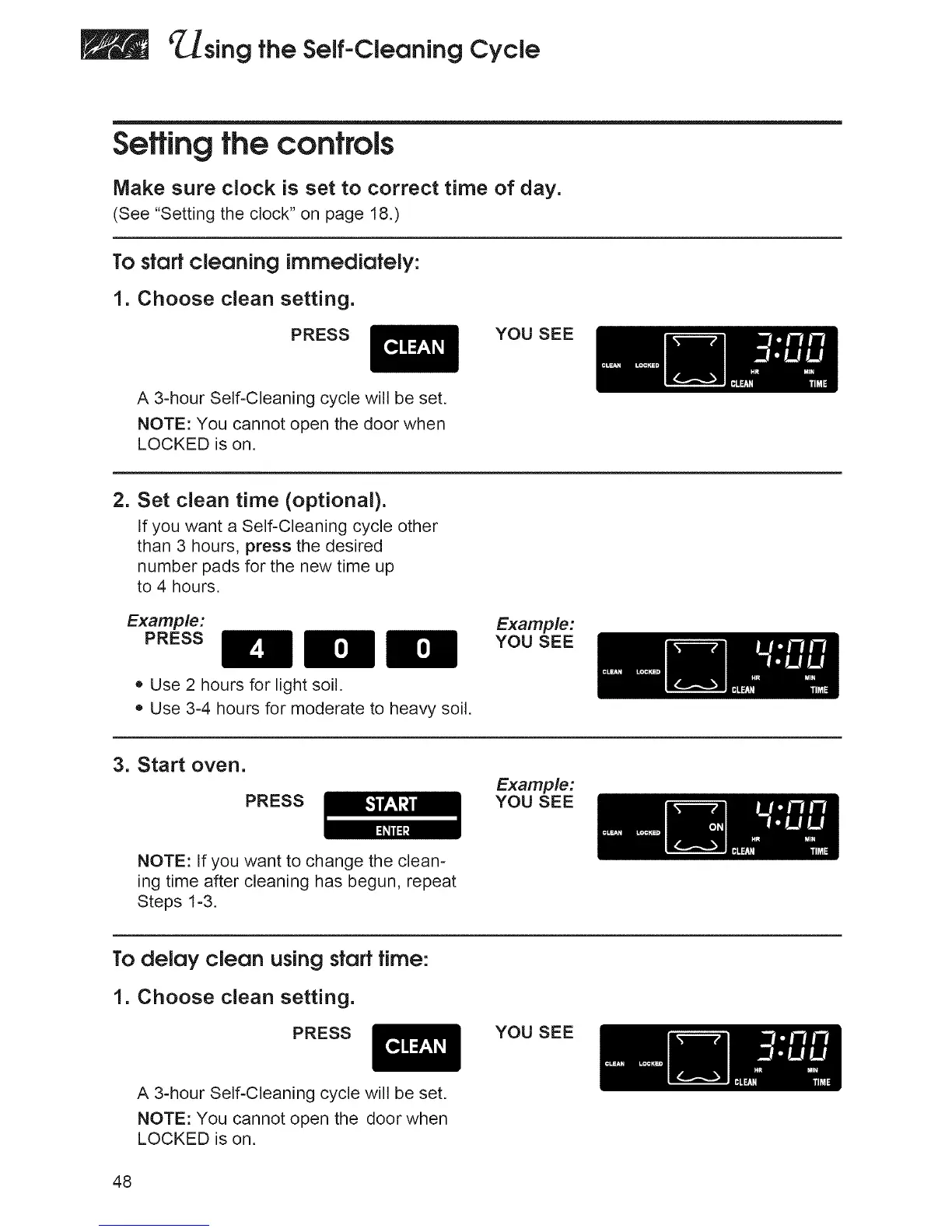
To sfQrf cleQning immediQfely:
1. Choose clean setting.
PRESS
YOU SEE
A 3-hour Self-Cleaning cycle will be set.
NOTE: You cannot open the door when
LOCKED is on.
2. Set clean time (optional).
If you want a Self-Cleaning cycle other
than 3 hours, press the desired
number pads for the new time up
to 4 hours.
Example:
PRESS
• Use 2 hours for light soil.
• Use 3-4 hours for moderate to heavy soil.
Example:
YOU SEE
3. Start oven.
PRESS
Example:
YOU SEE
NOTE: If you want to change the clean-
ing time after cleaning has begun, repeat
Steps 1-3.
To delay cleon using start time:
1. Choose clean setting.
PRESS
YOU SEE
A 3-hour Self-Cleaning cycle will be set.
NOTE: You cannot open the door when
LOCKED is on.
48







 To Next Page