EN
33
3.
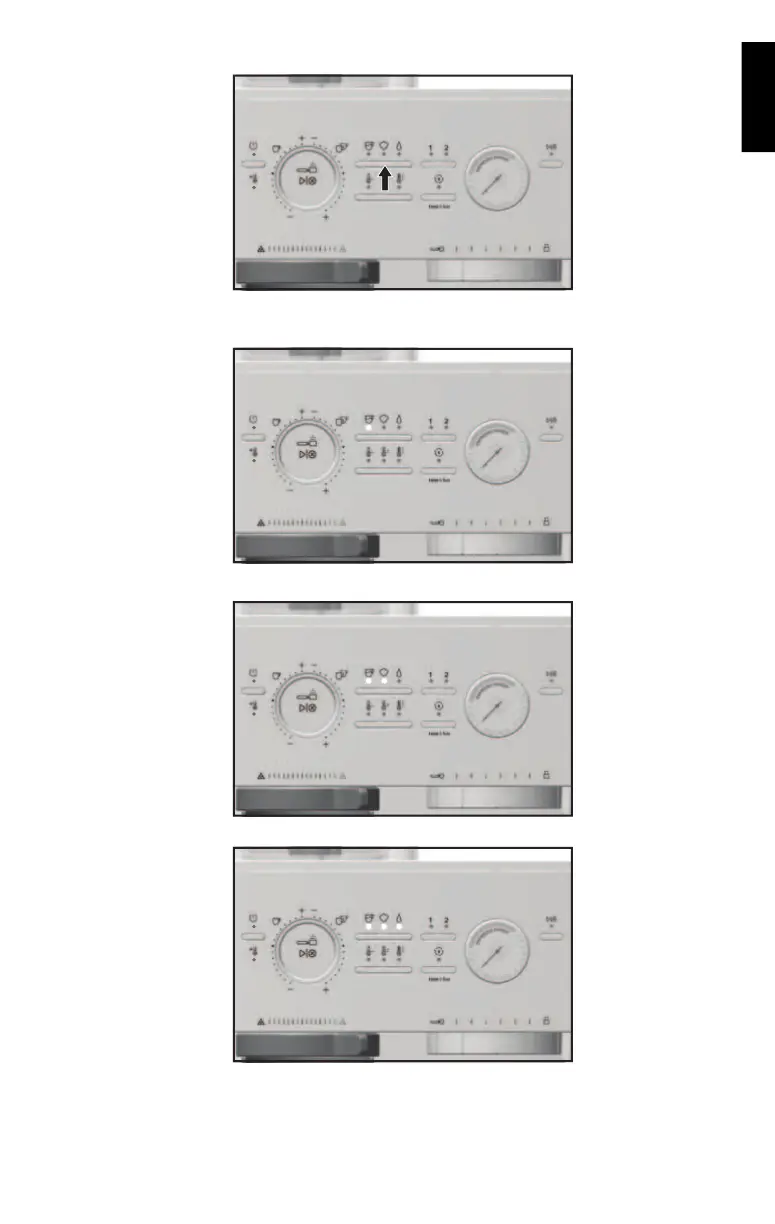
Use the Mode Button to toggle and select the desired water hardness level.
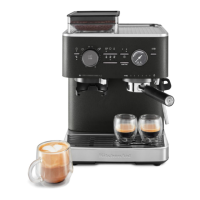
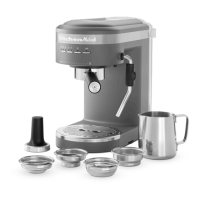
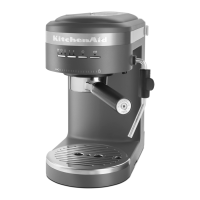
4. The selected water hardness will be indicated by the machine as follows:
Low hardness: Espresso mode LED indicator will turn on.
Medium hardness: Espresso and Steam mode LED indicators will turn on.
High hardness: Espresso, Steam, and Hot Water mode LED indicators will turn on.








 To Next Page