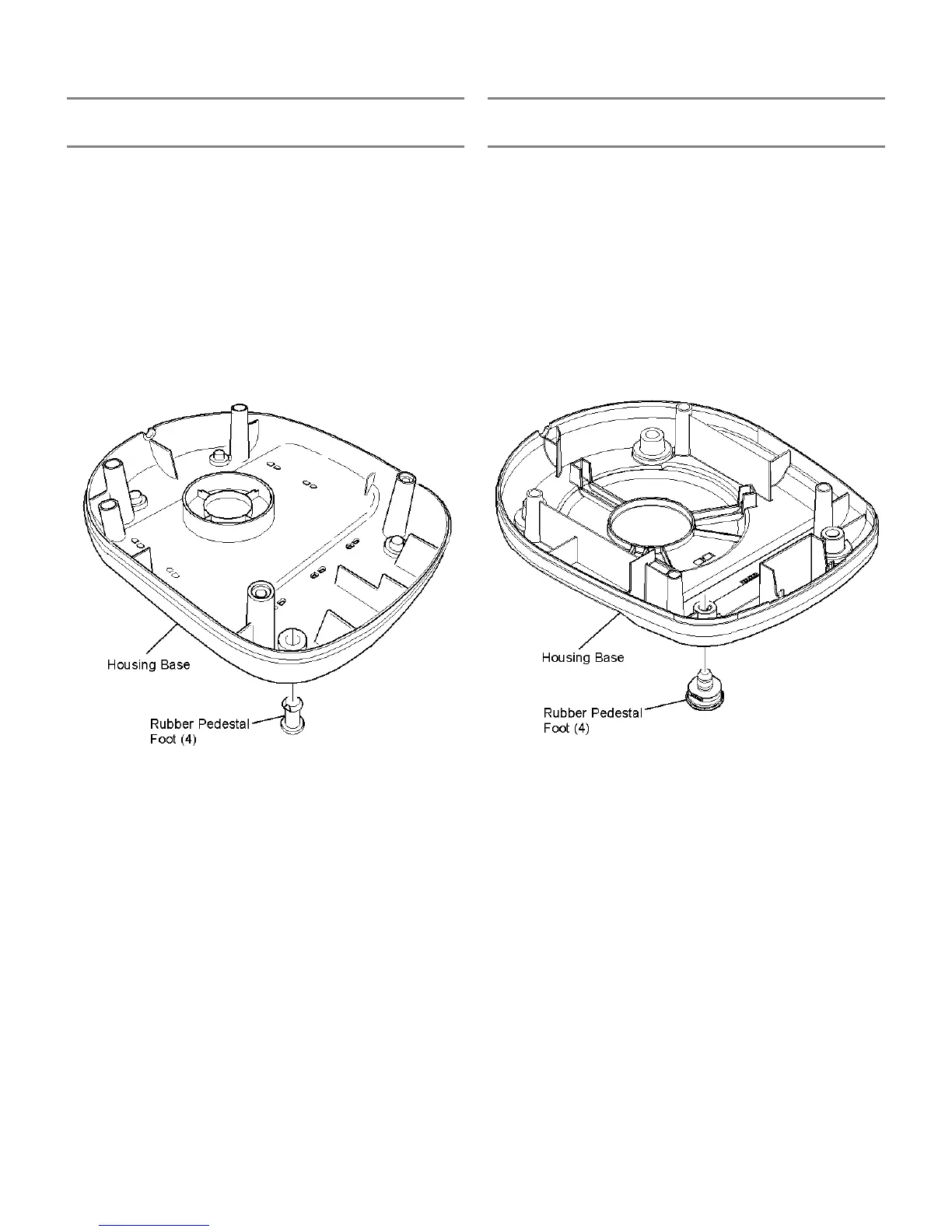
RUBBER PEDESTAL FEET REPLACEMENT
RUBBER PEDESTAL FEET REPLACEMENT
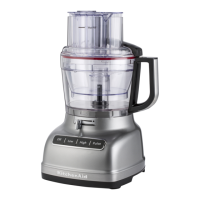
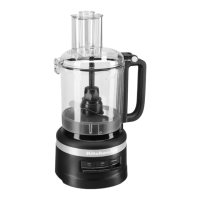
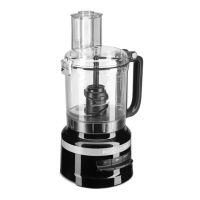
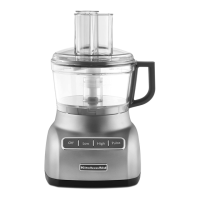
- 7 CUP FOOD PROCESSORS - - 9 & 12 CUP FOOD PROCESSORS -
To replace the rubber pedestal feet for the 7 cup food
processor:
To replace the rubber pedestal feet for the 9 and 12 cup food
processor:
1. Unplug the power cord and remove the housing base. 1. Unplug the power cord.
2. From the inside of the housing base, squeeze the larger
dimension of the foot stay and push the foot out of the
base.
2. Grasp the rubber pedestal foot and remove it from the
housing base using a twist and pull type movement.
3. Replace the new foot by pushing the foot through its
mounting hole in the housing base until it is seated. The
foot may have to be rotated slightly to fully seat it in the
housing base.
3. Replace the new foot by pressing the foot stay through its
mounting hole until it expands out on the inside of the
housing base. The foot may have to be rotated slightly to
fully seat it in the housing base.
4. Attach the housing base to the motor housing.
9





 To Next Page