17
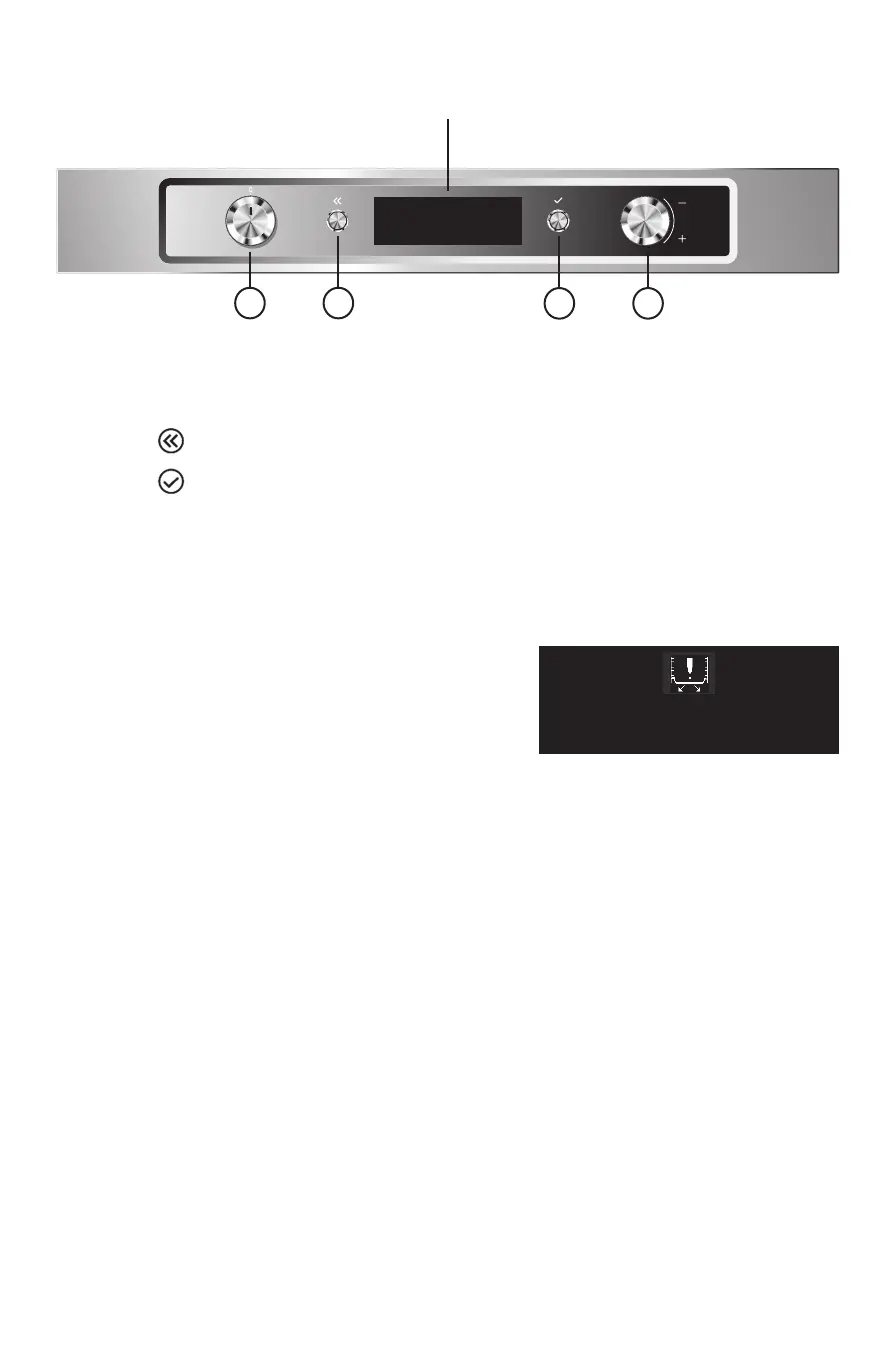
1. FUNCTIONS KNOB: On/o and function selector knob
2. BROWSE KNOB: for browsing the menu and adjusting pre-set values
3. BUTTON
: to return to the previous screen
4. BUTTON
: to select and conrm settings
LIST OF FUNCTIONS
Turn the “Functions” knob to any position. The oven switches on. The display will show the following
indication:
Press any key to skip the message and the display will show the
functions or the associated submenus.
Note: The initial accessory alert can be disabled/enabled via
the “Settings” menu. If the Artisan accessory is already properly
engaged when the oven is switched on, the initial Artisan alert
will not be shown.
The submenus are available and selectable by turning the knob to the functions ARTISAN FUNCTION,
ARTISAN STEAM FUNCTION, GRILL, SPECIALS, SETTINGS and RECIPES.
Always remove the accessory when using
traditional cooking methods. Press any key
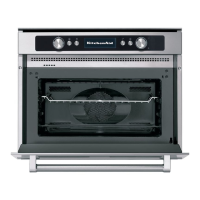
CONTROL PANEL DESCRIPTION
DISPLAY
1 3 4 2



 To Next Page