ELECTRONIC CONTROL DIAGNOSTIC MODE AND COMPONENT TESTING
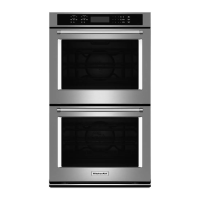
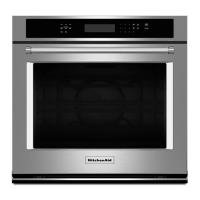
Built-In Single and Double Wall Oven
n
3-5
General Procedure: ERROR CODES
Note: All error codes are stored in the failure
history. To check if the error code is sll
present, start a cooking funcon and wait one
minute to see if the error code appears.
To Clear Error Codes while in the Diagnosc Mode:
Press keypad 3 or 6 to scroll to the error code
screen. The most recent error code will appear
rst. Press CLOCK/TOOLS to enter the edit
mode, Press START to clear the code.
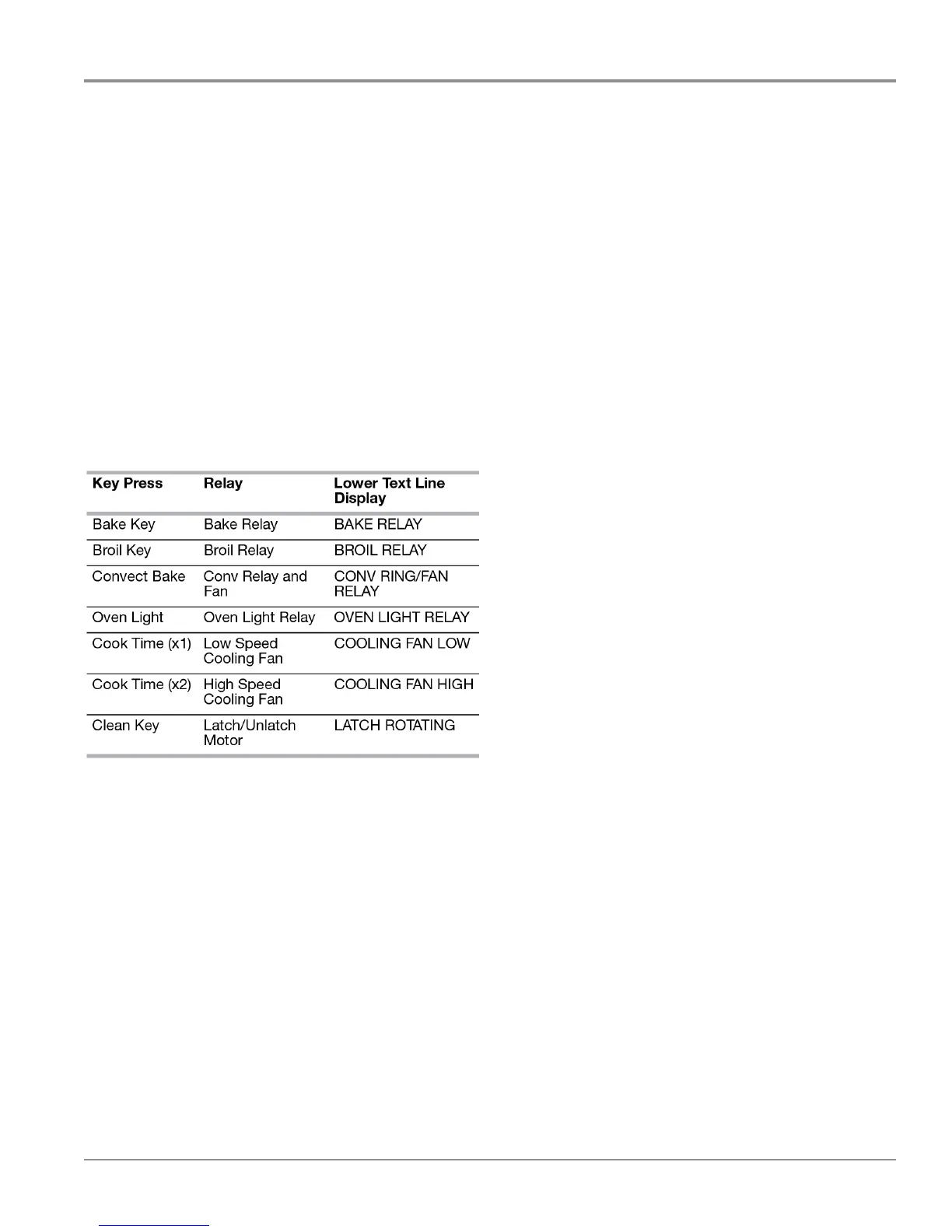
General Procedure: RELAY ACTIVATION
Enter the Diagnosc Mode by pressing CANCEL>
CANCEL> START. Press the 3 or 6 keypad
to scroll to the RELAY ACTIVATION screen.
Pressing the oven keys will acvate/deacvate
corresponding relay and display test as shown
below.
General Procedure: CAVITY SIZE SELECT
Press CANCEL> CANCEL> START to enter the
Diagnosc Mode.
Press “3” or “6” keypad to scroll to the Cavity Size
selecon screen.
Press CLOCK/TOOLS, then press the “3” or “6”
keypad to select the cavity size (27” or 30”).
Press START to save.
Using the Diagnosc Mode



 To Next Page