3-4
n
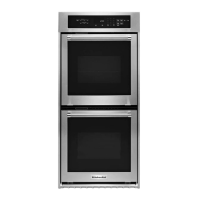
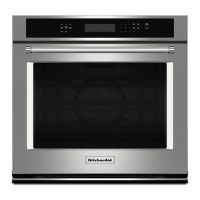
Built-In Single and Double Wall Oven
ELECTRONIC CONTROL DIAGNOSTIC MODE AND COMPONENT TESTING
The KitchenAid Ovens provide a Diagnosc program
that can help diagnose concerns with the oven.
The diagnosc program will need to be accessed
anyme the User Interface is replace because
the Oven Cavity size (27 or 30”) needs to be
programmed into the control.
The Diagnosc Mode will provide Error Code
informaon, and the ability to clear error
codes from the control board memory. It can
help acvate the Appliance Manager relays
for diagnosc help and, as menoned before,
provide the process for selecng the oven cavity
size anyme the User Interface is replaced.
Enter The Diagnosc Mode:
n Press CANCEL > CANCEL > START
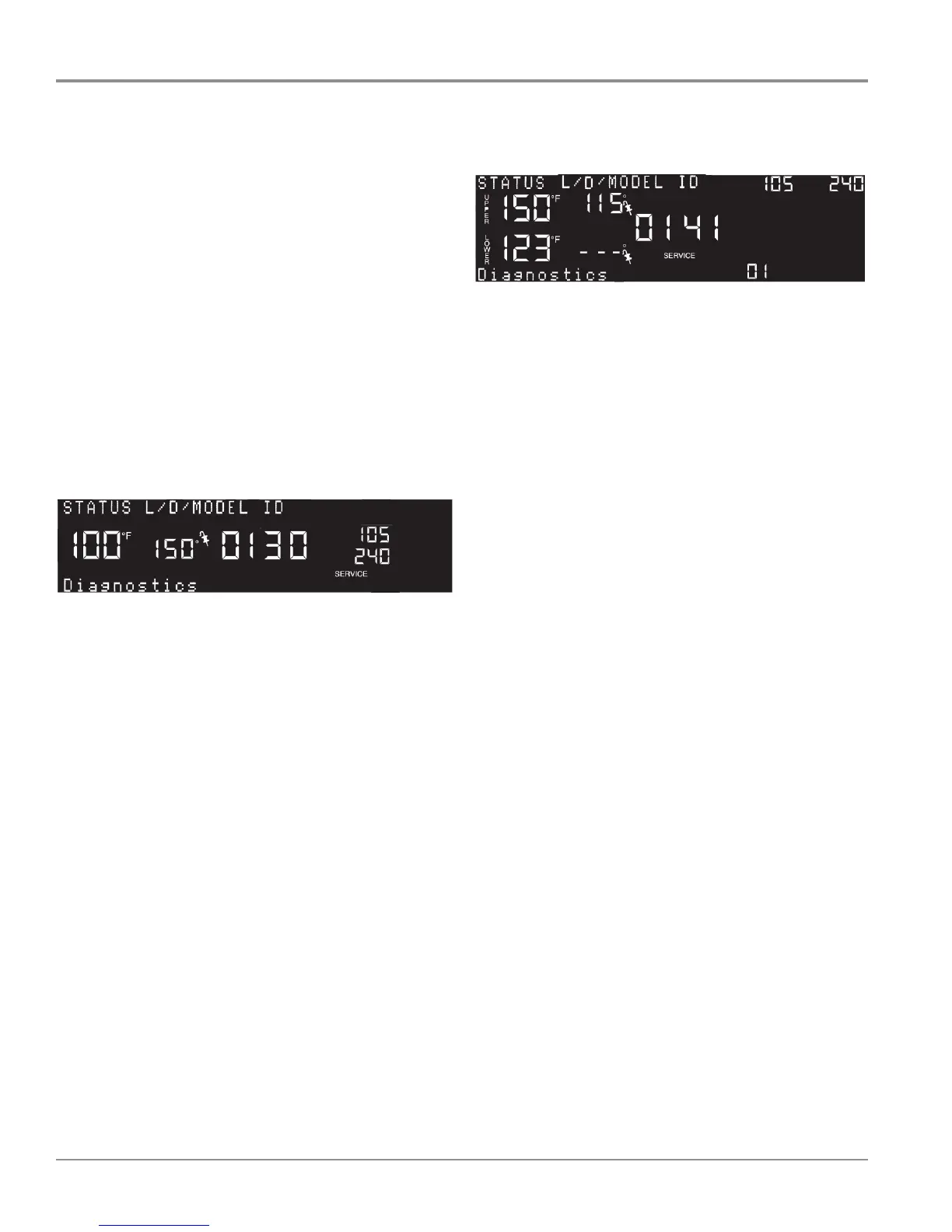
This is the first screen displayed for a Single Oven
This screen is the STATUS screen, and the
information shown is:
STATUS - Name of Screen
L/ D/ MODEL ID - Latch/ Door / MODEL ID
100 F - Oven Temperature
150 - Meat Probe Temperature
0 - Latch Unlocked (changes to “1” when Latch is in
S/C)
1 - Door Closed (changes to “0” when Door is
Open)
30 - Model ID = 30 inches
105 - Control Panel Thermister Temperature
240 - Voltage
SERVICE - control is in the “service” mode
Diagnostics - The diagnostics line will cycle through
different ENGINEERING information. Each line
of information will be displayed for 2 seconds.
“Diagnostics” will be displayed upon first entering
the Diagnostic Mode but will not show again as the
information cycles.
From this screen you can scroll through the available
screens by pressing keypad “3” (scroll forward) or
keypad “6” (backwards).
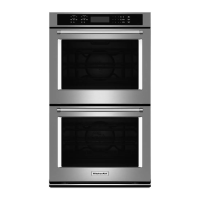
This is the first screen displayed for a Double Oven
This screen is the STATUS screen for the Double
Oven, and the information shown is:
STATUS - Name of Screen
L/ D/ MODEL ID - Latch/ Door / MODEL ID
150 F - Upper Oven Temperature
123 F - Lower Oven Temperature
115 - Meat Probe Temperature
0 - Upper Latch Unlocked (changes to “1” when in
S/C)
1 - Upper Door Closed (changes to “0” when Open)
41 - HMI ID
105 - Control Panel Thermister Temperature
240 - Voltage
SERVICE - control is in the “service” mode
0 - Lower Latch Unlocked (changes to “1” when in
S/C)
1 - Lower Door Closed (changes to “0” when Open)
Diagnostics - The diagnostics line will cycle through
different ENGINEERING information. Each line
of information will be displayed for 2 seconds.
“Diagnostics” will be displayed upon first entering
the Diagnostic Mode but will not show again as the
information cycles.
From this screen you can scroll through the
available screens by pressing keypad “3” (scroll
forward) or keypad “6” (backwards).
Using the Diagnosc Mode



 To Next Page