24
AUTOMATIC OVEN CLEANING
For the description of this function, see the chapter
CLEANING and the functions table on page 24.To
start the oven's automatic cleaning cycle (pyro)
proceed as follows:
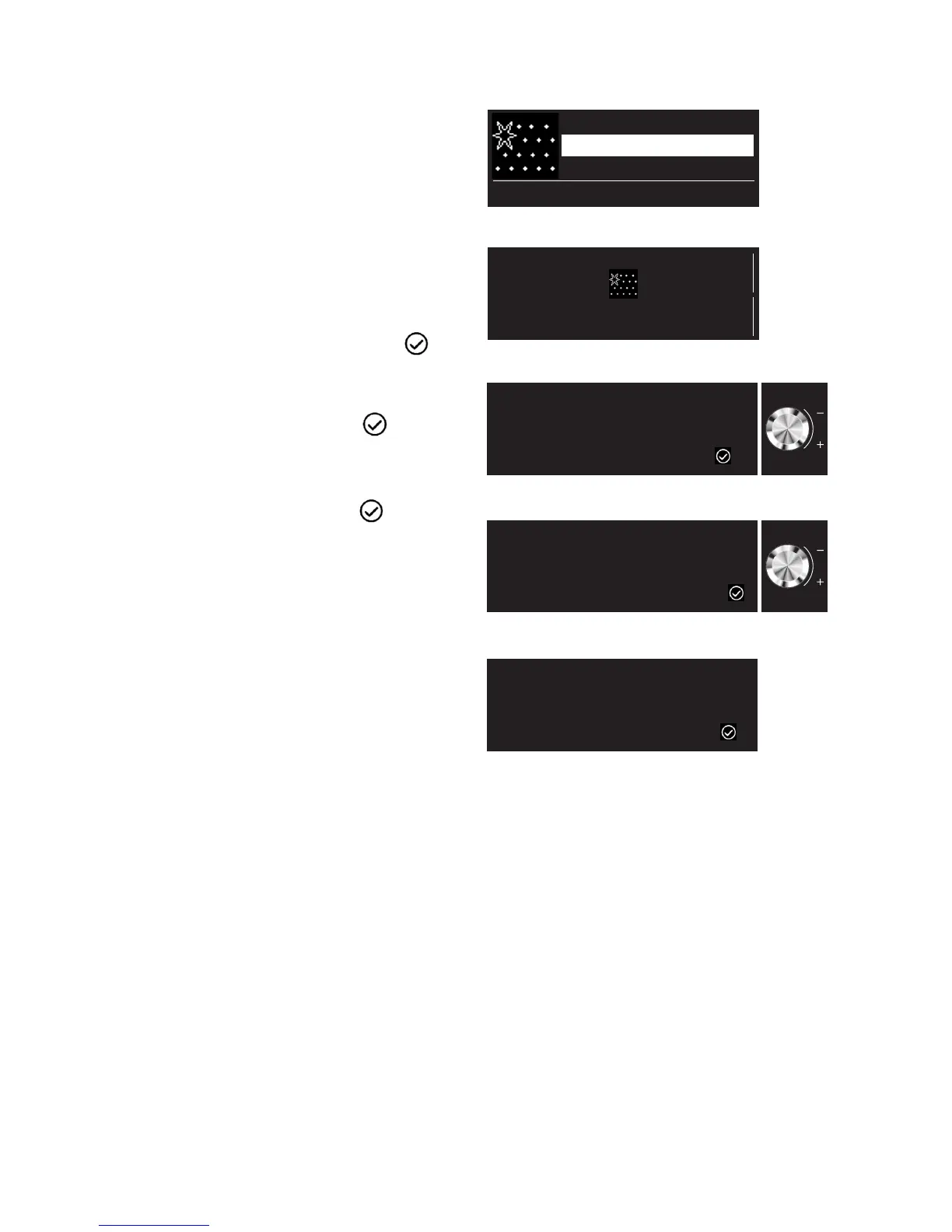
1. Using the "Functions" knob, select "Cleaning".
The display shows "Pyro Express" and "Pyro".
2. Select one of the two cleaning cycles using the
"Browse" knob. 2. Confirm by pressing .
3. Turn the "Browse" knob to position the cursor at
START, then confirm by pressing .
4. The display shows the instructions to be followed
in order to start the cycle. After following each
instruction, confirm with button .
Instructions for oven use
Cleaning
Pyrolytic
Pyro Express
3 hour high temperature cleaning
-03:00
TIME
15:00
END TIME
1/3
Please switch off cooktop above oven and press
2/3
Please remove all accessories from the oven and press
3/3
Remove stains from glass with moist sponge, press





 To Next Page