2 3
Please read this manual carefully before use.
Box contents
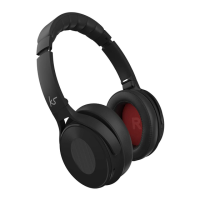
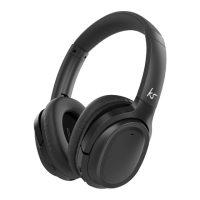
• KS Arena Wireless Headphones
• USB charge cable
• 3.5 mm audio cable
• User manual
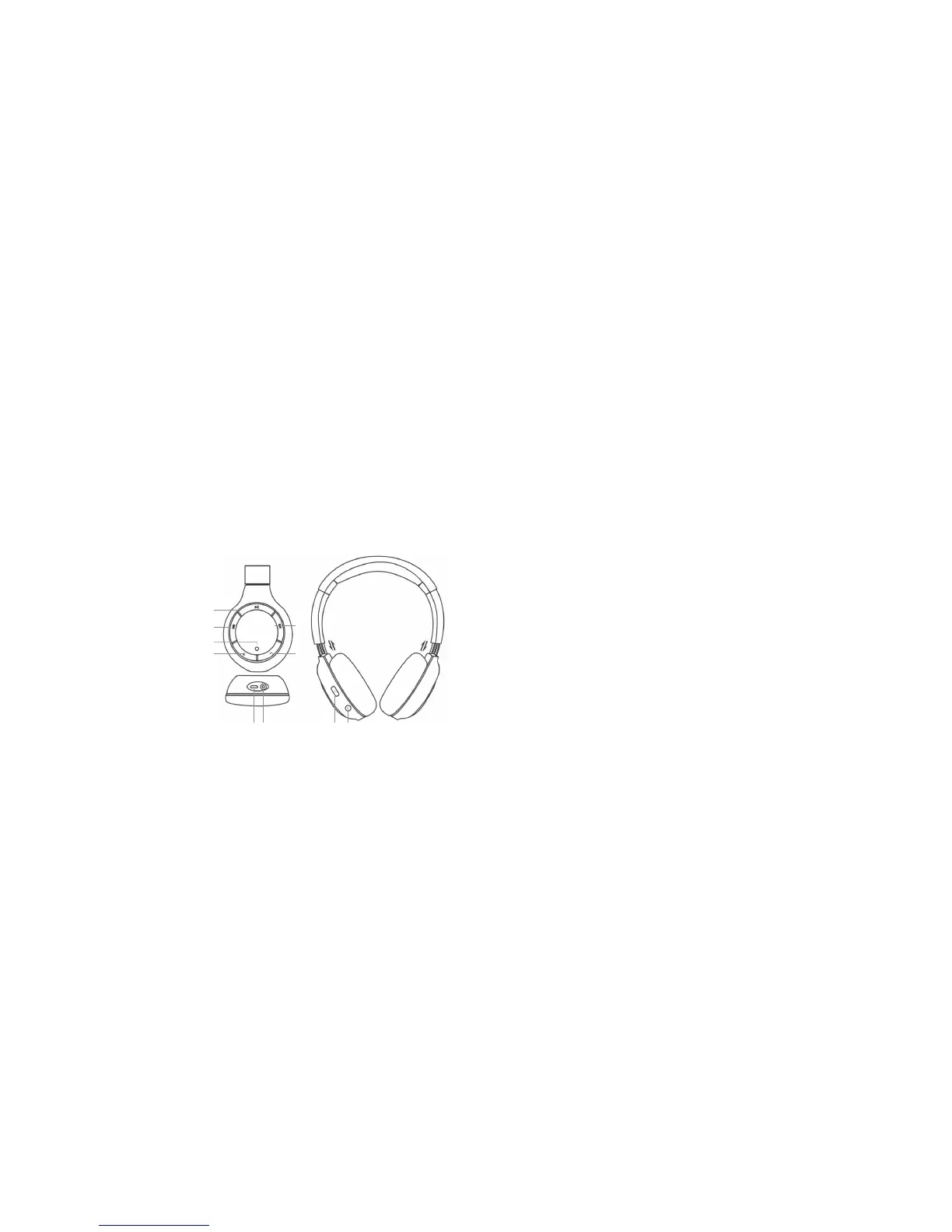
Functions
1. Play/Pause
2. Next track
3. Previous track
4. LED indicator
5. Volume +
6. Volume –
7. 3.5 mm port
8. Micro USB charging port
9. Power/o
10. Talk button
8 97 10
1
3
5
2
6
4
Instructions for use
Charging the battery
1. Connect the micro USB end of the charging cable to the Micro USB charging port (8) and the standard
USB end to a PC USB port or USB mains charger
2. The LED indicator (4) will be red whilst charging. It will turn o after around 2-3 hours. The battery is now
fully charged
3. If the LED indicator (4) ashes red twice every 30 seconds and a warning beep is heard whilst using the
headphones, it means the battery is running low. Once this happens, you have about 5-10 minutes of use
before the headphones power o automatically
Note: The rst charge may take up to 5 hours to complete.
[continued...]


 To Next Page