8 9
Charging the battery
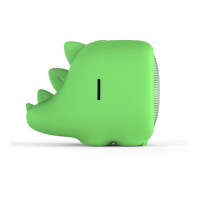
The Mini Buddy has a built-in rechargeable
lithium battery. Before charging, make
sure that the Mini Buddy is switched off.
Connect one end of the USB power cable
to the charging port of the Mini Buddy
and connect the other end to your PC
or USB mains adaptor. The battery will
start charging automatically.
Box contents
• Mini Buddy
• USB charge cable
• Keyring attachment
• Instruction manual



 To Next Page