10 11
Using the speaker
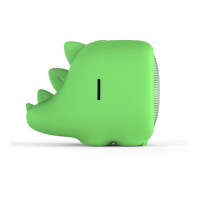
1. Plug the 3.5 mm cable that is attached
to the Mini Buddy into the 3.5 mm
socket of your device
2. Switch on the speaker
3. Use your connected device to
play music/video and to control
volume level
Note:
• It takes 3 hours to fully charge
the battery
• Whilst charging, the LED will show blue
• When fully charged, the LED will not
change colour. However a 3 hour charge
is sufficient to fully charge the battery



 To Next Page