1. Setting the room temperature
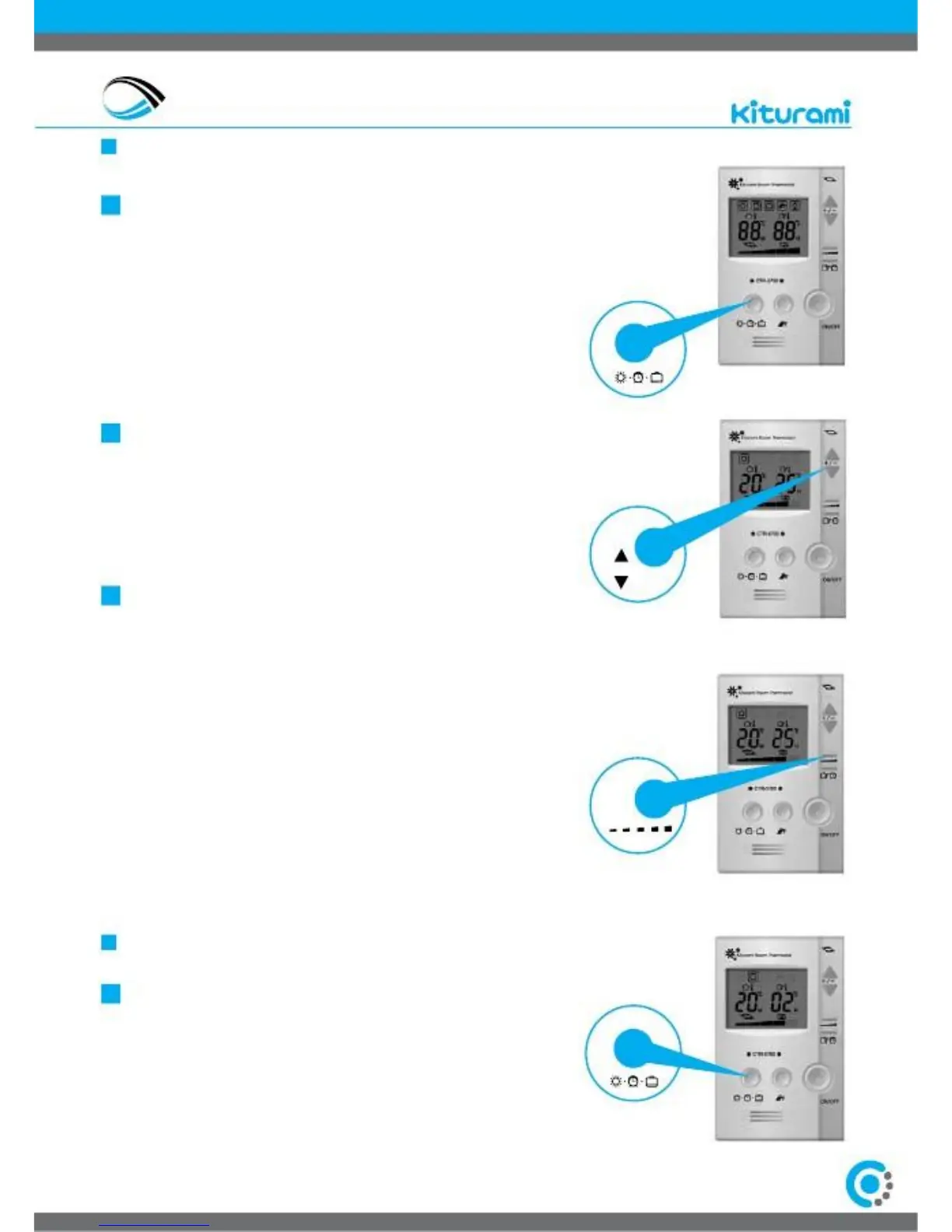
By pressing consecutively the button select on the screen of
the thermostat the indication with the sun.
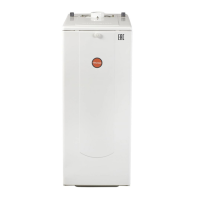
The screen displays two two digit numbers. The left two digit
indicates the temperature of the room, where the thermostat is,
at that time. The right two digit number indicates the
temperature we have chosen.
2. Setting the heating water temperature
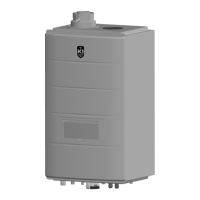
3. At the bottom of the screen of the thermostat display rectangular
bars.
With this buttons increase or decrease the bars on the
thermostat screen to select the desired water temperature in the
boiler and the radiators. With the first bar you select 45°C, with
the second 55°C, the third 65°C, the fourth 75°C and the fifth
85°C.
Select the water temperature in the boiler depending on the
outdoor temperature. The lower the outdoor temperature, the
more high temperature you should select in the boiler water.
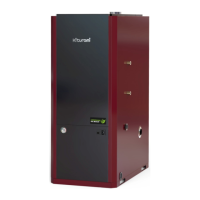
1. By pressing consecutively the button select on the screen of the
thermostat the indication with the clock signal to select the
operation mode through timer. The screen of the thermostat
displays two two digit numbers.
The left two digit indicates the operation time of the boiler (10 to
90 minutes).
With the button (+) / (-) (▲) / (▼) we determine the operation time.
With the button (+) / (-) (▲) / (▼) we increase or decrease the
desired temperature


 To Next Page