12 13
Connecting to a PC
There are two ways to do this:
• Inserting the micro SD into a card reader
• Connecting to a computer using the supplied micro USB cable
1. Connect the USB cable to the camera’s USB/ Micro SD Card Port (10) and to the PC and turn the camera on.
2. ‘Connecting’ will appear on the LCD screen.
3. Open [My Computer] or [Windows Explorer®] on your PC. ‘Removable Disk’ will be in the drive list.
Double-click the ‘Removable Disk’ icon to view its contents. Files stored on the camera are located in the
folder named ‘DCIM’.
Specications
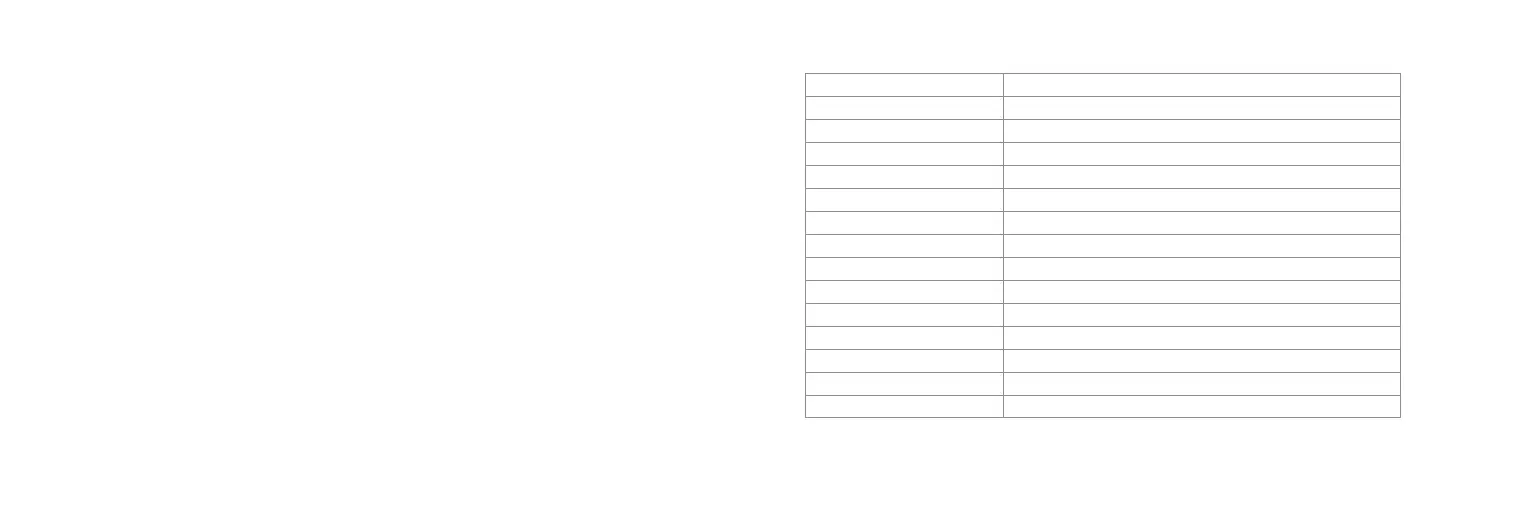
Display 0.96" LCD
Lens 2x 220°
Video resolution 1920 x 960p @ 30 fps
Video format MOV
Photo resolution 3008 x 1504
Video format JPEG
Storage Micro SD, 8 GB – 32 GB, Class 6-10
Input ports Micro USB
Wi-Fi Integrated
Speaker Integrated
Microphone Integrated
Battery type 1500 mAh Lithium-ion (built-in)
Recording time Around 1 hour (based on video recording)
Dimensions W60 x H49 x D46 (mm)
Weight 105 g


 To Next Page