EasyManua.ls Logo

Klarstein 10028190 - User Manual

Klarstein 10028190
41 pages
Go to English
Print Icon
To Next Page IconTo Next Page
Loading...
Zitruspresse orange
10008166 10008167 10008168
10028190
10028191
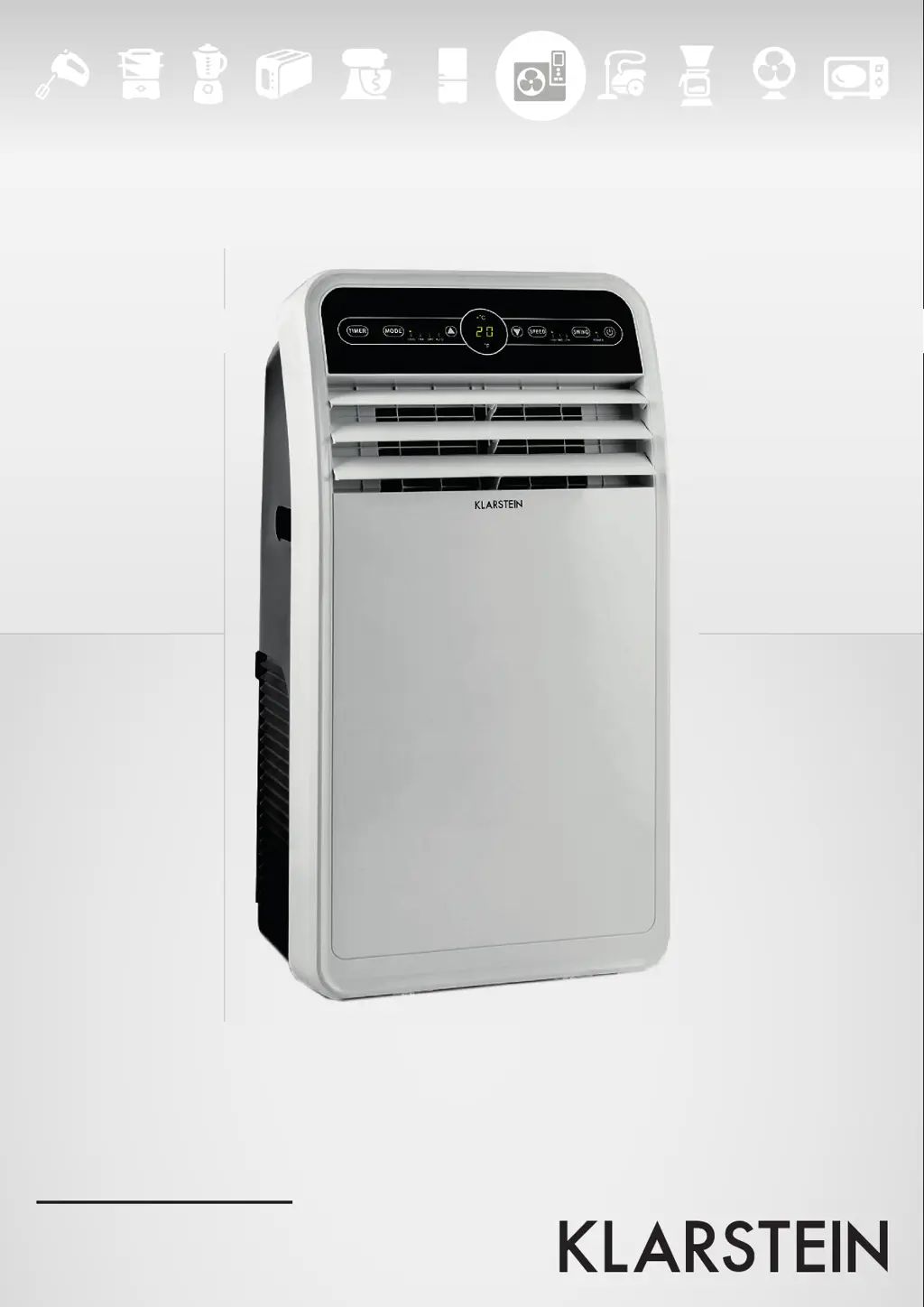
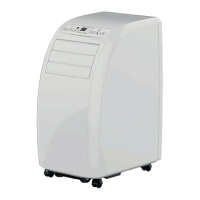
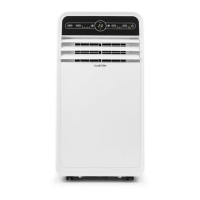
Klimaanlage

Questions and Answers

  • C
    Curtis HallAug 5, 2025
    Why is my Klarstein Air Conditioner not cooling well?
    • G
      Gabrielle VangAug 5, 2025
      If your Klarstein Air Conditioner's refrigeration effect isn't satisfactory, consider these factors: Direct sunlight can impact performance, so pull the curtains. Open doors and windows, or excessive people or heat sources, can also reduce cooling efficiency; close doors and windows and remove any heat sources. Lastly, a dirty filter screen can hinder cooling, so clean or replace the filter screen.
  • S
    sara59Aug 11, 2025
    How to fix a Klarstein Air Conditioner that won't turn on?
    • B
      Barry MckeeAug 12, 2025
      If your Klarstein Air Conditioner doesn't work, there could be a few reasons. First, ensure that the unit has power by turning it on. If the screen displays “FL”, restart it, allowing it to return to normal after any power cut and drainage. Also, check if the off-timer function is activated; if so, restart the unit after it has been turned off for 3 minutes.
  • D
    David HaynesAug 20, 2025
    What to do if the Klarstein 10028190 Air Conditioner compressor doesn't work?
    • R
      Rhonda MckinneyAug 20, 2025
      If the compressor of your Klarstein Air Conditioner does not work, it might be due to the compressor delay protection being activated. Wait 3 minutes, and restart the air conditioner when its temperature is reduced.
  • L
    Lori BakerAug 27, 2025
    Why is my Klarstein 10028190 Air Conditioner so loud?
    • M
      Mark MasonAug 27, 2025
      If your Klarstein Air Conditioner is too noisy, it might be because the base isn't placed correctly. Ensure it's on a flat and solid surface, and try to avoid shaking.

Summary

Technical Data

Safety Instructions

General Instructions

General safety guidelines and precautions for using the air conditioner.

Hints on Placement

Guidance on positioning the air conditioner for optimal performance and safety.

Product Description

Panel and Remote Control

Control Panel Overview

Description of buttons and indicators on the air conditioner's control panel.

Remote Control Functions

Explanation of buttons and modes available on the remote control.

Installation

Mounting the Window Seal

Step-by-step instructions for installing the window sealing plate.

Important Hints on Installation

Key considerations for correct and effective air conditioner installation.

Before first Use

Remote Controller Setup

Instructions for inserting batteries into the remote controller.

Important Hints on Using Batteries

Precautions and guidelines for handling and using remote controller batteries.

Use and Operation

Refrigeration Mode

How to operate the air conditioner in cooling mode and adjust settings.

Air Distribution Mode

Using the unit for air circulation without cooling or heating.

Dehumidification Mode

Instructions for using the dehumidifier function and drainage.

Automatic Mode

Operating the unit automatically based on ambient temperature.

Heating Mode

How to operate the air conditioner in heating mode and adjust settings.

Time Mode

Setting timer for starting or switching off the air conditioner.

Cleaning and Care

Discharging the Water Container

Steps to empty the water container when it is full ('FL' indicator).

Cleaning the Surface

How to clean the exterior of the air conditioner safely.

Cleaning the Filter Screen

Procedure for cleaning the air filter screen to maintain performance.

Seasonal Maintenance

Steps for maintaining the unit when not in use for a long period.

Hints on seasonal Re-Use

Checks and preparations before using the unit after storage.

Troubleshooting and Error Messages

Error Messages

Explanation of error codes displayed by the air conditioner.

Troubleshooting

Common problems, their causes, and solutions.

Disposal Considerations

Declaration of Conformity

Klarstein 10028190 Specifications

General IconGeneral
BrandKlarstein
Model10028190
CategoryAir Conditioner
LanguageEnglish

Related product manuals