34
EN
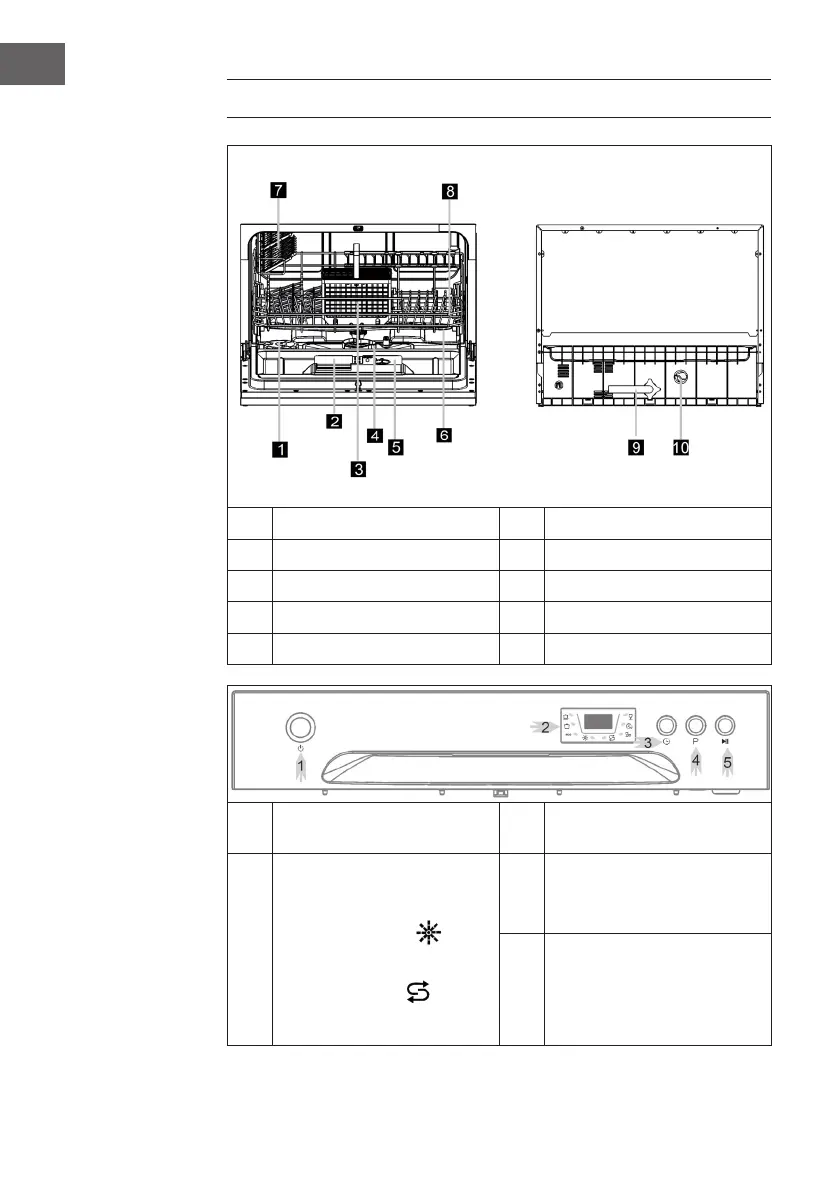
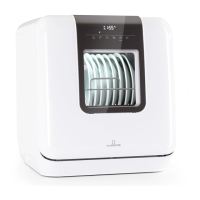
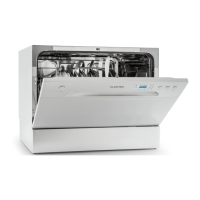
PRODUCT OVERVIEW
1
Salt container
6
Spray arms
2
Detergent dispenser
7
Cup shelf
3
Cutlery basket
8
Basket
4
Filter assembly
9
Inlet pipe connector
5
Rinse aid dispenser
10
Drain pipe connector
1
Power Button:Toturnon/off
power supply.
3
Delay Button: To press the button
to delay.
2
Display screen: to show the
remindingtimeandthestate(run-
ningstate,delaytimeetc.)
Rinse Aid indicator:
: Indi-
cates when the dispenser needs to
berelled.
Add salt indicator : Indi-
cates when the dispenser needs to
berelled.
4
Washing Program Selector:
Press the button to select wash
cycles.
5
Start/Pause Button: Press
this button to start or pause the
dishwasher.





 To Next Page