16
EN
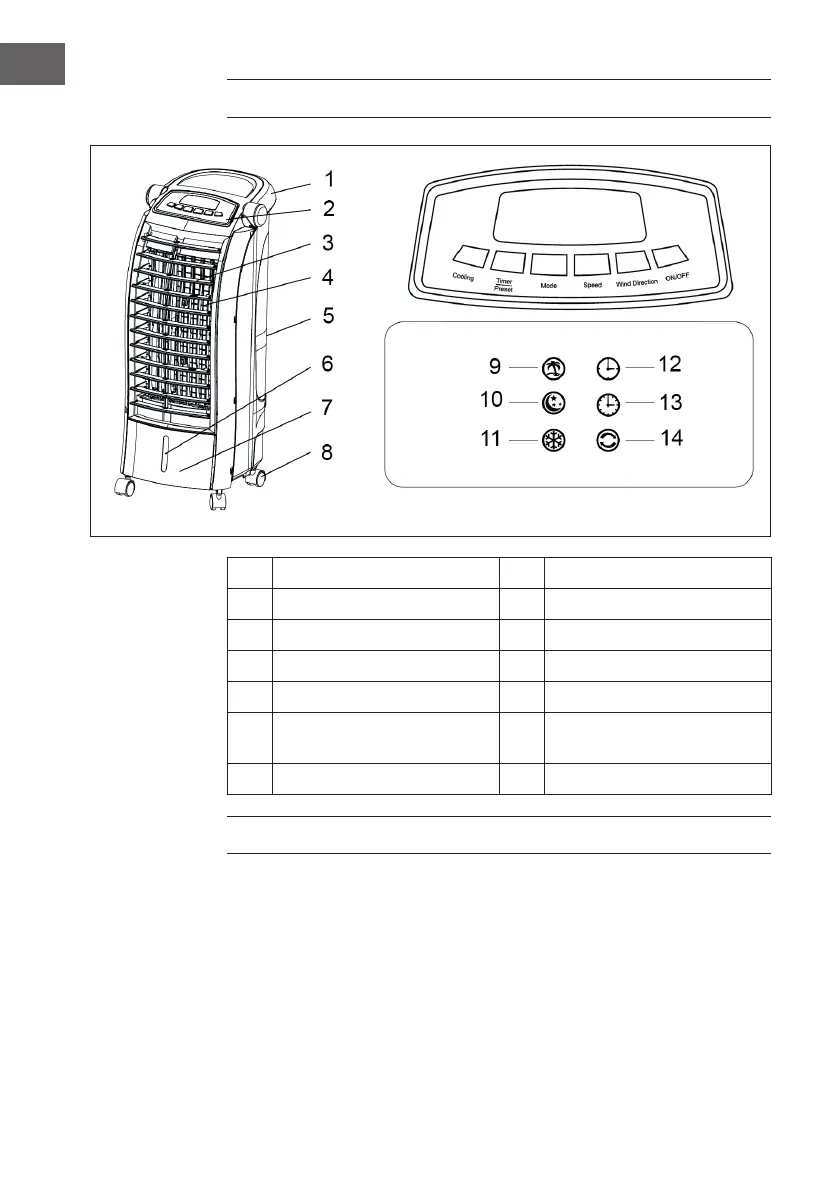
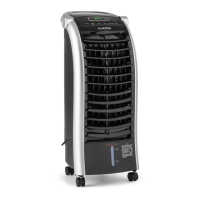
DEVICE OVERVIEW AND CONTROL PANEL
1 Handle 8 Rollers
2 Control panel 9 Natural breeze
3 Ventilation lamellae 10 Night mode
4 Vibrating lamella 11 Cooling
5 Air inlet 12 Preset
6
Transparent window of the
water tank
13 Timer
7 Water tank 14 Swing
KEY FUNCTIONS
Standby mode
After the device has been switched on, all lamps light up brie y. As soon as the
lamps are o again, the device is in standby mode.




 To Next Page