33
EN
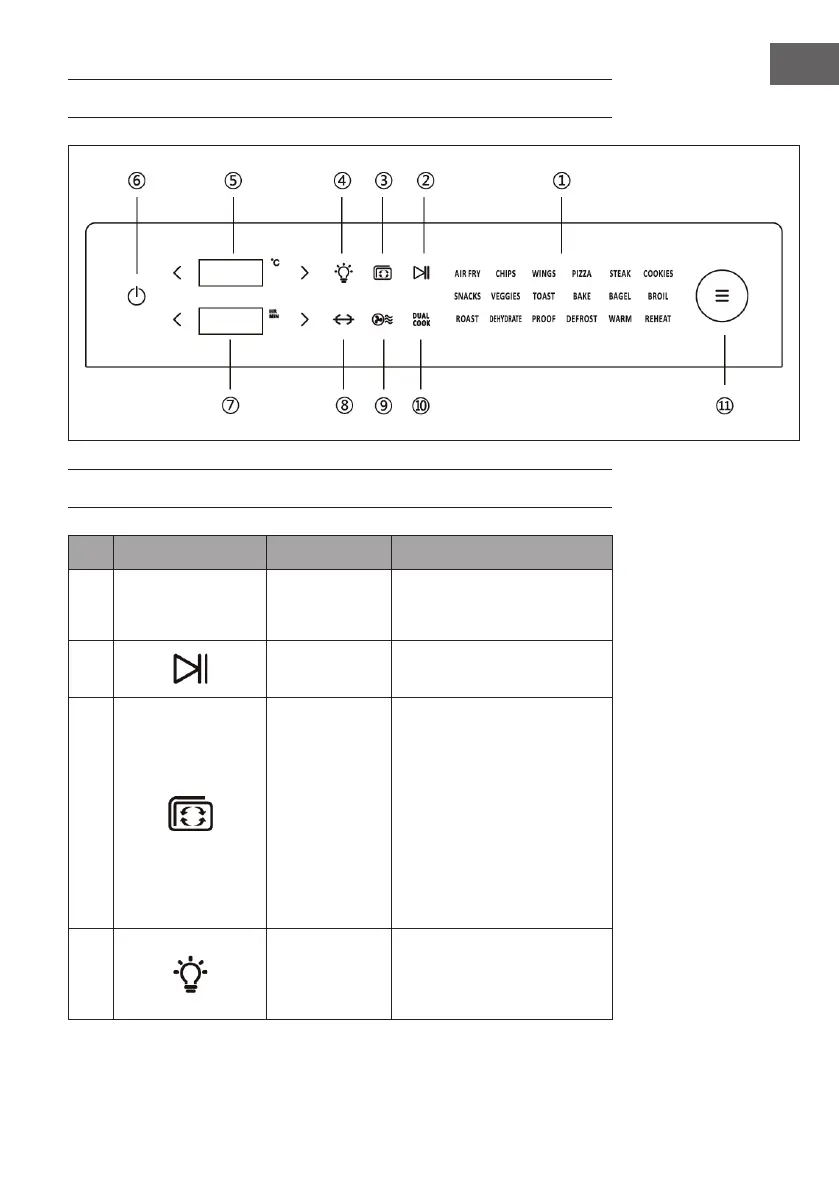
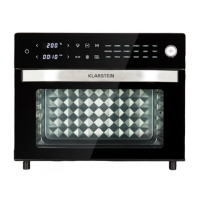
LED CONTROL PANEL
KEY FUNCTIONS
No. Key symbol Key function Operation
1
Programme
overview
You will nd the list of
programmes in the 'Cooking
Programmes' section.
2
Start/Pause
Touch the START/PAUSE icon to
start or pause a programme.
3
Preheat
After selecting a programme
and setting the temperature,
touch the symbol to preheat
the appliance. (Touching
the START/PAUSE icon (2)
is not required to start the
preheating programme. Once
the preheating process is
nished, the appliance beeps
5 times and 'Add Food' is
displayed on the screen)
4
Light switch
Touch the light symbol to
switch the lamp on or o. (The
light is automatically switched
o after 5 minutes).


 To Next Page