7
OPERATING INSTRUCTIONS
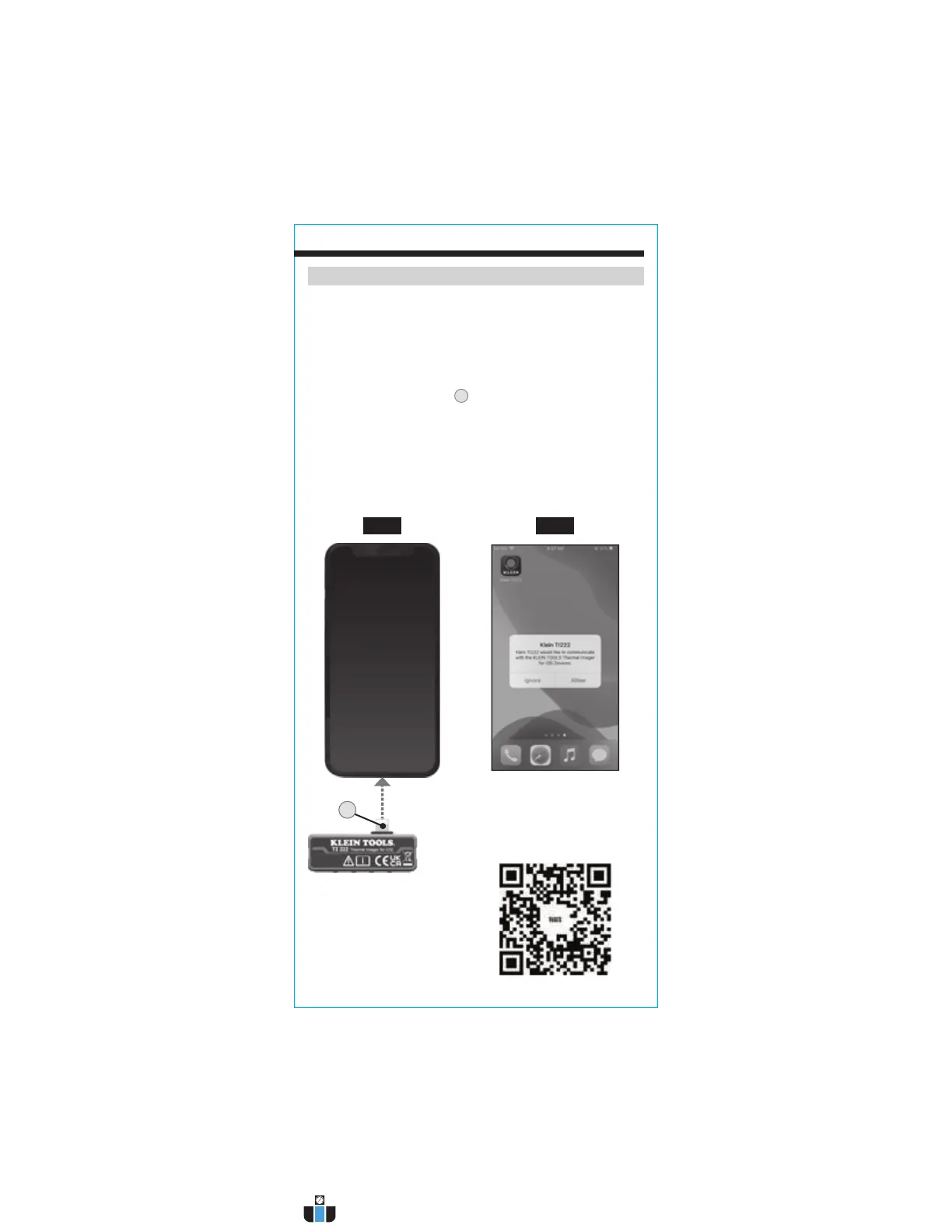
DOWNLOADING THE APP
The Klein Tools Thermal Imager app is required for functionality. The
app is available for free from the App Store, or by scanning the QR
code below.
CONNECTING YOUR DEVICE
1. Turn on your iOS device.
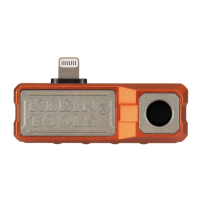
2. Insert the Lightning connector
2
directly into your device (FIG. G).
NOTE: Fits phone cases up to 1/16" (1.5 mm) thick. Phone cases thicker
than 1/16" (1.5 mm) may require removal of case for secure connection.
3. Connecting your device will automatically open the app, and a popup will
ask for confirmation: Klein TI222 would like to communicate with the
Klein Tools Thermal Imager for iOS Devices." Tap "Allow" (FIG. H).
FIG. G
2
Scan QR code for
free download of
the Klein Tools
TI222 app
FIG. H
www.calcert.com sales@calcert.com1.800.544.2843
0
5
10
15
20
25
30


 To Next Page