8
ENGLISH
OPERATING INSTRUCTIONS
PHOTO CAPTURE
While in Live View mode (see FIG. B), aim the Camera
1
at the subject
to be photographed and tap the Photo Capture button
I
to take a photo.
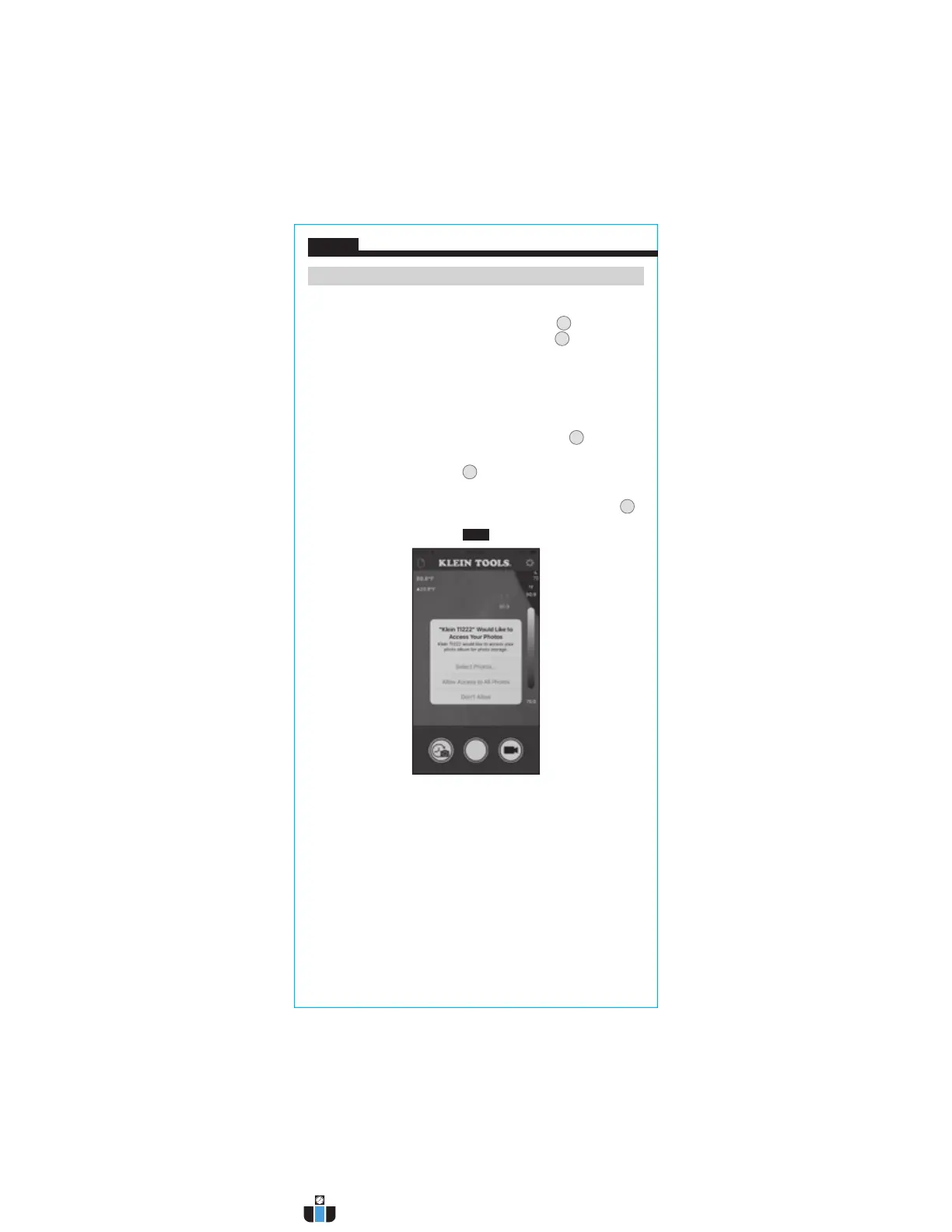
NOTE: When the first photo is captured, the app will ask permission,
"Klein TI222 would like to access your photos". Tap "Allow Access to All
Photos" (FIG. I).
TIME-LAPSE VIDEO CAPTURE (FIG. C)
1. While in live view mode (see FIG. B), aim the Camera
1
at the
subject to be recorded.
2. Tap the Time Lapse Video Button
H
to begin recording time-lapse video
capture.
3. To stop recording and exit Time Lapse mode, tap the Stop Button
U
.
FIG. I
www.calcert.com sales@calcert.com1.800.544.2843
0
5
10
15
20
25
30



 To Next Page