9
OPERATING INSTRUCTIONS
VIDEO CAPTURE (FIG. D)
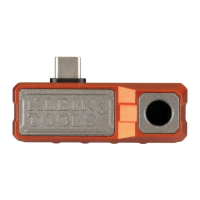
1. While in Live View mode (see FIG. B), aim the Camera
1
at the
subject to be recorded and tap the Video Capture button
J
.
NOTE:
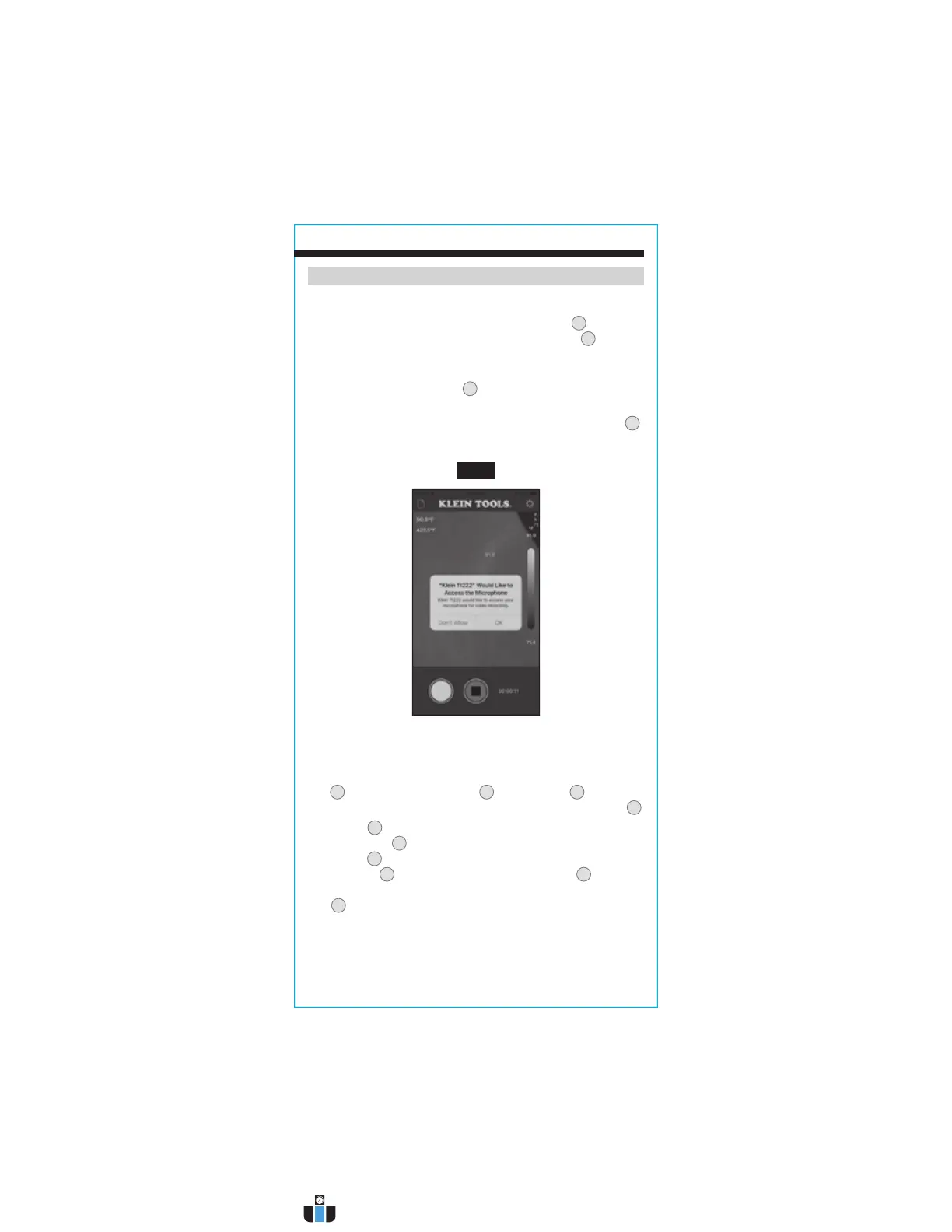
Before the first video is captured, the app will request permission,
"Klein TI222 Would like to Access the Microphone". Tap "OK" (FIG. J).
2. Tap the Photo Capture Button
W
while recording is active to
capture still images of the subject
.
3. To stop recording and Exit Video Capture mode, tap the Stop button
V
.
FIG. J
VIEWING AND MANAGING PHOTOS AND VIDEO FILES
To access the photo and/or video galleries, tap the Photo/ Video Gallery
icon
A
, then select the Photo Gallery
BB
or Video Gallery
CC
. To select
multiple files or all files at once, tap the "More Selection Options" button
Z
.
Tap on a file
AA
to view. Once a file is selected, you can tap the "File
Information" icon
DD
to show additional information about the file, the
"Share" icon
EE
to view your device's options for file sharing, or the
"Delete" button
FF
to delete the file. Touch and hold a file
AA
to enable
multiple selections. To exit the Photo/Video mode, tap the "Previous"
icon
X
to return to Live View mode.
www.calcert.com sales@calcert.com1.800.544.2843
0
5
10
15
20
25
30



 To Next Page