5
OPERATING INSTRUCTIONS
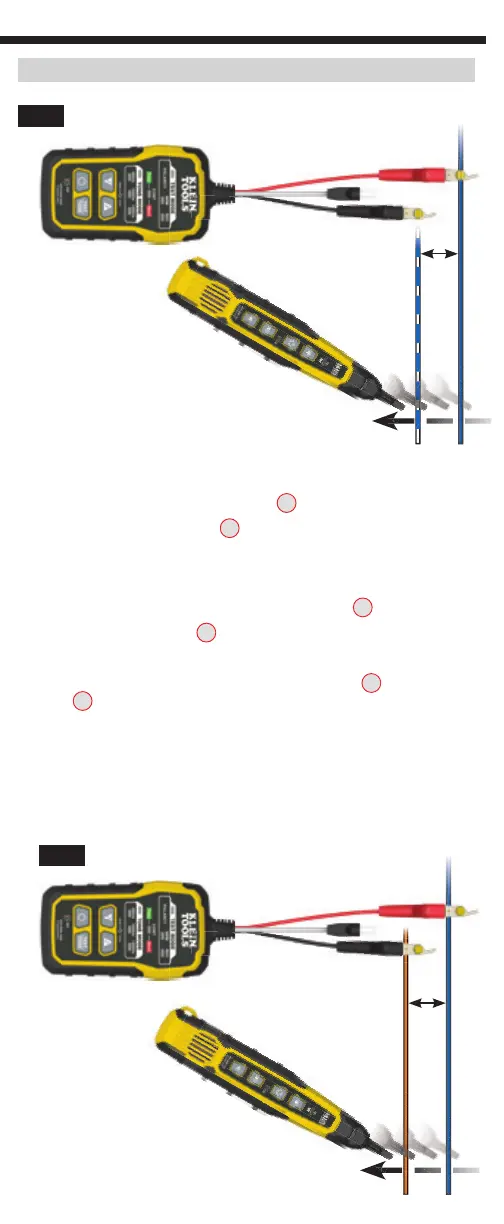
TRACING NON-PAIRED WIRES (FIG. 2)
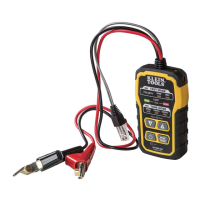
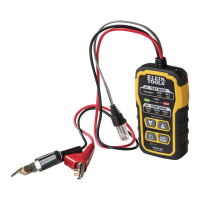
1. Connect the Toner-Pro’s red ABN Test Clip
T14
to the wire to be traced.
2. Connect the black ABN Test Clip
T14
to another wire in the cable, but preferably
not in the same pair (connect to ground, if available). When tracing a shielded
cable, connect the red ABN Test Clip to the outer shield, and the black ABN Test
Clip to the center conductor or ground.
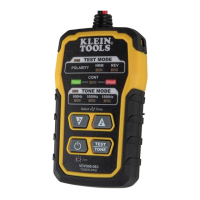
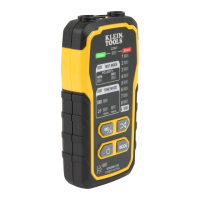
3. Turn Toner-Pro on by pressing the Power On/Off button
T9
.
4. Check the “CONT” Indicator
T4
. If illuminated green, you may proceed.
5. Turn on the Probe-Pro (sold seperately).
6. Select the preferred tone setting using the Tone Mode Up
T8
or Tone Mode
Down
T7
selector buttons.
7. At the far end of the cable, spread the wires at least 2" (51 mm) apart, if possible.
8. Use the Probe-Pro (sold seperately) to scan the cable’s wire pairs. Move the
Probe-Pro's tip slowly across the wires. The Probe-Pro’s volume will increase
as it approaches the toned wire.
FIG. 2
2"
(51 mm)
2"
(51 mm)
FIG. 1
VDV500-123
(sold seperately)
VDV500-123
(sold seperately)


 To Next Page