8
6. SETTING AND OPERATION
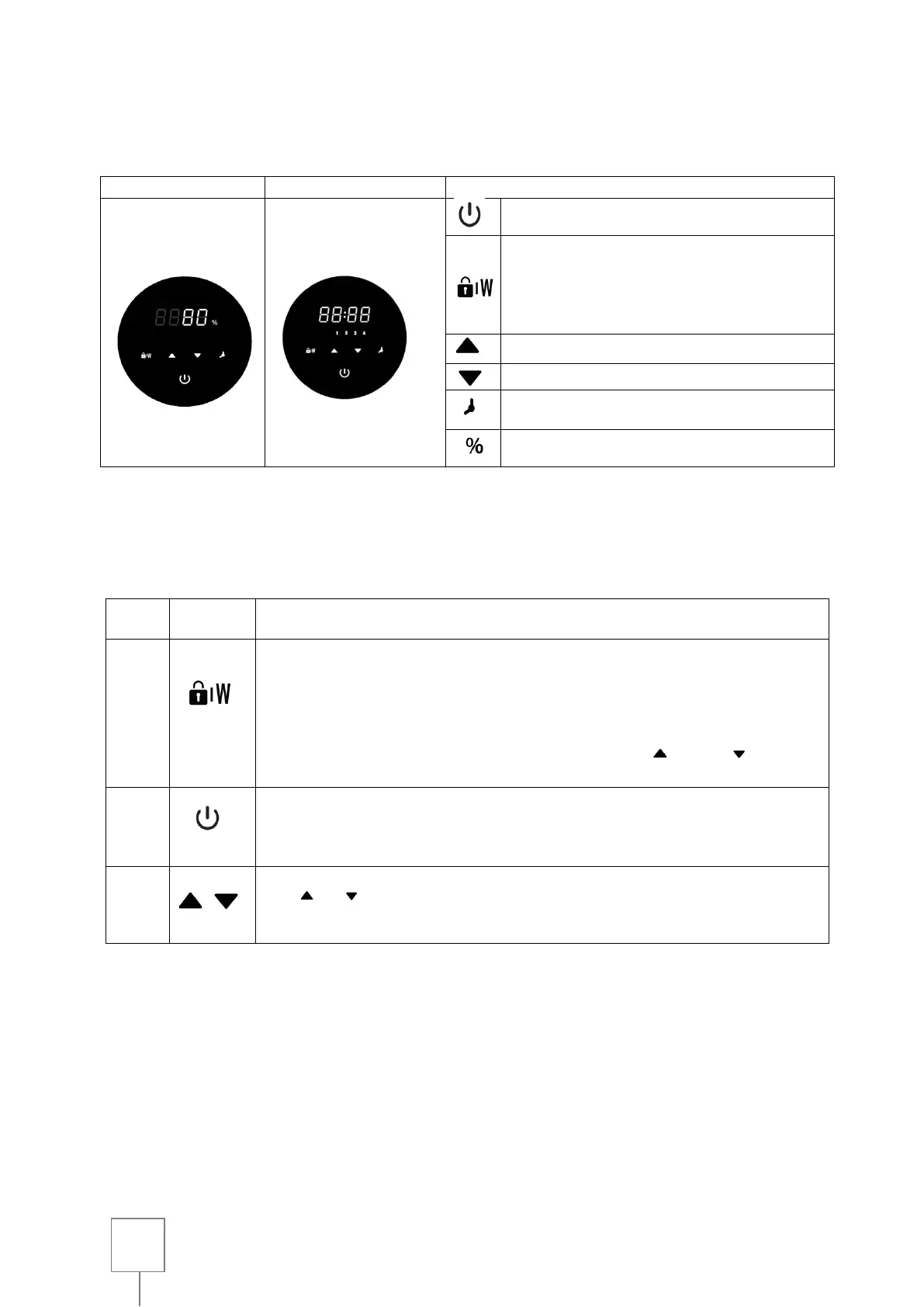
Interface
Locking/Washing against the current:
When the screen is locked, press 3
seconds to unlock it;
When the screen is unlocked, press the
button for the back-wash mode.
High: Increase value (capacity and time)
Low: value of decline (capacity and time)
Timer : Switching from manual to Timer
mode
How to select
The pump can be operated manually or automatically at regular intervals.
The system automatically records the last 4 valid settings.
Press for 3 seconds to unlock the screen;
Press the button to start auto-priming or washing against the current;
In self-priming or back-washing mode, the pump operates at 120%
capacity and the countdown is done in 180s, use ( ) or ( )adjust
the time of 30-300s.
Press the button to get started. The pump will run at full throttle (100%).
Use or for ajust 5 % to a specific operating capacity if necessary.à
une capacité de fonctionnement spécifique si nécessaire.
Note :
* After adjusting the operating capacity, the system automatically records the last adjustment
setting.



 To Next Page