HINTS & TIPS
PLEASE READ THE FULL INSTRUCTIONS
TO ENSURE PROPER USE OF THE MEALIO™
QUICK FAQ’S AND HINTS FOR THE MEALIO™
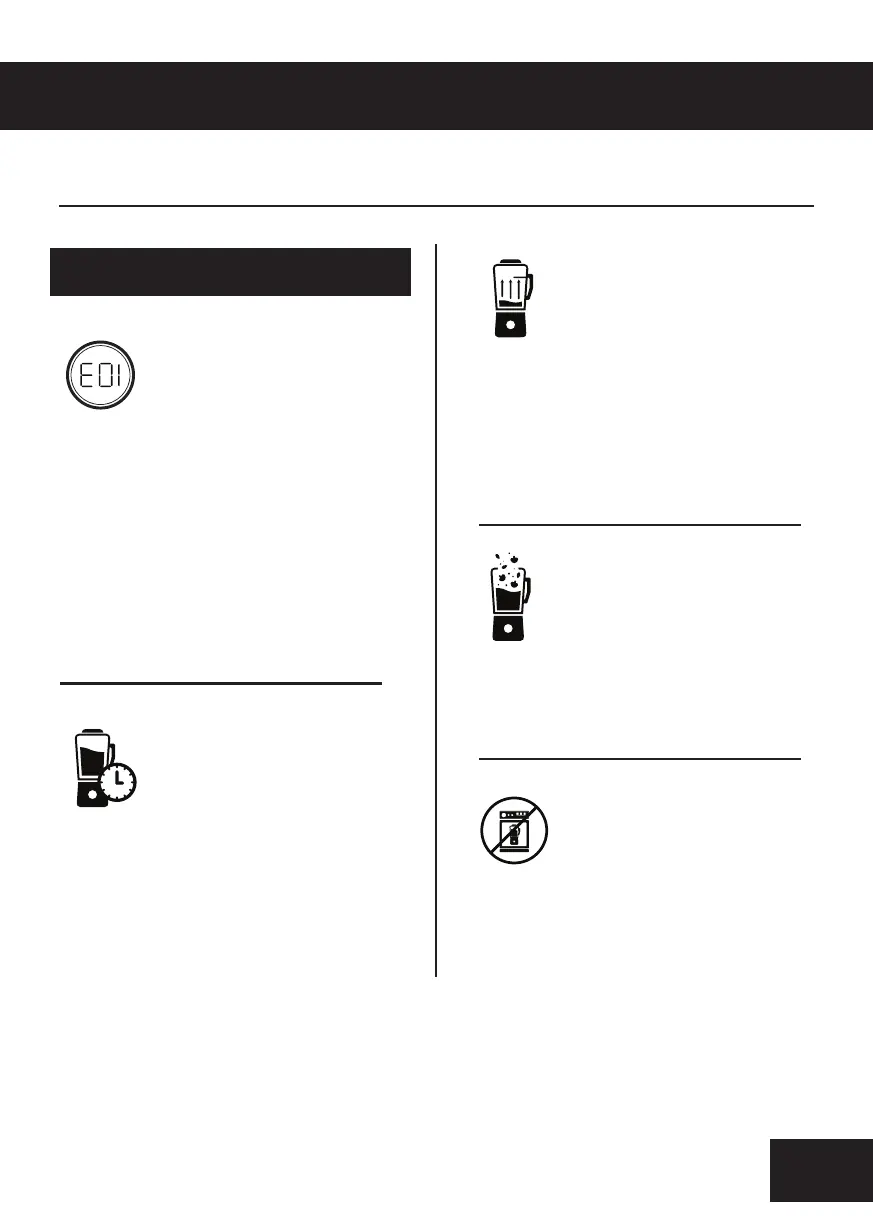
A. When you first plug in the Mealio™ you
might see the message E01 on the screen,
this is normal and appears when the
Blender Jug Sensor is not aligned with the
Lid Sensor.
To fix this error, place the lid securely on the
blender jar and turn clockwise until it
cannot turn anymore. The touch panel can
only be used when the jug and lid are on
the base.
Q. An error is showing up
on the Mealio™ when I
plug it in and turn it on.
A. Do Not submerge the Glass Jar or Lid under
water, or wash them in a dishwasher. This will
damage the electronic elements inside the
Mealio™ Jug and Lid.
To properly clean the Mealio™ please refer to
Page 8 of the instruction Manual.
Q. Can I clean my Mealio™ in
the dishwasher?
A. Not allowing the Mealio™ to cool down
between uses can cause overheating and error
message E04 to appear. If this happens simply
turn o the power on the Mealio™ and allow it to
rest for 30 – 45 minutes before using again.
Q. How do I prevent my
Mealio™ from overheating?
A. Always make sure there is enough liquid in
the Mealio™ Glass Jug to ensure that food does
not stick to the base. For best practice add
liquids into the jug first.
A. You do not need to pre cook any Ingredients,
simply add the raw vegetables into the
Blender Jar and allow the Mealio™ to cook and
blend for you.
Please refer to The Next Page of the instruction
Manual for more HINTS & TIPS.
Q. My food keeps sticking to
the base of the Mealio™.
Q. Do I need to pre-cook my
vegetables



 To Next Page