3131
Operation instructions controller
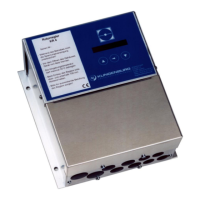
New CERTO controller with switch for
humidifying inlet and outlet air
The new CERTO controller is able to operate both an inlet air and outlet air humidifier if they are used seasonal-
ly and do not have to run at the same time, via 1 controller and 1 pumping station with a 3/2 way valve.
The client must only provide one potential-free contact which, when open or closed, will tell the controller
whether to run the inlet air or outlet air humidifier (control terminals 5 and 6).
2 sets of parameters are saved in the controller, which are assigned to each humidifier. This makes it possible
to set up different power outputs for the humidifiers.
You can also activate expanded control ranges (2nd and 3rd levels) separately for the inlet air and outlet air
humidifiers. You may only switch over during shutdown!
V: KB5.00 DEFNL
Befeuchter
Autostart!!!
Achtung!!!
R Istfreq.: xxHz
Motor Stop!
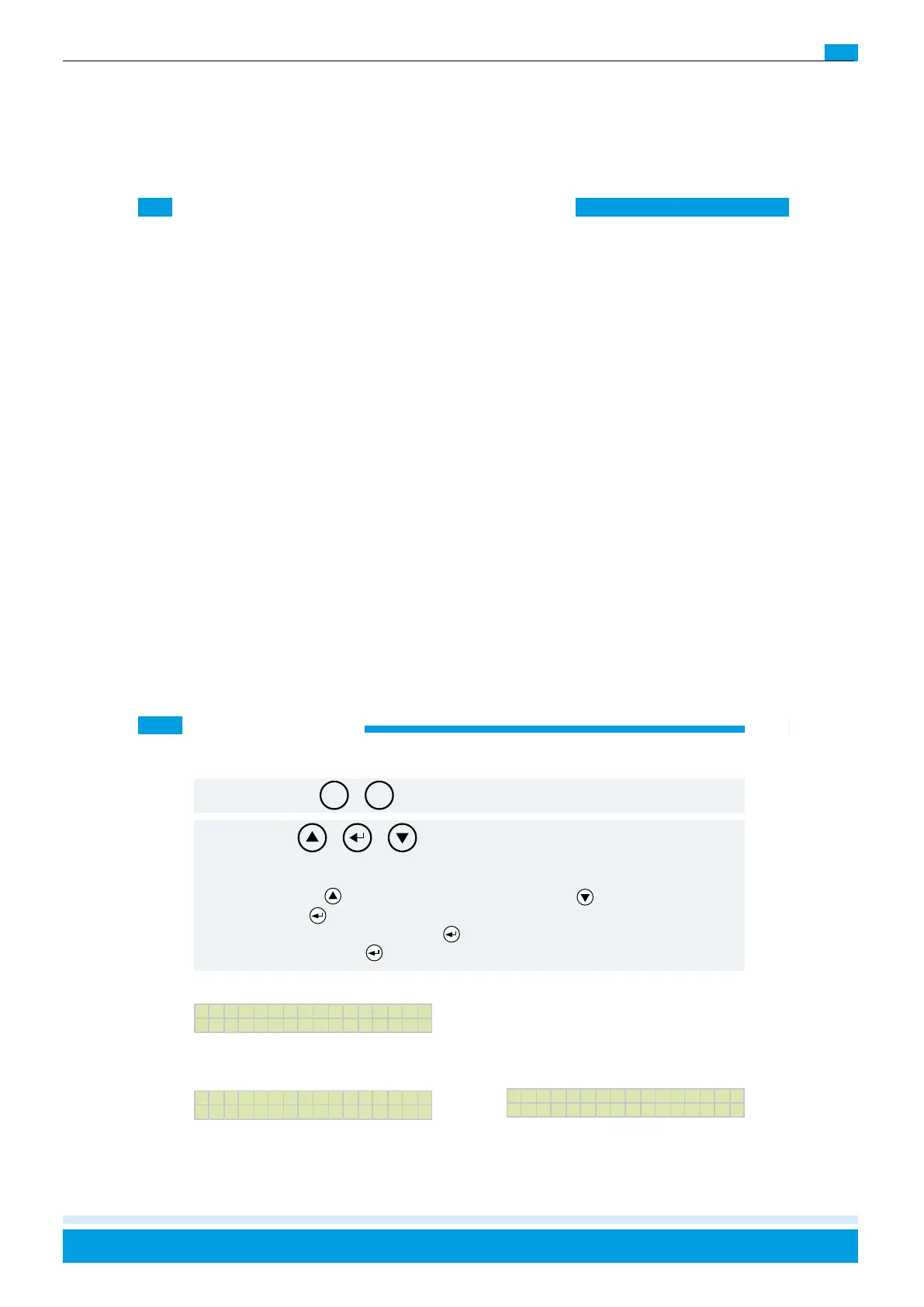
If the autostart function is enabled, the following
message appears:
If you access the menu during operation, the
following message appears:
4. Menu structure
The control unit has a double-line, multi-colour illuminated display and is operated via 5 keys.
Once the wiring is completed, the device version will appear on the display when the voltage is switched on:
Start Stop
Select downSelect up Enter
|
Return
Only for “on-site” operation - priority
The menu is accessed by pressing the keys simulta-
neously. (Control unit reset):
Navigation: The left (
) key: selects the menu item above. The right ( ) key: selects the menu item
below. The middle (
) key: input or acknowledgement. This takes you to the menu item settings that are set
with the selection keys and confirmed with the (
) key. Once the settings are made, move to the next menu
item by pressing the Enter key (
) again.
Attention: Error acknowledgement is also carried out via this key combination:



 To Next Page