3232
Operation instructions controller
5. Menu navigation
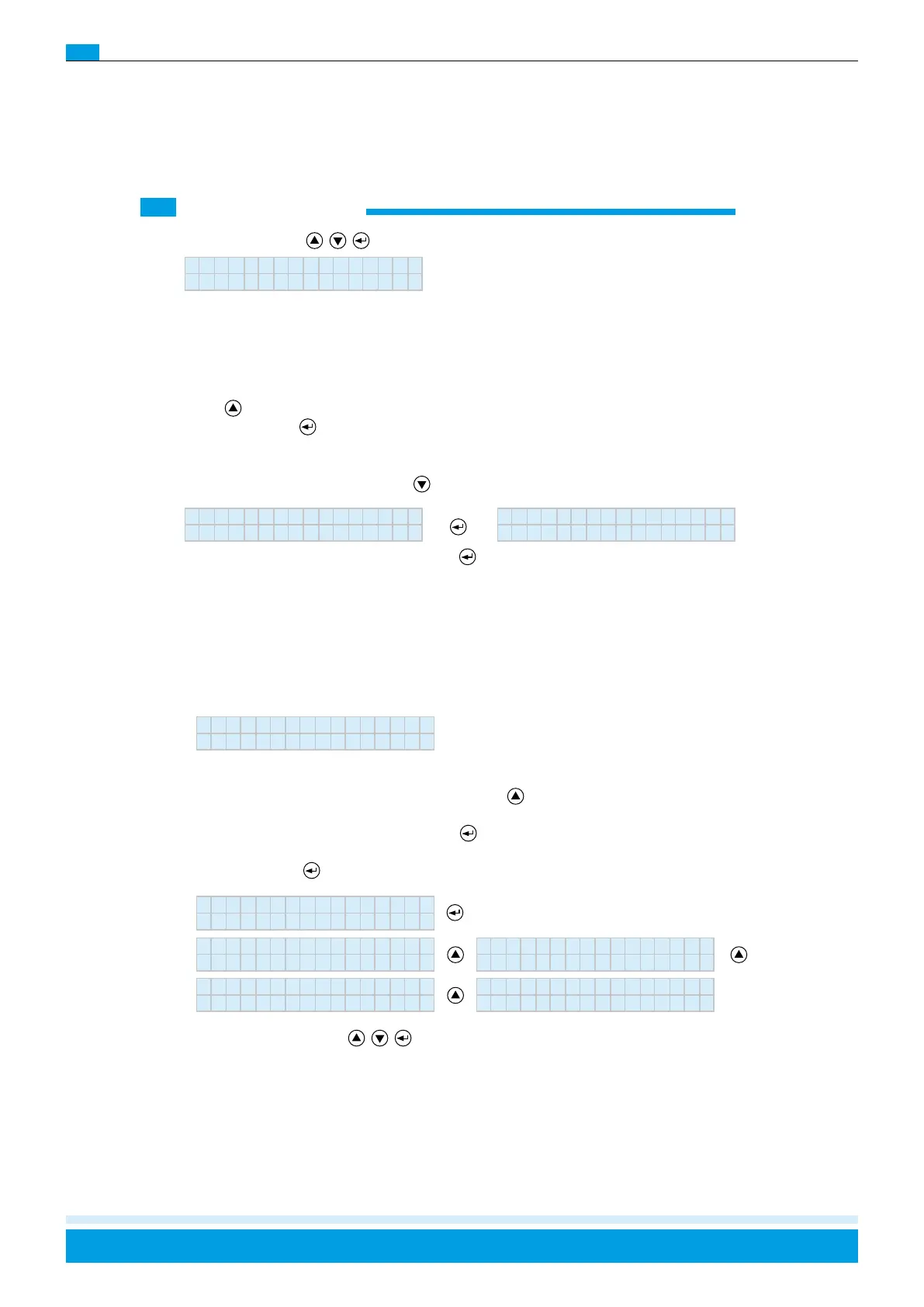
Pressing the three keys (
) will take you to:
Manual rinsing
With this function you can manually rinse the water conduits, the pumping station, and the nozzles. This is
recommended before the first start-up and after longer periods of shutdown.
Rinse times are determined under the menu option “Rinse type” (see pages 20-22).
Use the
-button to exit the “Manual Rinse” menu option.
Press the Enter button (
) to start the rinsing process. After the rinsing process, the controller will switch to Off
and must be reactivated by using the Start button!
Move to the next menu item by using the right ( ) button.
This sets the clock that controls the error log. Pressing ,
again will open the menu item “Manual draining”.
Service
Std Mi TT.MM.JJ
12 39 17.06.11
Manual rinsing
Man. Spülen
If your CERTO has a pressured air rinse function, you can use manual rinse to completely empty the pumping
station and nozzles before longer shutdown periods. Use the left
button to start the pressured air rinse. After
approx. 10 seconds, the rinse valve under the filter will close and the pressured air will clear the nozzles. After
a visual check, end the process with the Enter button
.
Use the Enter button
to move to the next menu option.
By pressing the three buttons (
) you will come to:
Manual draining
+: Start drainin
Sprache
Deutsch Francais
English Nederlands



 To Next Page