The Dolby Digital LED will light up when the
firmware update has started.
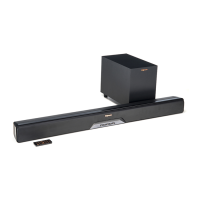
RSB-6 SOUND BAR FIRMWARE UPDATE INSTRUCTIONS
Copy the “.mdu” update file to an empty
USB flash drive.
Plug the power cord into the sound bar.Insert the USB drive into the USB port on the rear
of the sound bar.
Unplug the power cord from the sound bar.
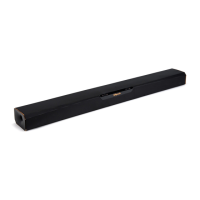
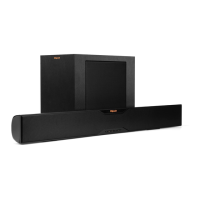
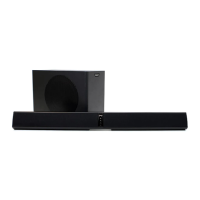
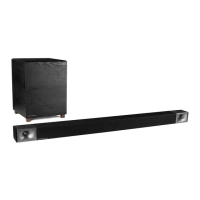
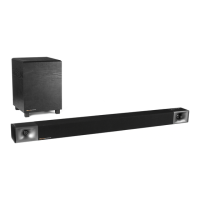
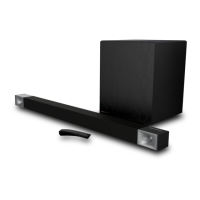
Soundbar
3 4
2
1
6
5
Press the source key to begin the firmware update.
HDMI 1 HDMI 2 HDMI 3 TV DIALOG NIGHT


 To Next Page