11
Poll Print Guide
P OLL PRINT | OPENING BALLOT STATION
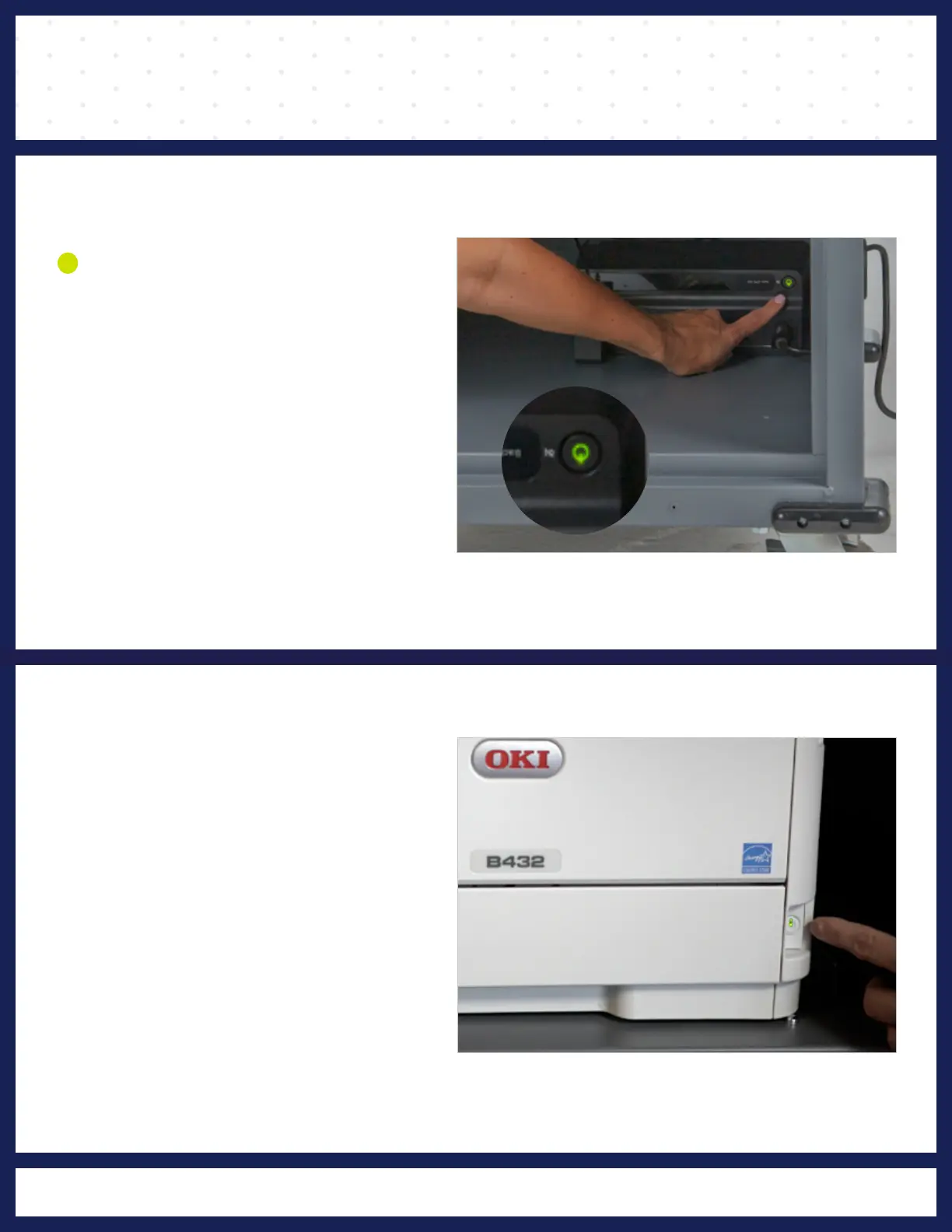
green.
until it beeps and flashes
Press the UPS power button
DEVICES
10
POWERING
hand corner
button
on in the upper right
port
and pressing the power
white adapter into its charging
Power on tablet by plugging
turns green.
printer power button until light
1
Press and hold the Poll Print



 To Next Page