TROUBLESHOOTING | PAPER JAM
33
occur; rear or front.
areas where a paper jam could
NOTE:
There are two possible
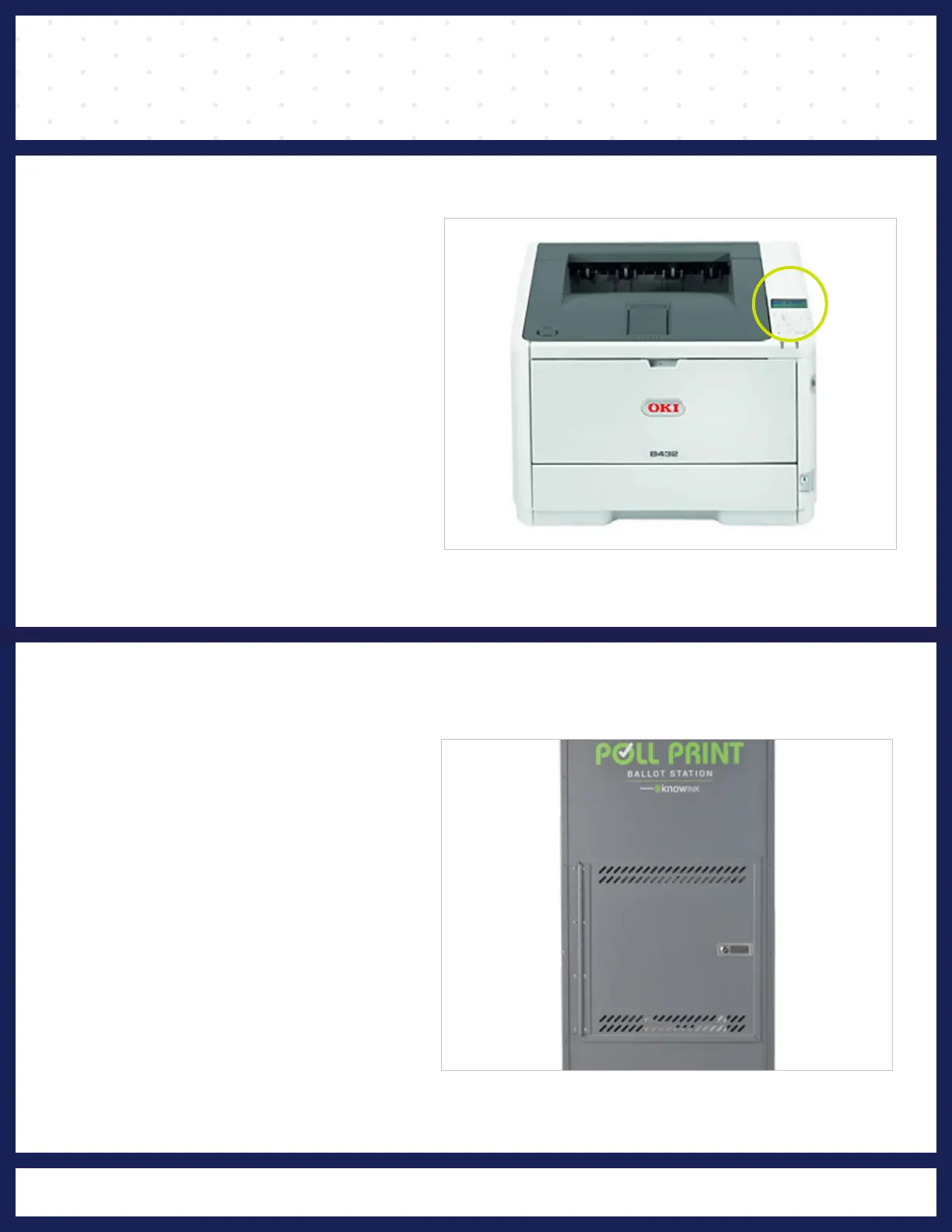
“PAPER JAM“.
LCD display will show
encounters a paper jam,the
If the Poll Print printer
❶
PAPER JAM ERROR
latch.
of the cart by releasing the
open the door on the backside
the printer for a paper jam,
To check the rear opening of
❷
REAR PAPER JAM



 To Next Page