Poll Print Guide
P OLL PRINT | OPENING BALLOT STATION
12
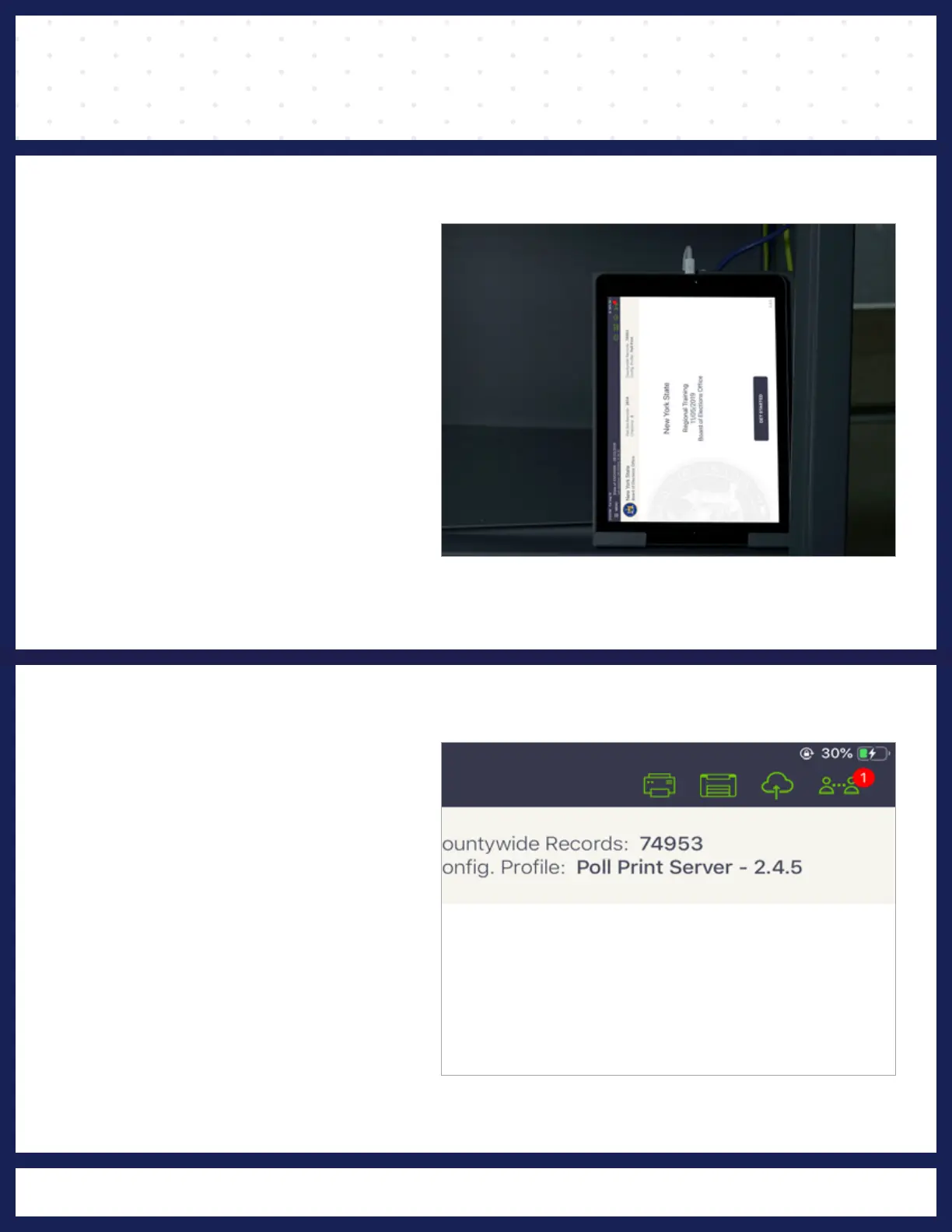
PRINTER ICONS
seconds to load.
Note: Printer may take a few
Verify
that both printer icons
on the home screen are green.
If both icons are green, tap
MENU
in the top left corner.
module.
entering the Poll Print
automatically adjust when
layout orientation will
NOTE:
Poll Print tablet
Print tablet is charging.
correct location and the Poll
Screen,
verify
you have the
Once you are on the Home
HOME SCREEN



 To Next Page