Poll Print Guide
P OLL PRINT | CLOSING BALLOT STATION
18
the tablet.
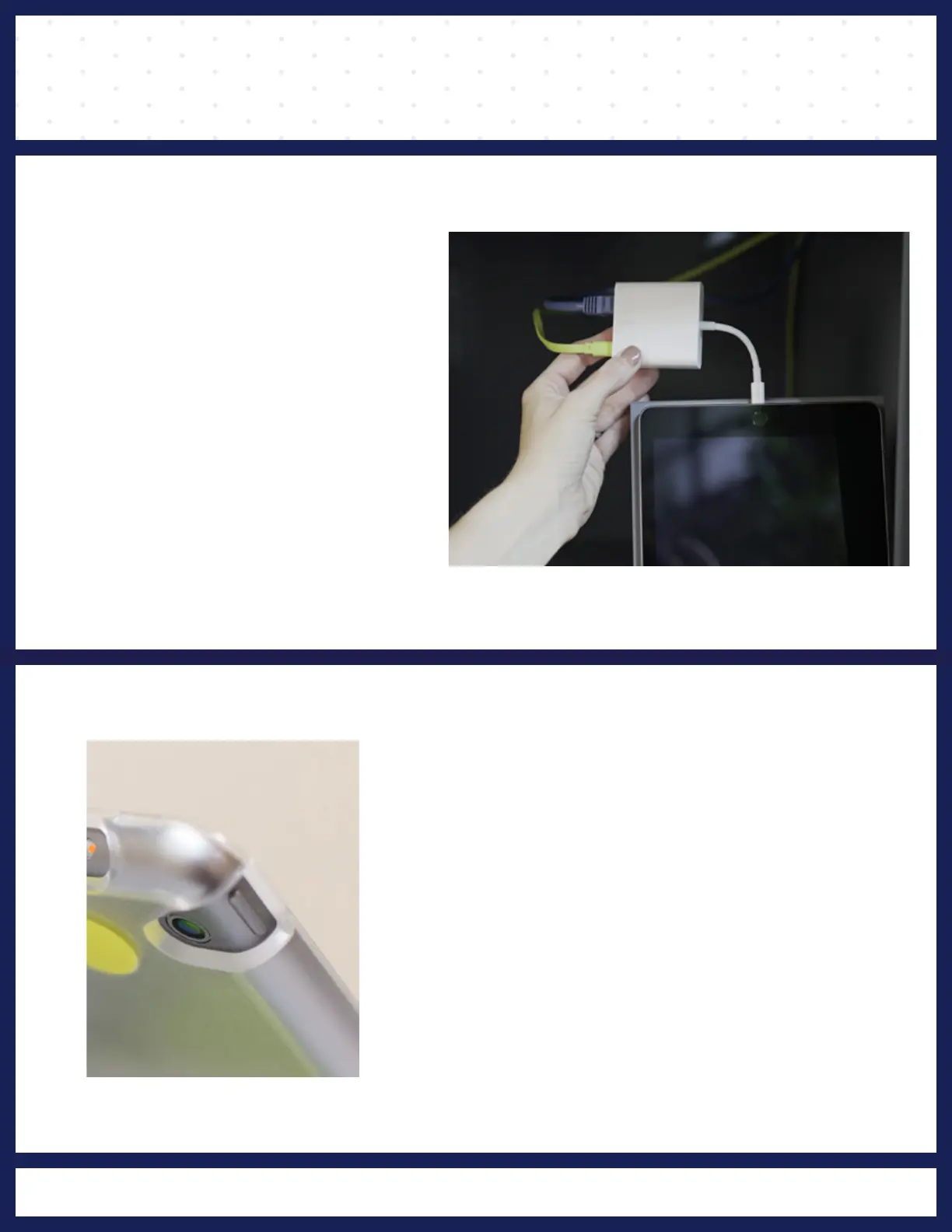
Remove the white adapter from
❷
REMOVE CORD
the Poll Print Station.
gently back into the
green case before closing
sure to remove
the tablet from the holder and
closing
steps above, but additionally, make
On the last day of the election, follow the
FINAL CLOSING DAY
and the home button (pictured)
holding the power button
Turn off the Poll Print tablet by
❸
POWER OFF



 To Next Page