Poll Print Guide
P OLL PRINT | MANUALAFFIDAVIT BALLOT PRINTING QUEUE
25
will auto populate.
ballot style available, the field
NOTE:
If there is only one
the list.
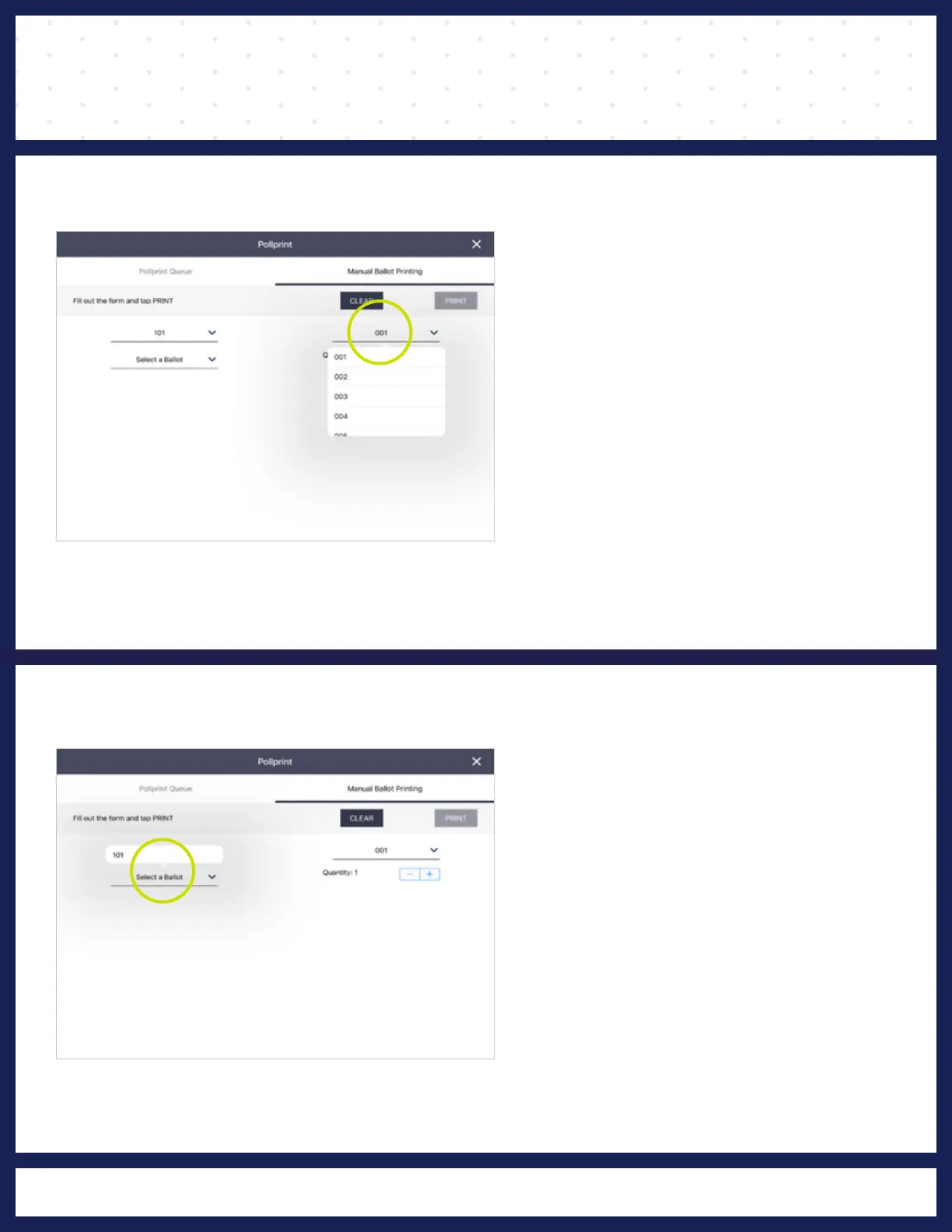
select the voter’s ballot from
Press
Select a Ballot, then
❹
SELECT BALLOT
Poll Print Cabinet.
that is also found inside the
Manual Print Tracking Log
must be recorded on the
All Manual Printed Ballots
the Poll Print Cabinet.
and will be displayed inside
by
the Board of Elections
list.The list will be supplied
voter’s split from the
(AFF), then select the
Press
Select a Split (AD) or
❸
SELECT SPLIT



 To Next Page