$
Kobo$Arc$User$Guide$11$
$
Notes:$
• If$you$see$a$red$light$beside$the$power$bu tton ,$it$mean s$your$
battery$is$low$and$you$should$charge$your$Kobo$Arc$
immediat el y.$$
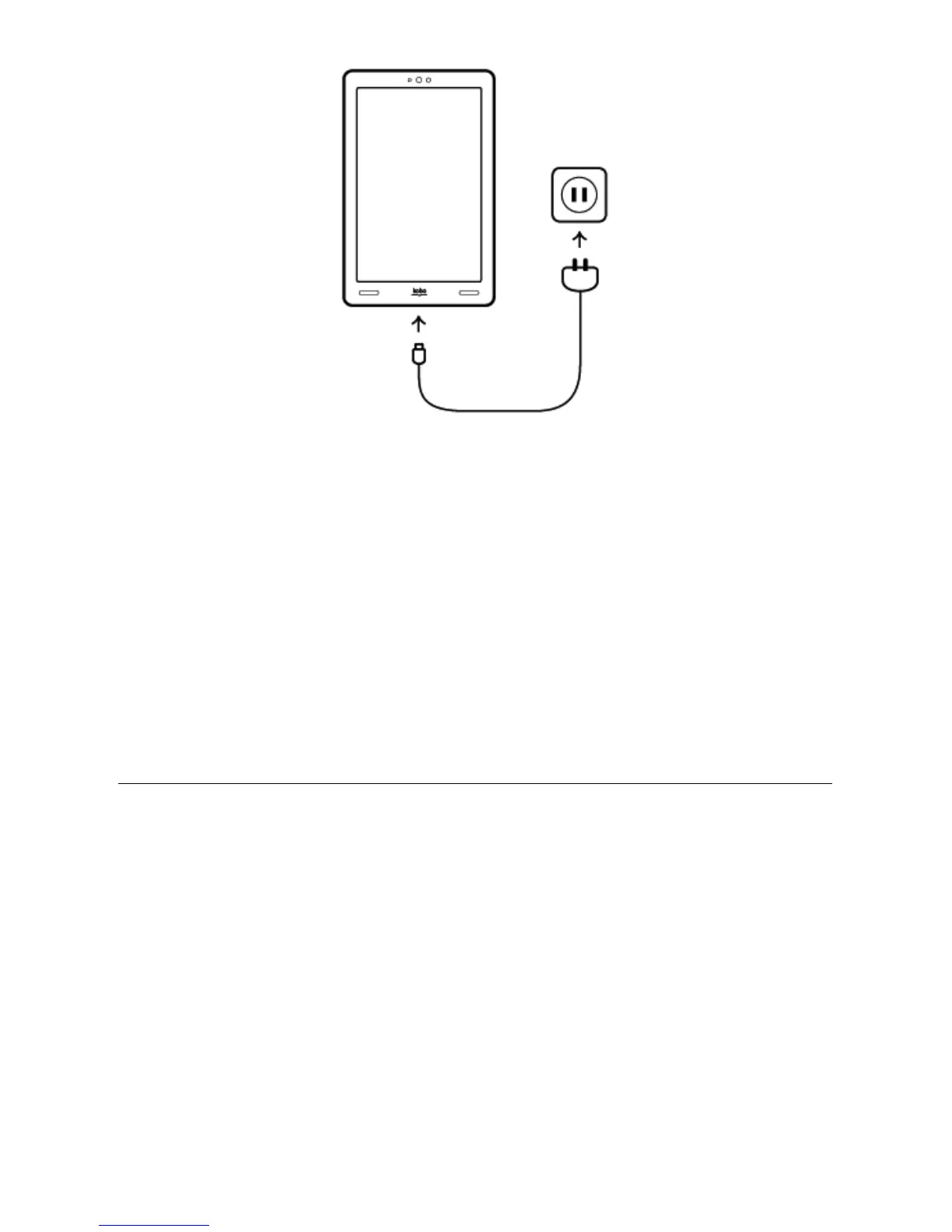
• Always$use$the$included$wall$charger$to$charge$your$Kobo$Arc;$
it$may$not$c ha rg e$a t$a ll $or $ch ar ge $v er y$sl owly$if$you$use $a $
computer$and$USB$cable.$
Putting$your$Kobo$Arc$to$sleep$and$waking$it$up$
You$can$turn$your$Kobo$Arc$off$or$put$it$to$sleep$when$you’re$not$
reading.$Both$help$your$battery $last$longe r.$Wh en$yo ur$K obo $Arc$is$
asleep$it$still$uses$a$little$power,$and$when$it’s$off,$there’s$no$drain$on$
the$battery.$
When$you$put$your$Kobo$Arc$to$sleep$and$then$wake$it$up,$it$only $ta k es $
a$few$seconds$to$go$back$to$the$last$screen$you$saw,$which$could$be$a$
page$in$a$book,$your$Home$Tapestry,$or$one$of$your$apps.$If$you$turn$



 To Next Page