$
Kobo$Arc$User$Guide$80$
Sharing$your$reading$experience$on$Kobo$Pulse$
Pulse$is$an$interactive$way$to$share$your$thoughts$and$comments$about$
the$book$you’re$reading$w ith$other$Ko bo$use rs.$$You$can $also$view $how $
many$people$have$read$the$book,$how$many$comments$were$made$on$
the$book,$and$more.$
Note:$$You$need$to$sig n $in $to $y o u r$F ac e b o ok $a c c ou n t $to $u se $P u ls e .$Y ou ’l l$
see$the$sign$in$page$the$first$time$you$access$Pulse.$
$
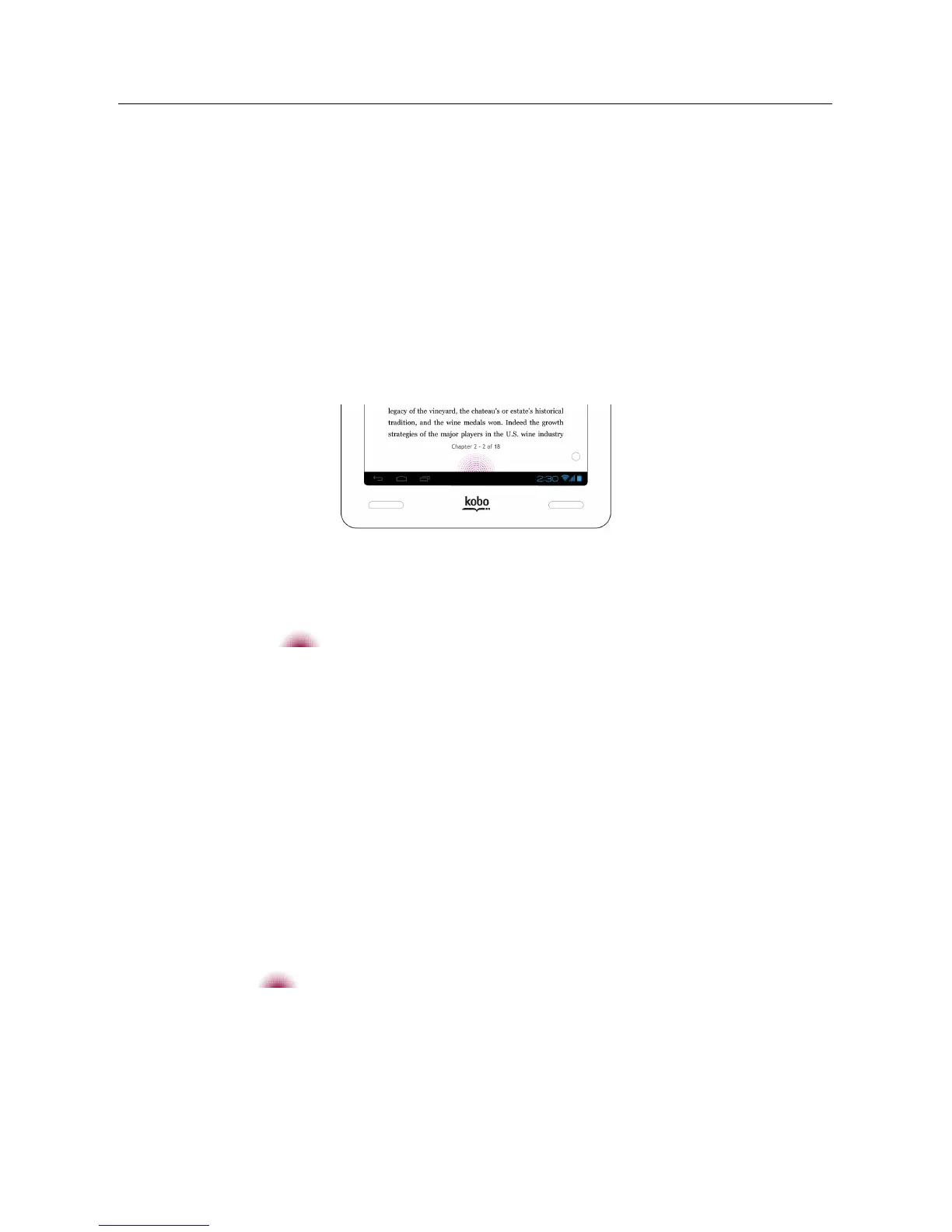
To$open$the$Pulse$page$while$reading:$
• Tap$the$ Pulse$icon$at$the$bottom$of$the$screen.$$
The$Pulse$page$will$appear.$
Note:$$The$bigger$an d$b r igh te r $th e$P u l se ,$th e $m o r e$d isc u ss io n $is$
happening$on$your$page.$
To$close$the$Pulse$page:$
• Tap$the$X$at$the$top$right$corner$of$the$screen.$
To$post$a$comment$in$Pulse$while$reading:$
1. Tap$the$ $Pulse$icon$at$the$bottom$of$the$screen.$
2. Tap$the$Add%a%comment$field.$
The$on_screen$keyboard$will$appear.$$
3. Type$your$comment.$



 To Next Page