$
Kobo$Arc$User$Guide$69$
$
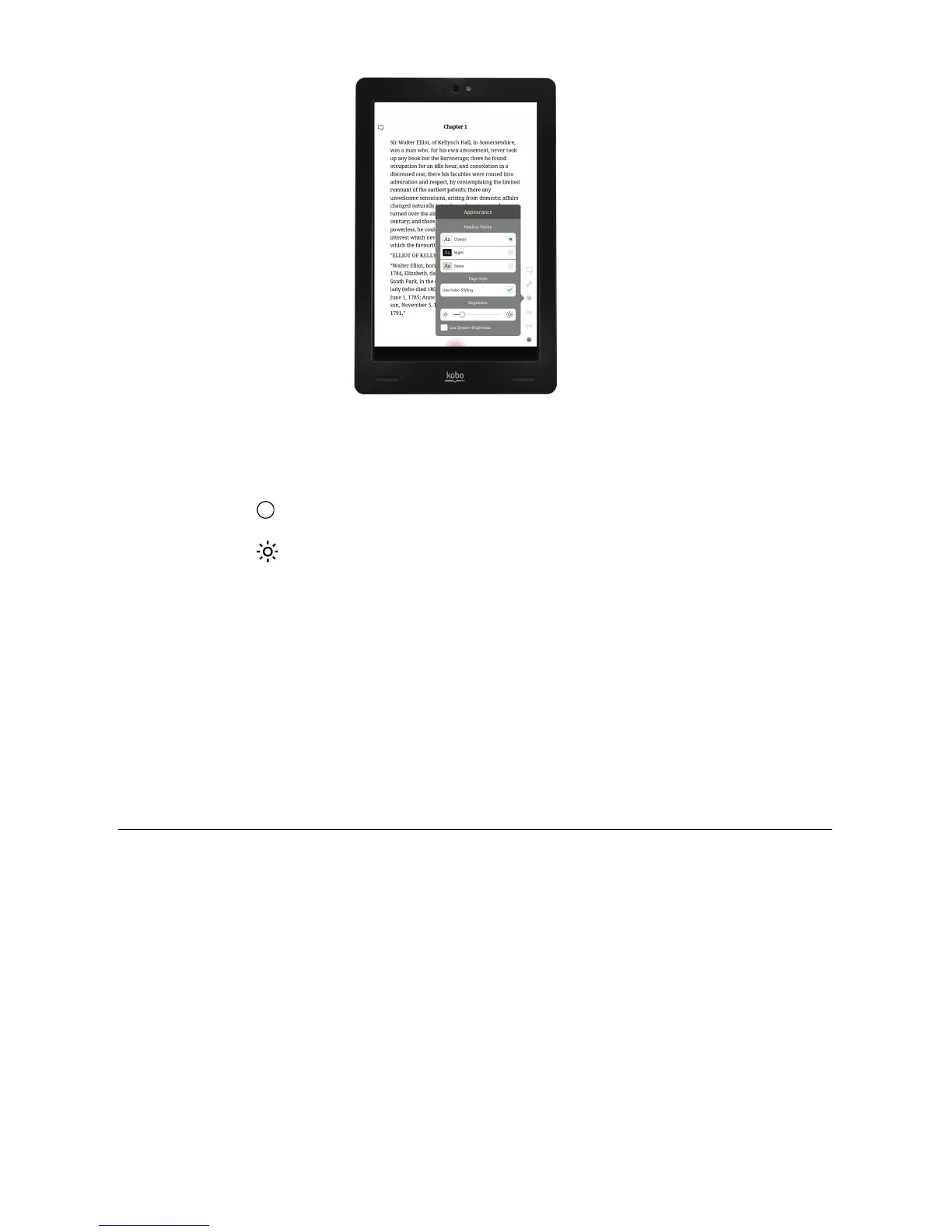
To$manually$adjust$the$screen$brightness$while$reading:$
1. Tap$the$ $Reading$Menu$icon$at$the$bottom$of$the$page.$
2. Tap$the$ $Appearance$icon.$
3. If$required,$tap$the$check$mark$at$the$left$of$Use$System$
Brightness$to$display$the$Brightness$slider.$
4. Drag$the$slider$to$the$left$to$dim$the$screen,$or$to$the$right$to$
brighten$the$screen.$
5. Tap$the$center$of$the$screen$to$resume$reading.$$
Rotating$the$page$orientation$(portrait$vs$landscape)$
Kobo$Arc$can$display$pages$in$portrait$or$landscape$orientation,$so$you$
adapt$the$screen$orientation$for$different$things$you$read,$like$
magazines$or$comics.$
Portrait$view$mimics$the$look$of$a$real$book,$showing$one$page$at$a$
time.$Landscape$view$allow s$yo u$to:$
• View$up$to$two$pages$at$a$time$or$



 To Next Page