$
Kobo$Arc$User$Guide$15$
$
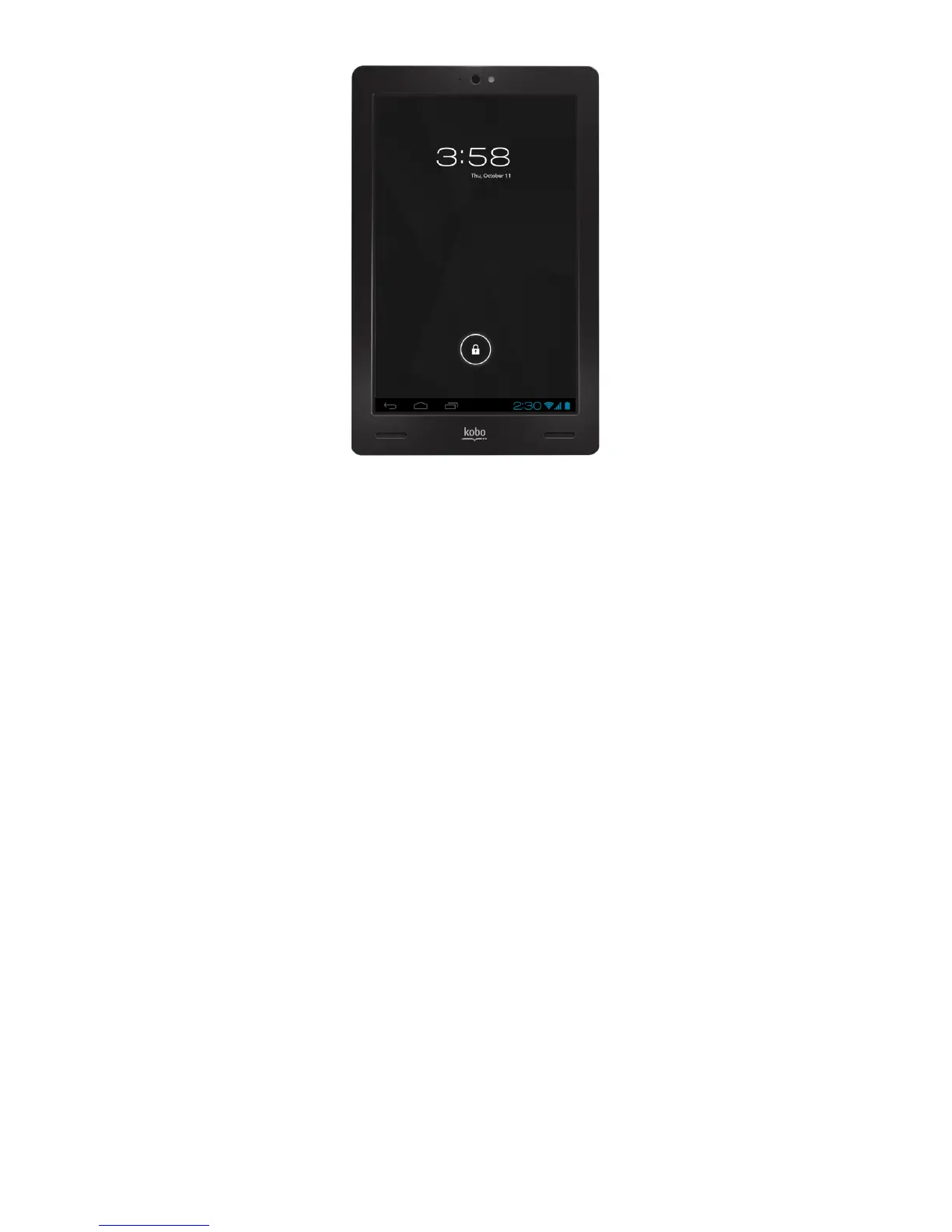
You$can$change$the$slider$lock$to$a$password$or$other$kind$of$secure$
lock,$or$remove$the$screen$loc k$com p lete ly.$Op tions$inc lude : $
• No%Lock:$When$you$wa k e$u p $y o u r$Kobo$Arc$th e$l as t$s cr ee n $y o u $
were$using$appears,$or$when$you$turn$it$on,$the$Home$Tapestry$
appears.$
• Slider%Lock:$Add$a$lock$icon $t ha t$h a s$t o$be$swiped$to$unlock$your$
Kobo$Arc.$
• Face%Lock:$Photograph$yo u rs el f$w it h $th e$b u il t_in$came ra $a n d$u se $
the$camera$to$identify$your$face$to$unlock $you r$Kobo $Arc.$
• Pattern%Lock:$Create$a$pattern$t ha t$h a s$to $b e $re p e a te d$t o$u nlock$
your$Kobo$Arc.$
• PIN%Lock:$Create$a$PIN$that$has$to$be$entered$to$unlock$your$Kobo$
Arc.$
• Password%Lock:$Create$a$passw o r d$t ha t$h a s$t o$b e $e n te re d $to $
unlock$your$Kobo$Arc.$



 To Next Page